


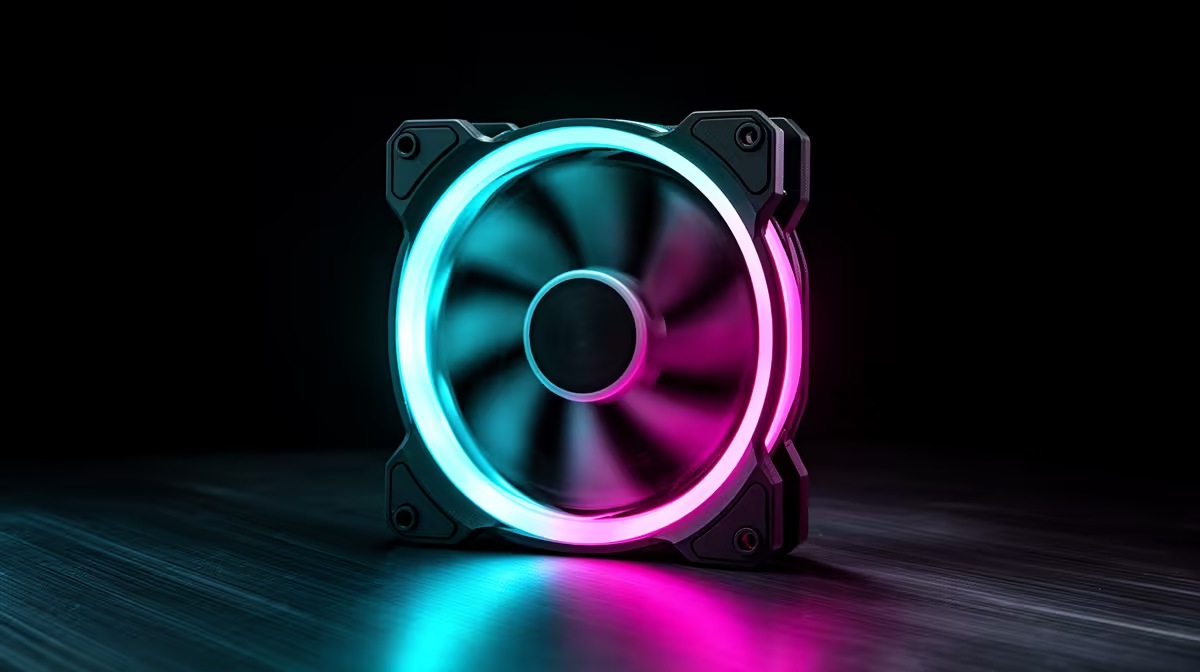
RGB case fans look great, but the lighting control system is easy to overlook until you end up with mismatched software and clashing colours. Good RGB control matters as much as the fans for a clean, unified build. This checklist helps South African builders pick RGB fans that sync properly without a tangle of controllers.
Quick Answer
When upgrading to RGB case fans, do not ignore control compatibility: match the fans to your motherboard's RGB header standard (ARGB 3-pin 5V) or a single dedicated controller, so all lighting syncs in one app. ARGB fans like the Lian Li SL120 or Corsair models (R250 to R700 each) keep colours unified instead of split across clashing software.
Match The RGB Standard First
The most common RGB headache is mixing standards. Modern addressable RGB (ARGB) uses a 3-pin 5V header and lets each LED be controlled individually; older 4-pin 12V RGB is single-colour per strip and not cross-compatible. Check your motherboard's headers and buy fans that match, or use a dedicated ARGB controller. Getting the standard right is what lets all your lighting sync in one place instead of fighting across systems.
Plan Software And Header Capacity
Motherboards have a limited number of ARGB headers, often two, so a six-fan build needs a hub or controller to fan out the connections and avoid daisy-chain limits. Decide whether you will control lighting through your motherboard's software (such as the board vendor's RGB app) or a fan-brand controller, and stick to one ecosystem. Mixing two RGB apps causes colour conflicts and flicker that are frustrating to untangle later.
Do Not Let RGB Compromise Cooling
Choose RGB fans that still perform thermally; some lighting-focused fans sacrifice airflow or static pressure for looks. Check that the fan is PWM (4-pin) for speed control in addition to its ARGB connector, so you keep proper cooling and a quiet curve. The aim is unified lighting plus real performance, cooling a gaming CPU near 65C, not pretty fans that run hot or loud because the airflow was an afterthought.
FAQ
What RGB standard should case fans use?
Modern addressable RGB (ARGB) on a 3-pin 5V header, which lets each LED be controlled individually and syncs in one app. Match the fans to your motherboard's header or a dedicated ARGB controller.
How do I avoid RGB software conflicts?
Stick to one ecosystem, either your motherboard's RGB app or a single fan-brand controller, and use a hub for many fans. Mixing two RGB apps causes colour clashes and flicker.
Do RGB fans cool as well as plain fans?
Some sacrifice airflow for looks, so check the specs. Choose ARGB fans that are also PWM with solid static pressure so you keep proper cooling and a quiet curve alongside the lighting.
RGB fans, check your motherboard's ARGB headers and pick fans on the matching 3-pin 5V standard. Use one controller and one app so all lighting syncs, and confirm the fans are PWM for proper cooling.










