Quick Answer
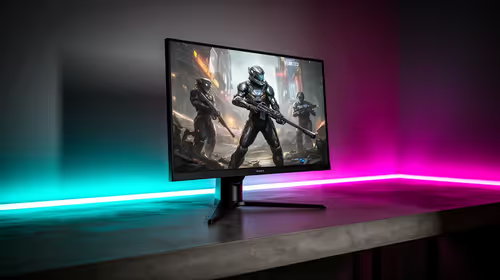
For Stellar Blade at 1080p, SA buyers should start around RTX 4060, Radeon RX 7600, or RTX 4060 Ti if they want 60-120 fps without wasting money. Use R6,000-R10,000 as a broad graphics-card planning band, then confirm current Evetech stock before treating any model as the best value.
The practical GPU target
Match the card to the monitor first. 1080p needs more GPU memory and shader power than 1080p, and ultrawide adds more pixels again. Named options such as RTX 4060, RTX 4060 Ti, RTX 4070 Super, Radeon RX 7600, RX 7700 XT, and RX 7800 XT cover most sensible SA gaming budgets, but the best pick changes with live pricing.
Settings that protect smooth play
Start with high textures where VRAM allows it, then tune shadows, reflections, upscaling, and ray tracing if the game supports them. A stable 60 fps feels better than an unstable ultra preset. If the monitor is 144Hz or 165Hz, choose settings that keep frame pacing even rather than chasing one benchmark screenshot.
Value checks before buying
For a R20,000 full PC budget, do not let the GPU eat the entire build; leave room for a decent CPU, 16GB to 32GB RAM, 1TB NVMe SSD, and a reliable PSU. For a standalone GPU upgrade, confirm case clearance, PSU wattage, and the power connector. SA delivery is easier when the card fits the existing case the first time.
FAQ
What is the safest GPU for Stellar Blade at 1080p?
RTX 4060, Radeon RX 7600, or RTX 4060 Ti is the safe starting class for 60-120 fps. Step up only if you also need higher refresh, streaming, or stronger settings headroom.
Is the cheapest GPU always the best value?
No. The cheapest card can become poor value if it has too little VRAM, weak cooling, or forces low settings too soon.
Should I upgrade CPU or GPU first?
For 1080p, upgrade the GPU first unless the current CPU is very old. High-refresh esports can be CPU-sensitive, but this target is mostly graphics-led.