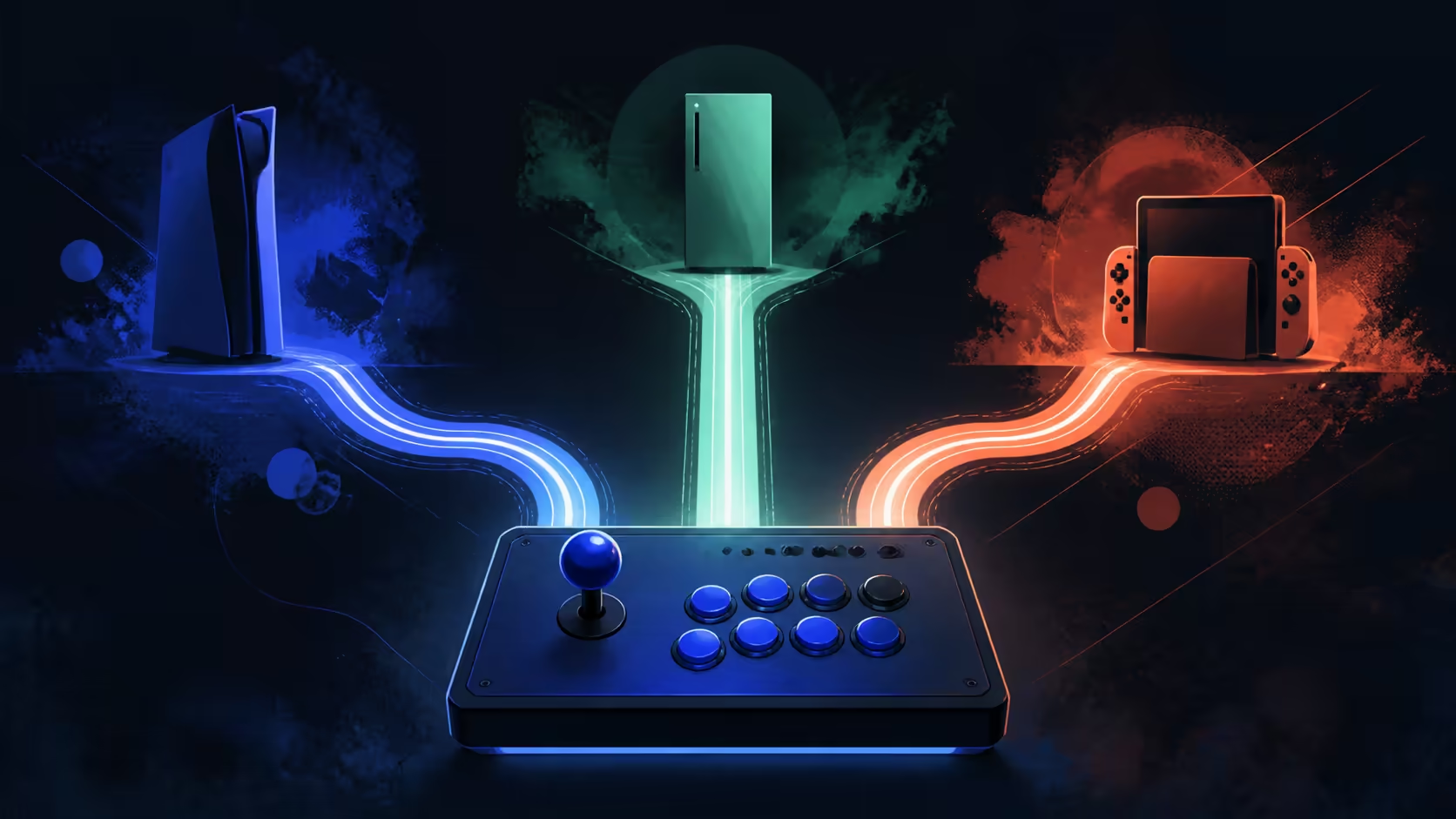
Multi-console value disappears if one important system was included by assumption. Choosing a PS4 Xbox One PC fightstick can start with those three systems, while the C2 also covers PS5, Xbox Series X/S and Nintendo Switch.
Quick Answer
The C2 is a genuine multi-console fightstick spanning two PlayStation generations, Xbox One and Series systems, Nintendo Switch and PC.
Select a fightstick that explicitly names every system you intend to use. At R1,799, the GameSir C2 pairs Sanwa Denshi controls with six-system coverage across computer, PlayStation, Xbox and Nintendo hardware.
🎮 Write the complete platform list before shopping
Use exact generation names rather than broad brand families. "PlayStation" could refer to several different systems, while the C2 states PlayStation 4. The same discipline applies to Xbox One and any newer or older Microsoft console.
PC support adds a third environment, but software and game mapping can still differ. Platform compatibility means the controller is intended for that system; it does not promise identical prompts or behaviour in every title.
Filter Evetech's gaming-controller category against this written list before comparing appearance or secondary controls.
🧪 Create one acceptance check per system
Treat PS4, Xbox One and PC as three separate first-use sessions. Confirm recognition, test four directions, press each required action control and save any platform-specific mapping note. A successful PlayStation check should not replace the Xbox or computer pass.
The precise connection procedure should come from C2 guidance; multi-console support does not reveal whether every platform uses the same method. Keep adapters, cables or sign-in steps outside the claim until they are confirmed for the exact setup.
🧭 Preserve directional consistency across moves
The fightstick includes a multi-functional directional toggle. Confirm its modes and choose the intended function on each platform, then note the working position in the corresponding setup guide. Do not assume a familiar label from another controller.
Likewise, test the key lock separately after baseline inputs pass. Its presence can help restrict unwanted control activity, but exact behaviour must be observed. Keeping these setup controls documented reduces confusion when the C2 moves between rooms or systems.
Evetech's gaming accessories can help organise a shared station after every required platform has passed.
💰 Decide whether three-system reach earns its cost
R1,799 may cover a broad role for a household that regularly plays on all three named platforms. For a single-system player, the same feature list may offer less practical value. Count active uses, not theoretical compatibility.
Sanwa Denshi parts and customisable faceplate artwork add component identity and visual flexibility. Neither changes the support list or guarantees game performance, so keep them in separate scoring categories.
Build a three-row acceptance matrix before calling the setup complete. For each named platform, log recognition, basic directional response, required actions and the selected lock state. Leave a cell blank when it has not been tested rather than copying a result from another row. The matrix will also reveal whether one system needs a different game mapping or a separate setup reminder.
If the fightstick travels between devices, label the saved notes by generation rather than room. "Living-room Xbox" becomes ambiguous after a console change, while "Xbox One acceptance pass" preserves the relevant hardware identity.
Archive retired notes rather than overwriting them, making later troubleshooting traceable to the platform that produced each result.
That breadth lets the player retain one 400 x 250mm arcade layout and the same Sanwa muscle memory across six environments. Check only the required host connection procedure, not whether the named modern consoles are supported.
That continuity is especially valuable when local events, clubs or friends use different console families and host systems.
Frequently Asked Questions
Does PlayStation 5 belong to the C2 support list?
Yes. The C2 supports both PS4 and PS5, so either Sony generation can be included without treating the family name as a substitute for the exact console.
Does Xbox One coverage include every Xbox console?
It should not be read that broadly. Match the controller against the exact Xbox generation in the setup.
How should PC use be verified?
Follow the C2 connection instructions, confirm system recognition and test the intended game mapping. Avoid relying only on a console result.
Will one directional setting behave identically everywhere?
Do not assume it. Confirm the toggle function and input response on each supported platform, then save separate notes.
Can artwork expand the compatibility list?
No. Faceplate personalisation changes appearance, while platform support remains a hardware and software question.
What is the three-platform price reference?
The GameSir C2 costs R1,799. Its value rises only if the buyer uses the supported systems and arcade features.
Ready to organise one controller across three systems?
Browse Evetech's controller and accessory options with separate PS4, Xbox One and PC checks in your plan.