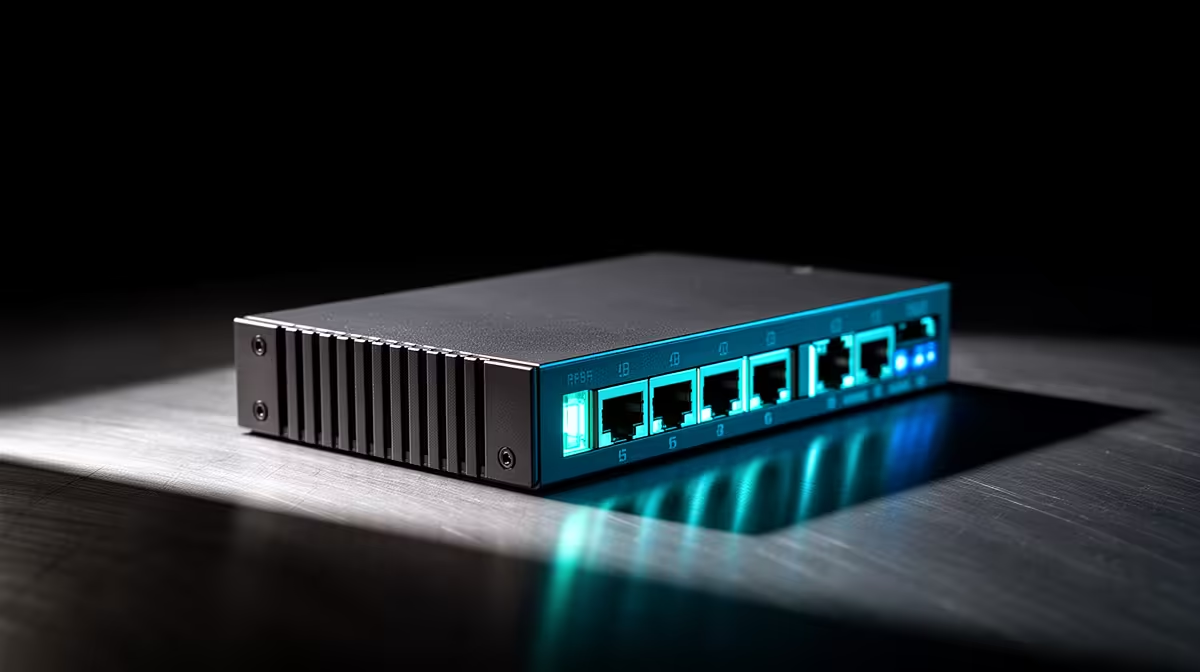
Common 2.5GbE switch problems include links negotiating at 1Gbps, unstable adapters, slow uplinks, overheating and cables that pass basic connectivity but fail at the expected speed. Troubleshooting should verify every endpoint rather than replacing the switch first.
Read the negotiated speed at both ends
Check the computer adapter, cable, switch port and router or server port. Update supported drivers and firmware, then test one short known-good cable. Transfer a large local file between capable devices while monitoring errors, temperature and link changes.
No multi-port 2.5GbE switch has confirmed pricing in the product facts. The Cudy WR6500H Wi-Fi 7 router with a 2.5G port is verified at R1,394 as a separate device. Verify port roles, uplink limits, managed settings, adapter support, ventilation, power supply and warranty for the exact switch.
Change one variable at a time and save the original configuration. Protect management access with a unique password and do not expose it to the internet. A 2.5Gbps link also needs sufficiently fast storage and protocol overhead means file transfers will not equal the headline rate.
Replace the switch only when the fault follows a specific port or unit after controlled testing. Endpoint drivers and slower uplinks are frequent causes of disappointing results. Record port LEDs and negotiated speed before rebooting anything.
Diagnosing a multi-gigabit link? > Compare Evetech networking gear after isolating each component.