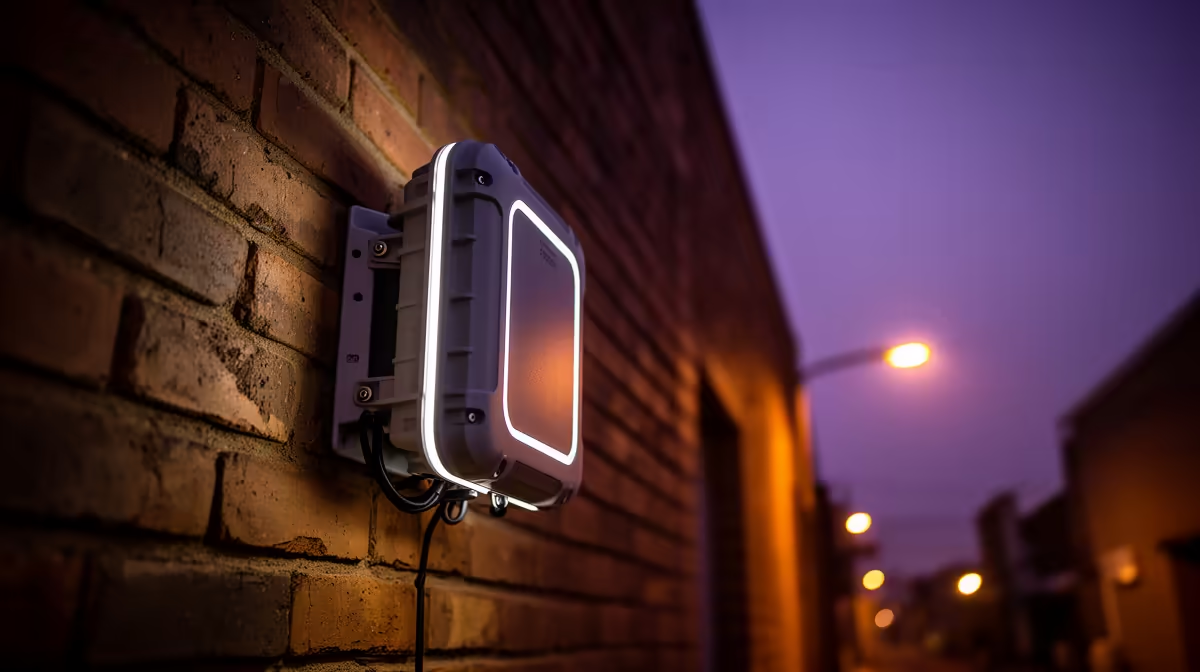
Common outdoor access point problems include weak backhaul, water entry, incorrect PoE, poor mounting and unstable roaming. Fix them from the cable and power path outward rather than increasing transmit power. The supplied factpacks do not verify an outdoor access point or price.
Inspect the physical installation
Confirm the device is genuinely rated for the installed exposure and mounted in its approved orientation. Check outdoor-rated cable, drip loops, protected building entry, connectors and the exact PoE standard. A link light does not prove that voltage, cable quality or grounding is correct. Use a qualified installer for exterior cabling and electrical safety.
For weak performance, test Ethernet throughput at the access point before testing Wi-Fi. Then measure signal and latency at the client during normal use. Reduce obstructions, choose a legal channel plan and confirm that nearby units are not competing. For roaming failures, use consistent security and supported controller settings, but avoid forcing identical power when coverage areas differ.
The Cudy AP3000 ceiling access point is a verified indoor reference at R899. The Cudy WR3600E router is verified at R766. Neither is presented as an outdoor model; they provide comparisons for indoor placement and management. Update firmware through authorised channels, use unique credentials and restrict administration. Replace damaged seals or cable rather than wrapping a failing connector indefinitely. After repair, run a sustained transfer and video call in wet-season and hot-day conditions when practical. If the unit repeatedly takes on water or loses power, stop using it and correct the installation before buying another device.
Repairing an outdoor network link? > Compare verified indoor networking options with Evetech while specifying exterior hardware separately.