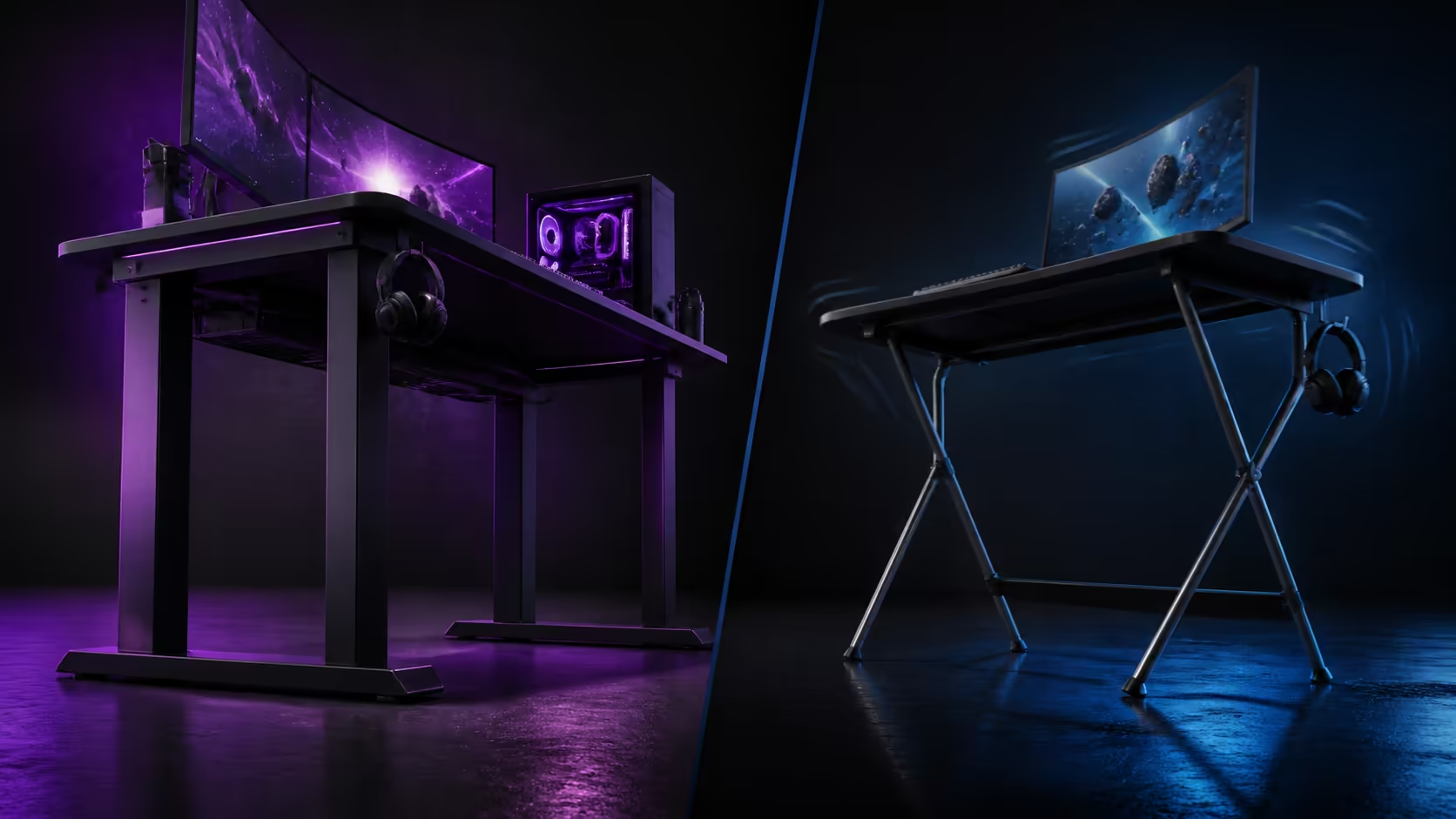
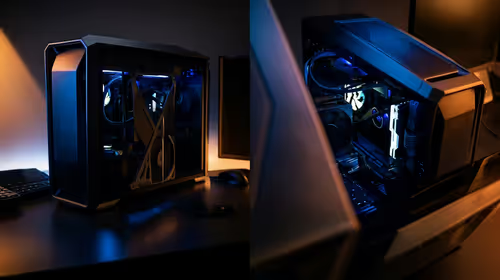
Frame material changes weight and rigidity, but it does not act alone. Steel-leg gaming desks versus lightweight frames should be compared through complete assembly, floor contact and equipment balance. The R3,599 AROZZI Arena Medium uses sturdy steel legs in a space-efficient design.
Quick Answer
The R3,599 Arena Medium's sturdy steel legs provide a planted support basis, while a lightweight frame may be easier to move. Final stability depends on frame geometry, correctly secured joints, even floor contact and balanced equipment. Test the complete loaded desk rather than choosing by material alone.
🧱 Judge the whole frame
Inspect leg spacing, braces, surface attachment and feet. Steel can form strong members, but poorly assembled connections can still move. A lighter construction may feel stable when its geometry and load are well managed.
Review the purple AROZZI Arena Medium, priced at R3,599, for its steel-leg and compact-surface combination.
🦶 Establish floor contact
Place the desk on its final flooring and remove debris or cables beneath the feet. Apply light pressure at one corner while watching whether another contact point rises. Carpet may settle under the full equipment load.
Compare frames in Evetech's gaming desk category. Follow the exact assembly and adjustment instructions for each design.
Separate wobble from monitor shake
Type a familiar passage as an observer compares the feet, desktop and screen. A flexible stand or arm can amplify movement even when the frame remains planted. Loose cables can also tug equipment.
⚖️ Add equipment in stages
Test the clear surface, restore the primary display, then bring back the PC and secondary gear in distinct stages. Keep heavier gear in supported regions and preserve a centred input position.
The Arozzi gaming setup selection provides equipment-layout ideas. Translate them into the actual frame and room plan before loading the surface.
Compare moving effort
A lighter frame can be easier to reposition, useful in temporary rooms. Steel legs may add handling effort. Measure doorways and clear an assembly area rather than dragging a loaded desk.
🔧 Maintain the stable baseline
Inspect fasteners, floor contact, monitor supports and cable slack after the first week and after every move. Tighten only according to the furniture's guidance.
Use Evetech's gaming setup category to plan chairs and devices with the desk. Complete typing, mouse and monitor-adjustment tests after the final load settles.
Record what works
Photograph foot positions and equipment placement. If movement returns, restore this baseline and change one factor at a time. Randomly tightening and moving everything hides the cause.
Test directional movement separately
Push lightly from the front, side and diagonal while another person watches the joints and feet. A desk may resist typing forces yet respond differently to a sideways mouse movement or an accidental bump. Directional testing shows where movement begins instead of reducing stability to one yes-or-no judgement.
Repeat the checks with the chair clear of the frame. Knees, a hanging cable or a caster touching a leg can create motion that looks like structural wobble. Remove those contacts before comparing the frames.
Balance permanence against room changes
A steel-leg desk can suit a settled bedroom or office where planted support has priority. A lighter frame may suit a room that is reconfigured frequently, provided the complete structure remains sound during use. Count how often the desk genuinely moves rather than paying for hypothetical convenience.
If relocation is required, clear the top and disconnect labelled branches first. Carry or move the furniture according to its instructions; never use the monitor or desktop equipment as a handle. Re-establish even floor contact at the new position before deciding whether the frame changed.
Listen as well as look
Creaks and clicks can reveal a shifting joint even when movement is hard to see. Record where the sound begins during typing, then inspect the relevant connection and nearby cable contact. A lead tapping the frame requires a different remedy from a loose assembly point.
Frequently Asked Questions
Why do steel legs suit a gaming desk?
They can provide strong, rigid support members within a well-designed complete frame.
Can steel guarantee zero wobble?
No. Assembly, joints, floor contact, frame geometry and load placement all matter.
What advantage does a lightweight frame offer?
It can reduce handling effort when a desk moves between rooms.
How should heavy equipment be arranged?
Keep it within supported regions without crowding the user's central input area.
How much is the steel-leg Arena Medium?
The purple desk costs R3,599.
Want stability judged through the floor, frame and final load instead of one material label?
Compare the Arena Medium at Evetech, assemble every joint carefully, and test movement only after the complete setup settles.