



FPS Drops Troubleshooting for DDR5 build
DDR5 build FPS drops needs a methodical troubleshooting pass. Review drivers, thermals, power settings, background apps, cables and game settings before replacing parts in an SA gaming setup.
Read moreSketchUp modelling in South Africa can make a content-creation PC worthwhile when the desktop is being used for active modelling work and not only casual browsing. The available facts list RX 7600 from around R4,650, RTX 5060 from around R4,800, RTX 5070 from around R13,100, Ryzen 5 5500 at R1,100, Ryzen 7 7800X3D at R6,400, and Corsair RM85.
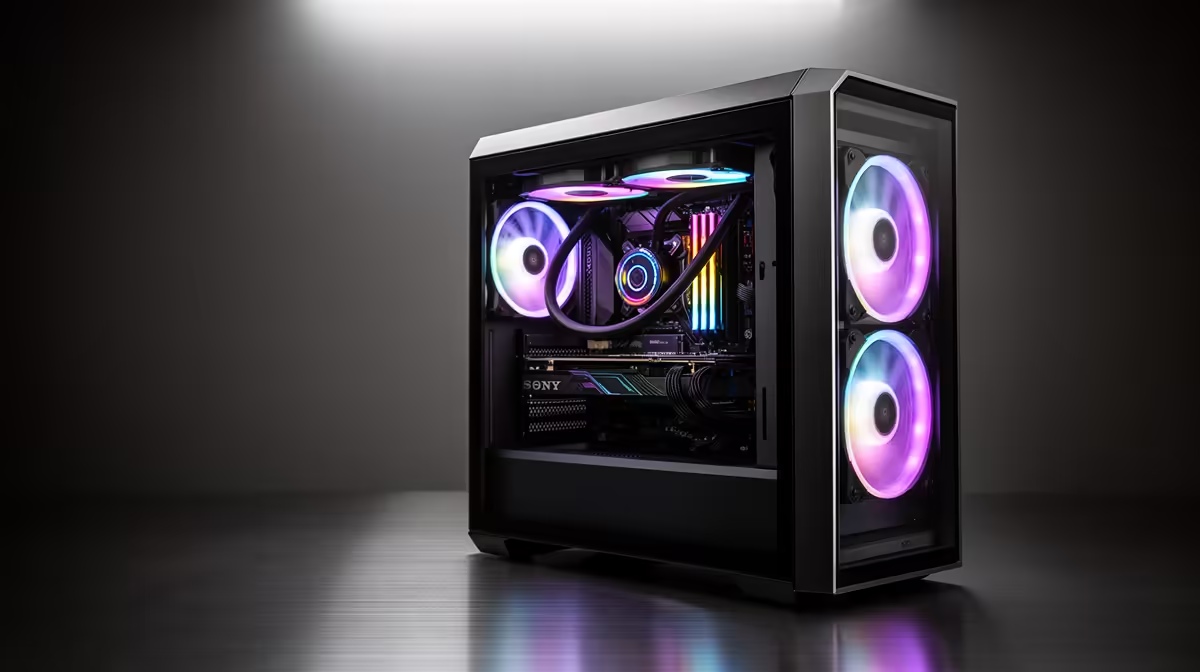
A content-creation PC is worthwhile for SketchUp when the same system also handles rendering, video or design applications and its parts match the representative model. Creator branding does not guarantee smooth orbiting, adequate graphics memory or support for the intended rendering extension.
Open a representative model with real geometry, textures, shadows and extensions. Record viewport response, processor use, graphics-memory pressure, system memory, storage activity and export time. Then test the actual editing timeline, layered document or render that supposedly justifies a broader creator system.
The Palit RTX 5060 8GB at R4,800 and PNY RTX 2000 Blackwell 16GB at R12,000 are verified graphics-card references, not complete SketchUp systems or performance guarantees. Confirm live application support, drivers, processor pairing, power, cooling and case clearance.
Budget for enough memory, fast storage, a suitable display, licensed extensions and tested backup. Keep model versions, textures and neutral exports together. Check whether desktop upgrade access or laptop portability matters more for client visits and site work.
Buy for the heavier repeated project, then validate the other. A balanced modelling PC is smarter when professional creator features remain unused.
Model a representative building file with textures and shadows before deciding whether the current computer is genuinely slowing design work.
Building a SketchUp workstation? > Compare Evetech PCs using the actual model, renderer and extensions.
Yes, SketchUp modelling can suit a gaming desktop when the build gives enough responsiveness for model work.
For SketchUp, the useful choice is the desktop that keeps models manageable without stretching the spend unnecessarily.
Check how the selected graphics and processor options serve modelling work rather than buying by price alone.
Lower-cost parts can suit lighter SketchUp use, while heavier modelling may justify the higher listed component tiers.
Model handling is the deciding point, especially if the PC will be used for regular SketchUp projects.
Move to a stronger desktop when SketchUp work feels limited by the main machine rather than desk accessories.
DDR5 build FPS drops needs a methodical troubleshooting pass. Review drivers, thermals, power settings, background apps, cables and game settings before replacing parts in an SA gaming setup.
Read more
Fps drops on ddr5 build in south africa usually needs a settings, driver, thermal, or power check first. Work through safe SA troubleshooting steps before replacing parts or assuming a full upgrade.
Read more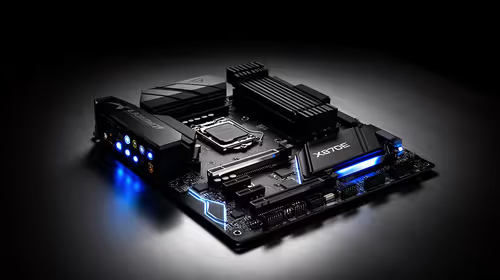
X870E motherboard frame pacing issues needs a step-by-step check before replacing parts. Review drivers, settings, thermals, power, background apps, display limits, cables, and game options before changing hardware.
Read more
4K monitors cost more as sharp panels raise the bar. See why 4k monitors still expensive for gamers in cape town before choosing screen specs, GPU targets, and value trade-offs.
Read more
4K monitors still feel expensive for Gqeberha gamers because panel quality, higher refresh rates, and GPU demands raise total setup cost. Compare 1440p, screen size, ports, and refresh rate before paying more for 4K.
Read more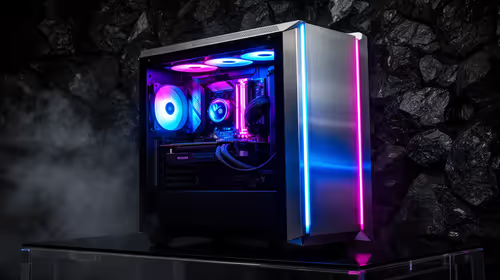
ARGB cases explain mid-tier SA build appeal with visible style, airflow room, and cable control. For SA buyers, the smarter choice is a case where lighting, fan layout, and GPU clearance work together instead of just looking bright.
Read more DDR5 build FPS drops needs a methodical troubleshooting pass. Review drivers, thermals, power settings, background apps, cables and game settings before replacing parts in an SA gaming setup.
Fps drops on ddr5 build in south africa usually needs a settings, driver, thermal, or power check first. Work through safe SA troubleshooting steps before replacing parts or assuming a full upgrade.

Wi-Fi 6E vs Wi-Fi 6 depends on AAA single-player gaming needs, platform limits, and budget fit. Compare compatibility, latency, upgrade path, and real setup constraints before choosing for an SA build.

Ryzen 9 9950X3D dead pixel checks should isolate the panel first. Run colour fills, inspect the monitor menu, test another cable or input, and capture proof before linking it to the SA CPU upgrade.

YouTube will count public views from the first frame across video formats from 24 August, while earnings and eligibility remain tied to engaged viewing.

Canonical expects Ubuntu on WSL users to outnumber native Ubuntu desktop users before the end of 2026. The software is open source and runs inside supported Windows PCs.

Telkom's daily bundles pair WhatsApp access with 10 all-network voice minutes. The R15 option includes 300MB, while the R17 option uses a fair-use threshold.

A 10,000-hour test found similar image retention across older and newer OLED TVs, while newer panels were brighter and more efficient. Local OLED monitors started at R9,999.
YouTube will count public views from the first frame across video formats from 24 August, while earnings and eligibility remain tied to engaged viewing.
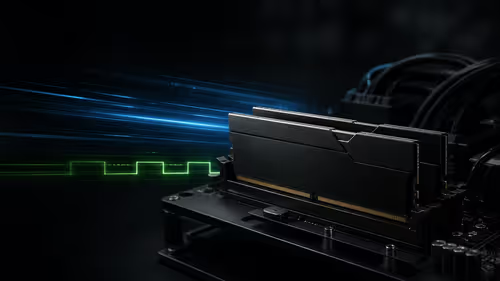
CXMT memory has been demonstrated at DDR5-9000 and DDR5-6000 CL28, but the results depend on tuned hardware and do not represent a broad retail specification.

Microsoft is testing a simpler File Explorer context menu with controls for built-in commands, app extensions, icon labels and the position of Properties.
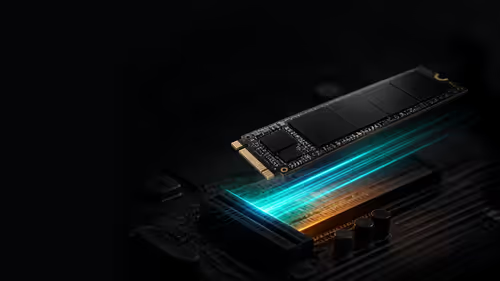
Lexar's THOR ULTRA is a DRAMless PCIe 5.0 SSD rated up to 11,000MB/s reads and 10,000MB/s writes, with capacities from 512GB to 4TB.