


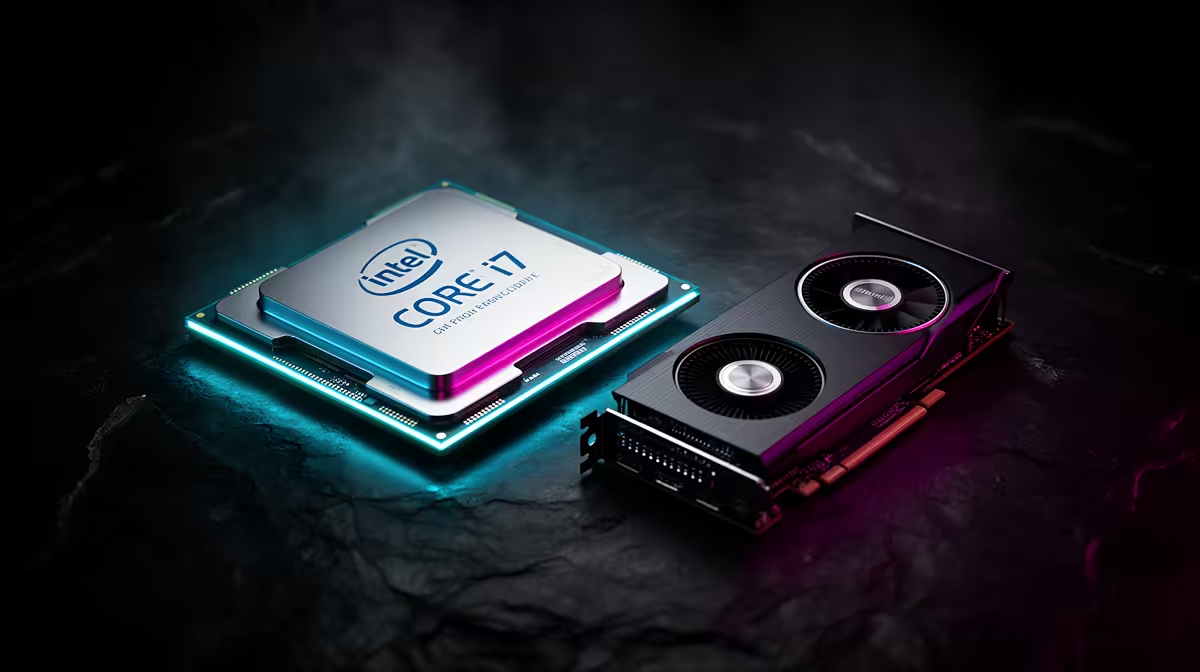
Pairing a Core i7-14700K with a Arc B580 is a question of load behaviour and resolution, not a single bottleneck percentage. Here is how the two parts actually share the work and what an SA buyer should budget around.
Quick Answer
Balanced. The Core i7-14700K has more than enough cores and clock to feed the Arc B580, so in modern games you land 1080p high at 70-100fps, well matched. You only expose a CPU limit at very low resolutions or uncapped esports settings, which is not how most people run this card.
Where the Core i7-14700K and Arc B580 sit together
The Arc B580 is a budget GPU, so at 1440p and above the frame rate is decided by the card, not the processor. The Core i7-14700K keeps 1% lows steady in CPU-heavy scenes like large battles or busy open worlds. Expect roughly 1080p high at 70-100fps in demanding titles, with the GPU pinned near full load and the CPU coasting below its thermal ceiling.
Build notes for SA buyers
Pair this combo with 32GB of DDR5, a 650-850W PSU sized to the Arc B580, and a cooler that keeps the Core i7-14700K under its throttle point. Budget bands at Evetech put a balanced Arc B580-class build in the broad R25,000 to R55,000 range depending on the GPU tier and storage; confirm current pricing in-store rather than assuming. Good case airflow with front intake fans matters more than another fan controller for keeping clocks stable.
Pro Tip
If 1% lows dip in big fights, enable Resizable BAR in BIOS and confirm your DDR5 EXPO XMP profile is active before blaming the Core i7-14700K.
FAQ
Does the Core i7-14700K bottleneck the Arc B580?
No, not at the resolutions people actually use this card for. At 1080p with an uncapped competitive title you can nudge a CPU limit, but at 1440p and 4K the Arc B580 is the limiter and the Core i7-14700K has clear headroom.
What resolution should I target?
Match the GPU to your panel: the Arc B580 is built for 1080p high at 70-100fps. Buying a faster panel than the card can fill, or a card faster than the panel shows, wastes part of the budget.
How much RAM and PSU do I need?
32GB of DDR5 is the sensible norm, and a quality 650-850W PSU covers the Arc B580 with transient headroom. Those two choices protect frame stability far more than overclocking the Core i7-14700K.
Size the Arc B580 build correctly Use Evetech's Arc B580 range to match the card to your monitor, then add a board, 32GB DDR5 kit and a PSU rated with headroom for the Core i7-14700K.










