


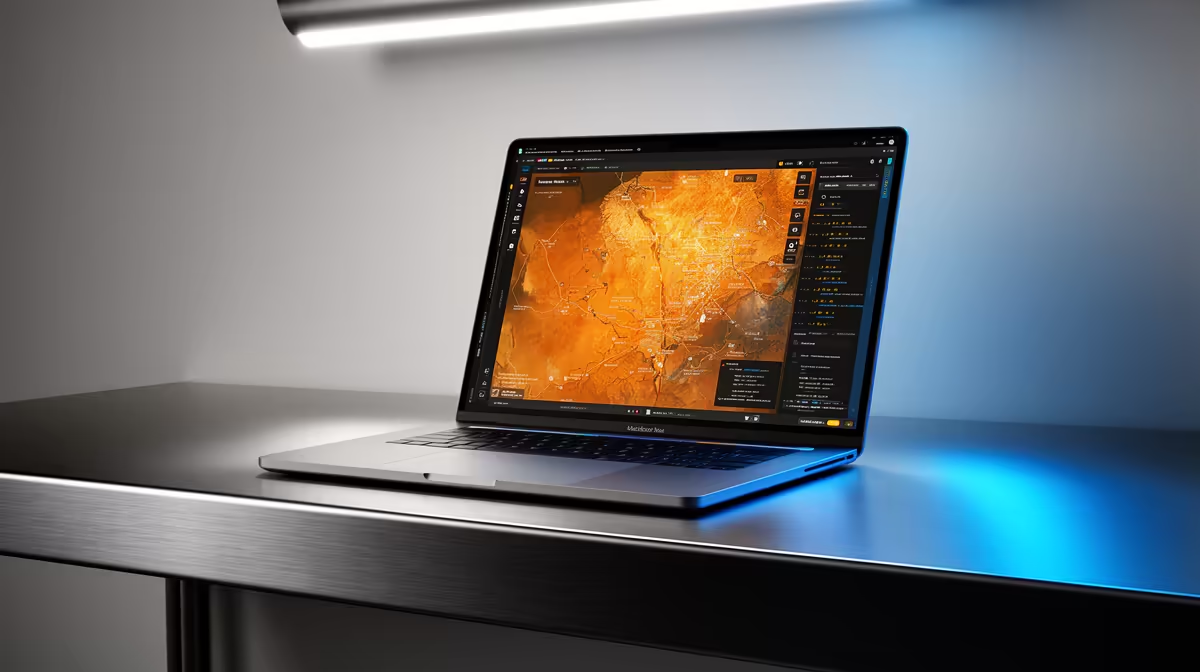
Yes, the Lenovo LOQ RTX3050 at R9,500 suits mapping students, junior GIS users, and field-data workers who want a laptop with a dedicated RTX3050 GPU for smoother map layers and visual workloads.
Best laptop picks for local mapping work
The Lenovo IdeaPad Slim 3 i7 at R13,400 is the cleaner choice when your work is more about spreadsheets, browser tabs, reports, and light project editing than heavy visual rendering. Its i7 spec gives it useful headroom for multitasking, especially on a student desk where research, notes, and mapping files often stay open together.
The ASUS Vivobook X1504VA i7 at R13,999 also makes sense if you want a creator-style machine without jumping straight to a gaming design. Its i7 spec is the reason to consider it: it gives everyday office, study, and mapping-adjacent work a stronger processor base than an entry i5 option.
For a lower-cost office pick, the ASUS ExpertBook P1503 i5 at R9,858 is better suited to admin, web research, email, and lighter map viewing. Its i5 spec is practical for users who mainly review data and prepare documents, while the ASUS ExpertBook P5405 at R12,700 is the stronger ExpertBook option when you want a more capable business-focused machine.
South African student desk and fieldwork handover setup
For QGIS, a creator laptop can be enough if the workload is modest: municipal layers, site maps, assignment projects, and exported reports. The ASUS Vivobook S14 OLED at R10,719 is attractive when screen quality matters because its OLED spec helps with visual review, while the Lenovo LOQ RTX3050 at R9,500 is the sharper pick when graphics support matters more than a slim creator feel.
Pro Tip ⚡
Ready to choose the right laptop? If the brief is the creator desk, ASUS ExpertBook P1503 i5 at R9,858 is the listed option to test against its listed spec.










