


Quick Answer
For data science coursework, a 1080p30 USB webcam is the right floor if your course has regular recorded Teams or Zoom submissions; the laptop's built-in camera is fine for occasional lectures. Budget R600-R1,500 at Evetech, and prioritise your laptop's RAM and storage first.
The webcam decision tree for a data science student
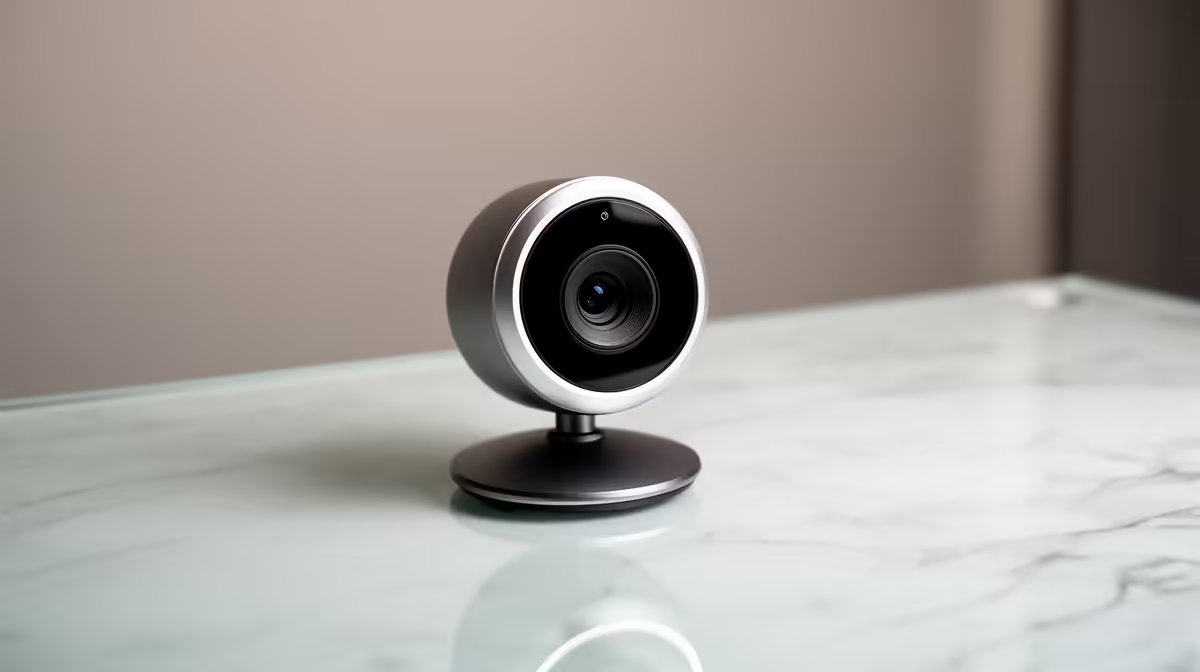
Buy a 1080p30 USB-A webcam (around R900) if your honours or coursework requires recorded video presentations, which UCT, Wits and UJ commonly ask for. Stick with the built-in 720p camera if you only attend one or two live lectures a week. The camera matters less than the machine that runs your notebooks, so do not over-invest here.
Upgrade priority for a data science workload
Spend in this order: laptop screen and RAM first, then storage for datasets, then webcam, then a headset mic. A 1080p30 webcam handles presentations fine; a 4K webcam mainly eats RAM during a call without helping your grade. Datasets fill drives fast, so 16GB RAM and a 512GB-1TB SSD beat a fancy camera every time.
Resolution tiers for student use
720p suits passive lecture attendance, 1080p suits project presentations and recorded submissions, and 4K is overkill that loads your CPU during Jupyter sessions. NSFAS allowances rarely stretch to a separate webcam, so the laptop's own camera carries most students, and the upgrade is optional rather than essential.
FAQ
Do I need a webcam if my laptop already has a 720p one?
Only if your course needs recorded 1080p presentations. For everyday lectures the built-in 720p is fine. UCT and Wits honours often want recorded video submissions, in which case a R900 1080p webcam is worth it.
Does a 4K webcam slow down Jupyter or my laptop?
It can, because a 4K stream loads the CPU during calls and uses more RAM, leaving less for your notebooks. A 1080p30 webcam is the sweet spot for coursework and keeps your machine free for data work.
Should I spend on a webcam or more RAM first?
RAM and storage first. Data science notebooks and datasets need 16GB RAM and a 512GB+ SSD far more than your video calls need 4K. Sort the machine, then add a webcam if your course requires recordings.
Sort 16GB RAM and a 512GB+ SSD before buying a webcam. If your course needs recorded submissions, a R900 1080p30 model covers it. Browse webcams stocked at Evetech.











