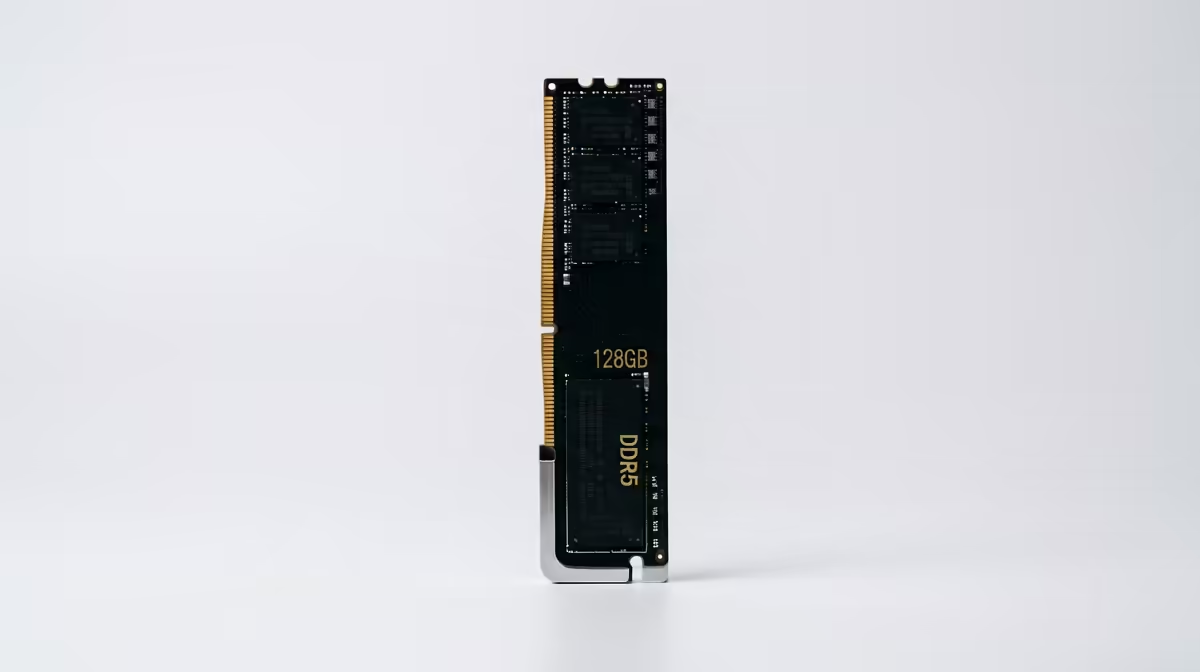
Whether you need 64GB of RAM for content creation for strategy and sim games comes down to one honest question: does it remove a real limit, or just add cost? Here is the straight SA-buyer answer, with the numbers and local pricing that actually decide it.
Quick Answer
No — 64GB is overkill if your real use is strategy and sim games. Gaming, even strategy and sim titles, almost never exceeds 32GB. 64GB only earns its price for heavy creation, not play. A 64GB DDR5-6000 kit runs around R4,800 locally versus roughly R2,400 for 32GB, so the question is whether your projects actually fill it.
When 64GB actually pays off
64GB is a creation-tier spec. It earns its keep with 4K and 8K video timelines, large Photoshop files with dozens of layers, After Effects compositions, 3D rendering scenes, or running several memory-heavy apps simultaneously. A 2x32GB DDR5-6000 kit (around R4,800) keeps all of that resident without paging to disk, which is where 32GB starts to choke on the biggest projects.
Does strategy and sim games need it?
Strategy and sim games simply does not use that much memory. Even the most demanding strategy and sim titles stay under 32GB, so the extra 32GB sits idle. The money is far better spent on a faster GPU or more SSD capacity for your game library.
Kit and platform guidance
On AM5, a 2x32GB DDR5-6000 CL30 kit is the practical creator choice — it runs dual-channel and stays within the Infinity Fabric sweet spot. Four-stick 64GB configs can force lower speeds, so prefer two 32GB modules. Enable EXPO in BIOS, and confirm your motherboard's QVL lists the kit for stability under sustained load.
FAQ
Is 64GB overkill for gaming?
Yes. Strategy and sim games and games in general rarely pass 32GB. 64GB is a content-creation spec, not a gaming one.
32GB or 64GB for video editing?
32GB handles 1080p and light 4K editing. Step to 64GB for sustained 4K/8K timelines, heavy effects, or running multiple creative apps at once.
2x32GB or 4x16GB for 64GB?
Two 32GB sticks. On AM5, four sticks often drop to slower speeds, so a 2x32GB kit is the more reliable way to reach 64GB.
Pro Tip
Check Task Manager's memory tab during your heaviest project — if you never pass 28-30GB, stay on 32GB and spend the saving on a faster GPU or SSD.
Need 64GB for strategy and sim games?
Compare 64GB DDR5-6000 kits at Evetech, and confirm your board's QVL lists the kit before buying.