Quick Answer
Yes, a dedicated GPU is worth it for cinematic story games when you want smooth gaming and a cleaner stream from the same PC. A modern hardware encoder such as NVIDIA NVENC or AV1-capable encoders can keep 1080p60 streaming practical without loading the CPU like old software-only workflows.
What It Actually Changes
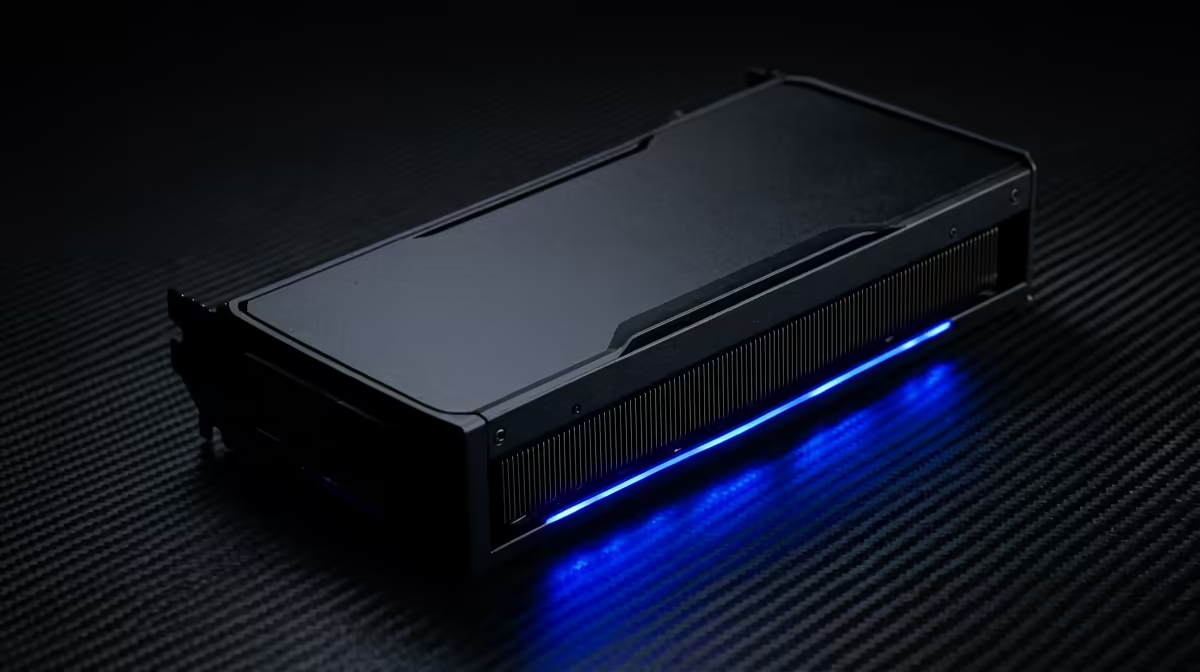
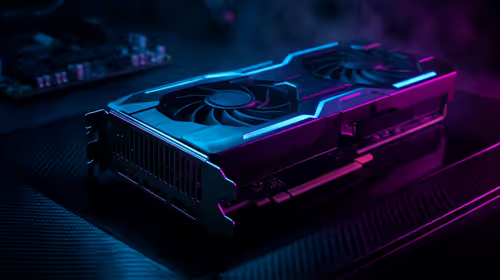
For cinematic story games, the GPU handles both rendered frames and stream encoding. Integrated graphics or an older entry GPU can work for light tasks, but a dedicated card gives more stable frame pacing, better encoder quality, and room for overlays. The target should be 1080p60 streaming first, then higher game FPS if the monitor supports 144Hz or 240Hz.
Specs And Price Checks For SA Buyers
Use cautious SA bands: RTX 4060-class cards often start near R6,000-R8,500, RTX 4070 SUPER-class cards commonly sit far higher, and RTX 4080 SUPER or RTX 5080-class options belong in premium builds. Compare GeForce RTX 4060, RTX 4070 SUPER, RTX 4080 SUPER, Radeon RX 7800 XT, and newer AV1-capable cards. Check 8GB vs 12GB or 16GB VRAM, encoder support, PSU capacity, and case length.
Where The Money Works Hardest
Do not overspend for a stream that only needs 1080p60 and modest game settings. Put money into the GPU when the same machine must game, record, and stream at once. If audio and lighting are poor, reserve part of the budget there because viewers notice voice and camera quality quickly.
FAQ
Do I need NVIDIA for streaming?
No, but NVIDIA NVENC is widely supported and easy to tune. AMD and Intel cards can also work well when the software supports their encoders.
Is 8GB VRAM enough for streaming?
It is enough for many 1080p games and streams. For 1440p, texture-heavy games, or editing, 12GB or 16GB gives more comfort.
What FPS target should I plan around?
For streaming, lock the broadcast at 1080p60 first. Then tune the game for the monitor, such as 144 fps for a 144Hz esports display.