


Quick Answer
You need 64GB RAM for content creation only when editing large 4K projects, running heavy Adobe workloads, using virtual machines, or streaming while many apps stay open. For pure esports gaming, 32GB DDR5 is still the better Rand-per-frame choice on a R20,000-class SA budget.
Specs that change the decision
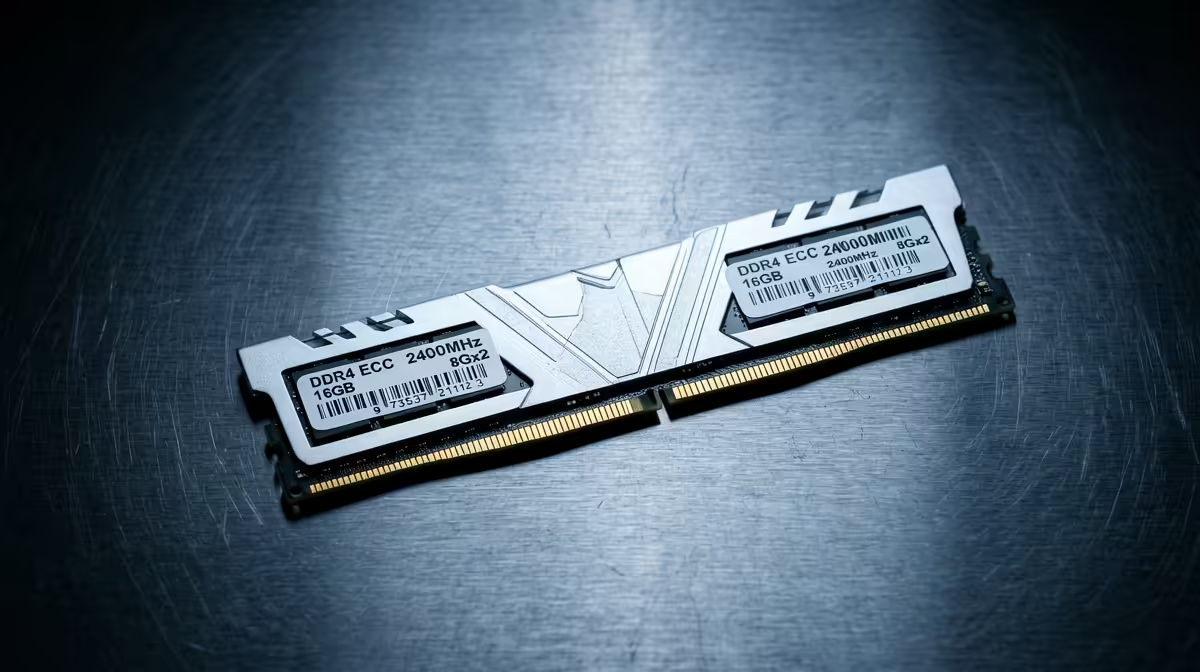
Kingston Fury Beast, Corsair Vengeance, G.Skill Trident Z5, and Crucial Pro kits are useful comparison anchors. For AM5, DDR5-6000 EXPO often gives cleaner setup than chasing DDR5-7200 or DDR5-8000. Check CL30, CL32, or CL36 latency, motherboard QVL support, and heatsink height if a large air cooler or compact case is involved.
SA buying and delivery checks
For South Africa buyers, confirm whether the kit is 2x16GB or 2x32GB, not a single stick. Dual-channel matters for gaming smoothness and creator exports. Keep the packaging until the PC has passed memory testing, and update the motherboard BIOS before enabling EXPO. A 1440p gaming PC with Ryzen 7 9800X3D and RTX 4070-class graphics will not gain much FPS from 64GB if 32GB is already enough.
For this buyer angle, make the final choice by checking the one constraint that would be hardest to fix after checkout: size, power, port, warranty, or delivery condition.
FAQ
Is 32GB enough for 1440p gaming?
Yes. Most current games run well with 32GB, and it leaves room for Discord, a browser, and capture software.
When is 64GB worth the extra Rand?
Choose 64GB for 4K editing, large Photoshop files, virtual machines, Unreal projects, or heavy multitasking. It is not a first FPS upgrade for esports.
Should I enable EXPO or XMP?
Yes, after the BIOS is updated and the PC is stable at default settings. EXPO is usually the cleaner choice for AMD AM5 boards, while XMP is common on Intel platforms.
Pro Tip
After installing the kit, run a memory test and check Task Manager shows the rated speed. If the PC fails to boot with EXPO, step down one speed tier before blaming the RAM.
Final fit check
For this buyer guide, the last check is compatibility: measure the case or desk, confirm the connector, and keep one support path clear before paying. That small step prevents the most common SA buyer mistake: buying the right tier but the wrong physical fit.










