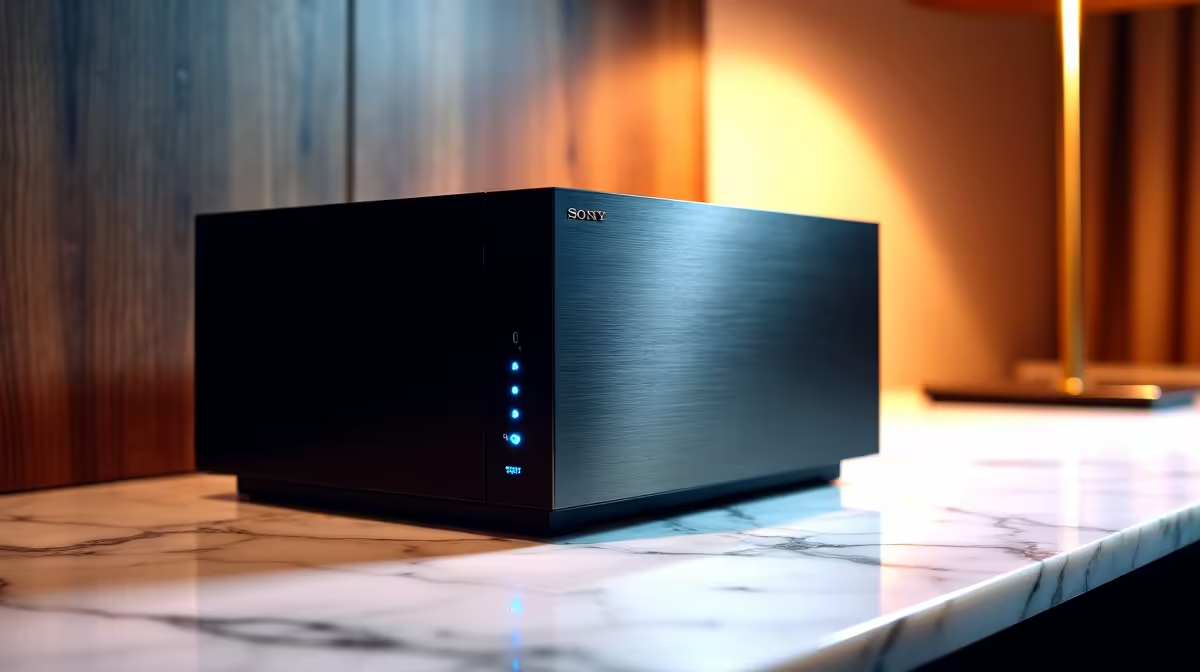
Picture this... you are about to stream your favourite movie, or you need to recover a crucial work file, but your external hard drive is nowhere to be found. In South Africa, relying on scattered USB drives is a recipe for data disaster. If you want to centralise your digital life, you might be asking if you need a NAS for home media and backups in SA. Let us explore why this setup makes sense.
What is a Network Attached Storage Device? 💾
A Network Attached Storage (NAS) device is essentially your own personal cloud server. Instead of paying recurring monthly subscription fees in USD for limited online space, you buy the hardware once in ZAR and keep your data locally. The device connects directly to your home router, allowing any authorised user on your Wi-Fi network to access files, movies, and documents seamlessly.
Whether you are working remotely from one of our versatile laptops in the lounge or editing photos at your main desk, a NAS ensures your important files are always available without needing to plug in a physical cable.
The Ultimate Home Media Hub 🎬
Modern streaming services are convenient, but they consume massive amounts of fibre data and their content libraries constantly change. A NAS allows you to build your own ultimate media server using software like Plex. You can store high-definition movies, series, and music, streaming them directly to your smart TV, tablet, or smartphone without buffering.
If you have recently invested in one of our top-tier pre-built desktop PCs, offloading your massive media library to a NAS keeps your primary solid-state drives fast and clutter-free. Your PC can focus purely on performance and productivity while the network drive handles the heavy lifting of mass storage.
Bulletproof Backups for Gamers and Creators
South African gamers know the intense pain of losing precious save files or having to redownload a 150GB game on a congested line. By setting up automated backups to your network drive, you protect your digital assets with zero daily effort.
This is especially critical if you are running a high-end rig. You can browse our unbeatable gaming PC deals knowing that your powerful new system can easily be backed up over your local network. A NAS can automatically sync your important folders every single night while you sleep.
Storage Pro Tip ⚡
When setting up your NAS, configure your drives in RAID 1. This mirrors your data across two separate hard drives. If one drive physically fails, your family photos and media library remain perfectly safe on the second drive.
Navigating Power Cuts and Hardware Needs 🔋
We cannot talk about tech in South Africa without mentioning our unique grid challenges. A network storage device needs constant, stable power to function properly and avoid data corruption during sudden outages.
You absolutely must pair your storage server with reliable backup power. We highly recommend looking at our UPS power solutions to keep your NAS running smoothly during an unexpected outage. A smart UPS will give your system enough time to shut down safely, protecting your valuable hard drives from sudden power drops.
Building a rock-solid home network does not have to drain your wallet. You can always find incredible value by keeping an eye on our weekly tech specials to upgrade your home setup and storage capacity for far less ZAR.