



650W PSU Planning for RTX 5090 Builds in SA
650W for RTX 5090 needs a full-build check, not a simple yes. Review GPU guidance, CPU draw, transient load, connectors, PSU quality, and upgrade plans before deciding.
Read moreA built-in 15W wireless charging pad can make a desk more convenient when the user's device matches its charging requirements. The A4 Pro integrates that pad into the desktop, but exact phone compatibility should be checked before relying on it for daily power.
A charging surface can remove one routine plug-in step, but convenience depends on the device placed there. The 15W wireless charging pad gaming desk question begins with compatibility, placement and the rest of the desktop workflow.
The A4 Pro's integrated 15W wireless charger powers compatible phones and accessories at the desktop, reducing one loose cable from the gaming area.
AutoFull builds a 15W wireless pad into the A4 Pro worktop. A matching phone can benefit when that zone stays reachable, although different devices need not behave alike. Check handset and case requirements before making surface charging part of the daily routine.
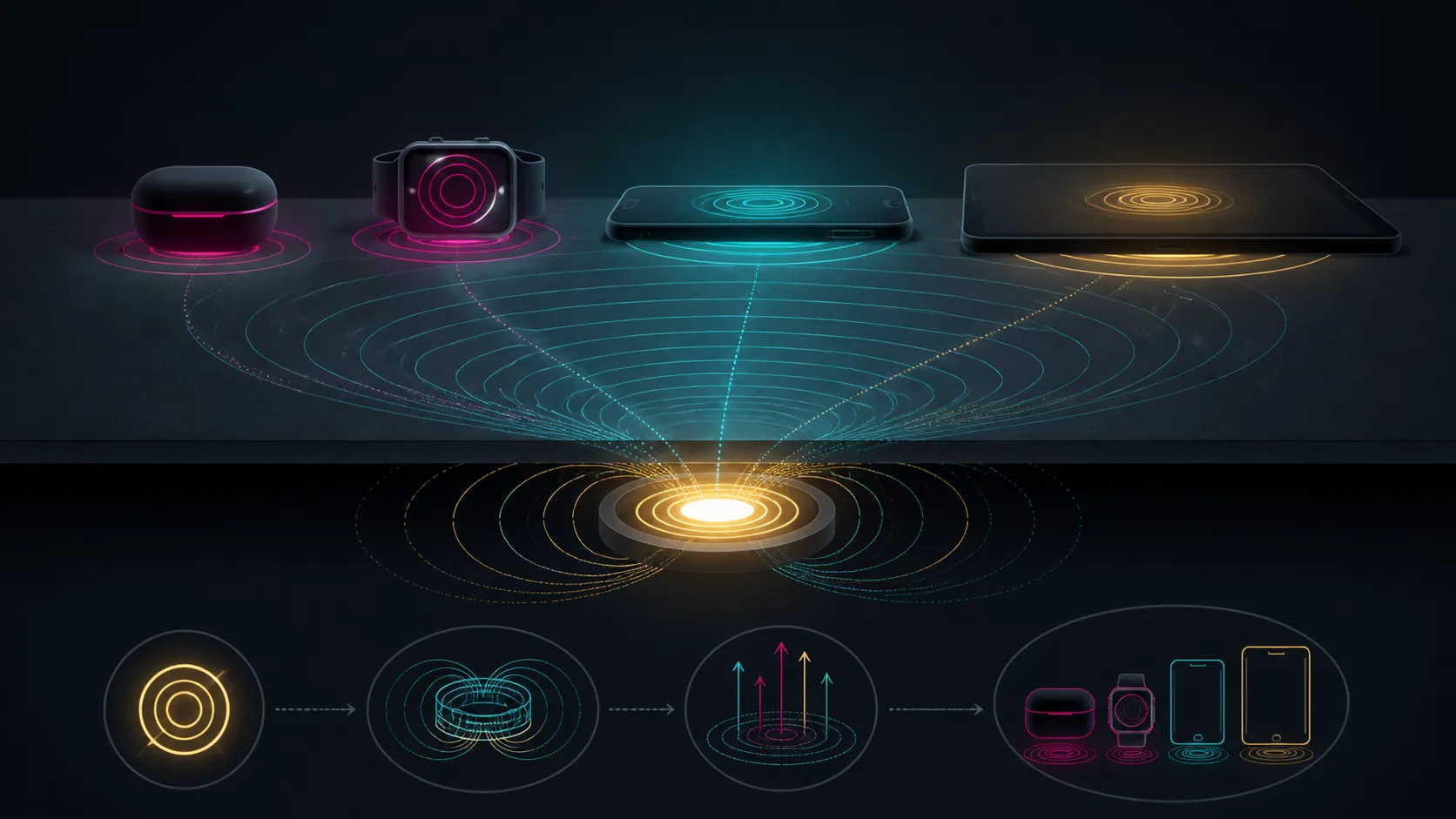
Identify the phone or other device intended for the pad and check its wireless charging support. Note any case guidance that affects charging. Compatibility belongs to the device-and-pad combination; the presence of a 15W desk feature cannot guarantee that every handset will accept power.
The A4 Pro's pad is rated at 15W. Check the intended phone's charging requirements rather than guessing at a universal handset list, then compare the surrounding furniture through Evetech's gaming desk collection.
Place the device so it aligns with the charging area and does not interfere with the keyboard, mouse or frequently used controls. Check the charge indication, then observe the position during an ordinary work or gaming session. A convenient pad should not create a new obstacle.
If charging stops after the phone shifts, restore alignment rather than assuming the desk has failed. Remove unrelated clutter from the area and follow the device's charging guidance. Those practical checks are more reliable than expecting the same behaviour from every case and handset.
Wireless phone charging does not make the gaming setup cable-free. Displays, the computer, speakers and many peripherals still need power or signal leads. Route those connections for the heights actually used and leave the charging zone independent of the wired bundle.
The desk also provides a cup holder, headset stand and full-coverage mousepad, each serving a different organisation purpose. Evetech's gaming accessories page can help identify equipment that still requires a planned position.
Convenience comes from repeatable use: the compatible device lands naturally on the pad, begins charging and remains accessible. If the owner normally charges elsewhere or the handset does not match the requirements, assign less value to the integrated feature.
The R10,399 package pairs its charging area with precision adjustment and a 125kg load ceiling. Malaysian Albizia forms the solid-wood top's core, with carbon fibre at the outer surface. Judge all of these desk functions together rather than buying for the pad alone.
Run the check at the time the phone normally needs power. A pad that works when the desk is empty may be less convenient once a notebook, controller or drink occupies nearby space. Rehearsing the real hand movement from use to charging reveals whether the integrated position suits the owner.
If two household devices will share the pad, assess each one separately. Success with one handset does not establish support for the other, and a different case can change alignment. Record the reliable placement instead of generalising from the 15W label.
Convenience improves because the charging position remains within reach while built-in routing channels conceal other power and peripheral leads. Test the exact device or case on the pad, since compatibility belongs to the receiver as well as the 15W transmitter. The desk also includes a secure cup holder, headset stand and full-coverage mousepad, giving the charging feature a broader organised-peripheral context rather than leaving it as a decorative extra.
Keep the charging target visible rather than covering it with a keyboard, controller or document stack. A fixed landing place is what turns the integrated 15W pad into a convenience used every day.
The desktop contains a 15W wireless charging pad, giving a compatible device a defined surface charging point.
No universal phone support can be assumed. Check the handset's wireless charging requirements and any relevant case guidance first.
It can replace a routine cable connection when the device aligns easily, accepts charging and remains reachable during normal desk use.
It does not. Device support, charging behaviour, alignment and the phone case can all affect the experienced result.
The A4 Pro includes a cup holder, headset stand and full-coverage mousepad for organising drinks, audio gear and inputs.
Carbon fibre forms the outer work area, while Malaysian Albizia lies within the desk's solid-wood top.
Ready to test whether surface charging suits your routine? View Evetech's gaming desks after checking your phone, case and preferred charging position against the A4 Pro's 15W pad.
The desktop contains a 15W wireless charging pad, giving a compatible device a defined surface charging point.
No universal phone support can be assumed. Check the handset's wireless charging requirements and any relevant case guidance first.
It can replace a routine cable connection when the device aligns easily, accepts charging and remains reachable during normal desk use.
It does not. Device support, charging behaviour, alignment and the phone case can all affect the experienced result.
The A4 Pro includes a cup holder, headset stand and full-coverage mousepad for organising drinks, audio gear and inputs.
Carbon fibre forms the outer work area, while Malaysian Albizia lies within the desk's solid-wood top.
650W for RTX 5090 needs a full-build check, not a simple yes. Review GPU guidance, CPU draw, transient load, connectors, PSU quality, and upgrade plans before deciding.
Read more
How to fix FPS drops Windows 11 RX 9070 XT starts with GPU drivers, overlays, power plans, and frame pacing checks. For SA gaming PCs, verify chipset updates, HAGS, refresh rate, thermals, and per-game graphics settings.
Read more
How to fix FPS drops on X870E motherboard starts with BIOS, chipset drivers, PCIe settings, and memory stability. SA gamers can check EXPO, resize BAR, thermals, display refresh, and background apps before replacing components.
Read more
RTX 5060 is popular with SA students because it can fit gaming, coursework, and creative app needs in one setup. Compare total system price, cooling, RAM, storage, and screen quality before picking a desktop or laptop.
Read more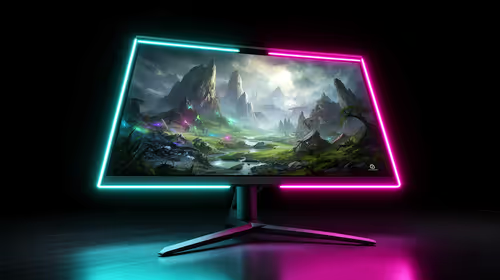
1440p is the sweet spot for SA gamers because it balances sharp visuals, high frame rates, and GPU cost better than 4K. It is a practical monitor target for players who want smoother upgrades without the heavier hardware demands of 4K.
Read more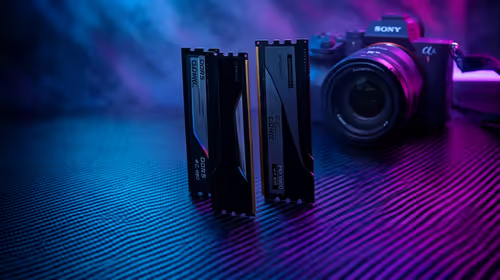
RAM pricing for Midrand gamers can shift with exchange rates, supply, specs, and model tier. Treat the title as a buying prompt, then compare SA warranty, timing, and build priorities.
Read more
From 1 October 2026, WhatsApp Business Platform service replies in South Africa are expected to cost about $0.0076, or 12 cents, per delivered message.

DDR5-8000 RAM Kits pros and cons depend on the build, budget, and workload. Weigh gaming needs, platform fit, power, cooling, warranty support, and South African pricing context before shortlisting it.

Wi-Fi 6E vs Wi-Fi 6 depends on AAA single-player gaming needs, platform limits, and budget fit. Compare compatibility, latency, upgrade path, and real setup constraints before choosing for an SA build.

Ryzen 9 9950X3D dead pixel checks should isolate the panel first. Run colour fills, inspect the monitor menu, test another cable or input, and capture proof before linking it to the SA CPU upgrade.

YouTube will count public views from the first frame across video formats from 24 August, while earnings and eligibility remain tied to engaged viewing.

Canonical expects Ubuntu on WSL users to outnumber native Ubuntu desktop users before the end of 2026. The software is open source and runs inside supported Windows PCs.

Telkom's daily bundles pair WhatsApp access with 10 all-network voice minutes. The R15 option includes 300MB, while the R17 option uses a fair-use threshold.

A 10,000-hour test found similar image retention across older and newer OLED TVs, while newer panels were brighter and more efficient. Local OLED monitors started at R9,999.

Windows 11 update KB5121003 is linked to crashes in several multiplayer games on versions 24H2 and 25H2. Check the build, report the fault and avoid risky file or update changes unless the problem is confirmed on your PC.

Comsol's standalone 5G network covers about one million Gauteng homes and starts commercial ISP service in September. Early packages range from R275 to R875 a month, but coverage and fair-use rules still decide the real value.

Sennheiser's Momentum True Wireless 5 adds user-replaceable batteries, 12-hour playback and a $299.95 launch price. There is no confirmed South African date, so compare longevity with live earbuds from R199 to R2,999.

AVerMedia's GC531 and GC535 are professional HDMI capture devices for continuous streaming, with RGB24 capture up to 2K30 and 4K30. South African creators should compare them with live 4K capture cards from R2,099.