


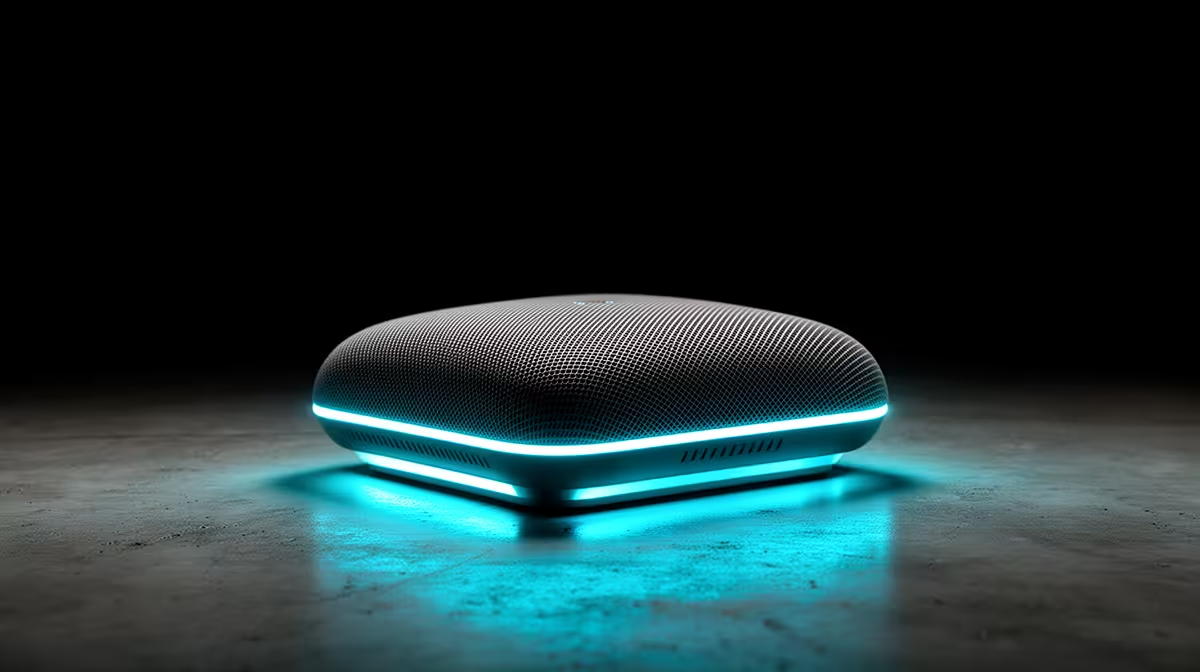
Mesh Wi-Fi solves coverage problems, but only when the backhaul is right. This guide keeps the focus on first-time PC builders and what is genuinely worth paying for at Evetech.
Quick Answer
For first-time PC builders, a mesh Wi-Fi kit is worth it when one router cannot cover the whole home and dead spots break video calls or online play; otherwise a single Wi-Fi 6 router is cheaper and faster. Budget R2,500 to R6,500 for a two or three-node Wi-Fi 6 kit. Wired backhaul, not node count, is the biggest factor in real speed.
Coverage - match nodes to your floor plan
A two-node kit covers most 2 to 3 bedroom flats and res setups; a three-node kit suits double-storey homes or thick walls. Brick and concrete eat signal, so place nodes within line of sight where possible. More nodes do not help if backhaul is weak, since coverage and backhaul work together.
Latency for online play and calls
For low-latency online gaming, mesh adds a few milliseconds per hop versus a direct router link. Keep the gaming device on the node nearest the modem, or wire it in for the lowest ping. A Wi-Fi 6 kit handles many devices at once, which matters in a shared flat with several users streaming.
Matching the kit to your SA line
A 100Mbps to 500Mbps Vumatel or Openserve fibre line is well served by a Wi-Fi 6 mesh kit; gigabit lines want a kit with 2.5GbE ports and wired backhaul to avoid bottlenecking. Do not pay for Wi-Fi 6E or 7 unless your devices and line can use it, since most homes will not see the benefit yet.
FAQ
Does backhaul really matter?
Yes, it is the biggest speed factor. For first-time PC builders, a wired Ethernet backhaul keeps full speed at every node, while a shared wireless backhaul can cut throughput roughly in half on budget kits.
How many nodes do I need?
Two nodes cover most flats and res rooms; three suit double-storey or thick-walled homes. Adding nodes past your floor plan's need wastes money and does not fix a weak backhaul.
Will mesh hurt my online gaming ping?
Each wireless hop adds a few milliseconds. Keep the gaming device on the node nearest the modem or wire it in directly for the lowest, most stable latency.
Run a single Ethernet cable between mesh nodes if you can - wired backhaul does more for real-world speed than buying extra nodes. Compare Wi-Fi 6 mesh kits at Evetech by backhaul type and port speed.










