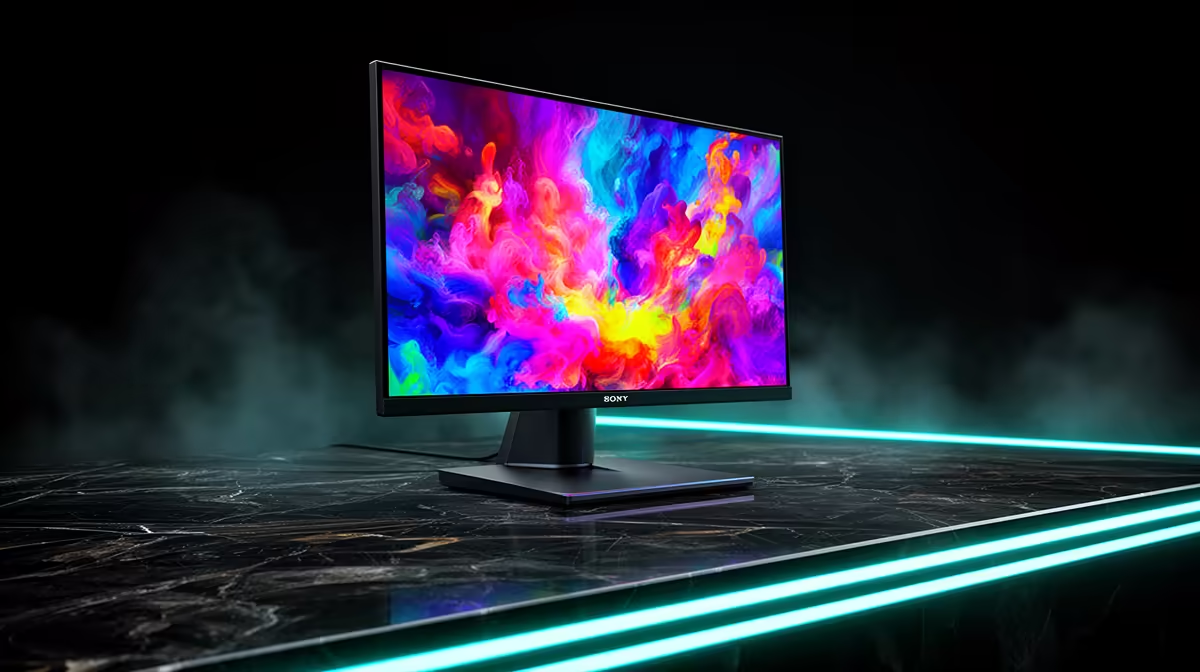
Wide colour gamut can enrich graded games and creative work while oversaturating ordinary content without proper control. DCI-P3 coverage for gaming matters most when the monitor also offers accurate modes for each task.
Quick Answer
DCI-P3 coverage matters when you view, create, or deliver content made for a wider gamut than standard sRGB. It does not make you aim faster. For gaming, correct gamut mapping and an sRGB mode can matter more than a huge coverage percentage that oversaturates ordinary content.
Compare exact colour modes in the PC monitor range, then inspect models people choose among monitor best sellers. Coverage, volume, and accuracy are different measurements.
Coverage is not accuracy
Gamut coverage shows how much of a target colour space the display can reproduce. It does not show whether those colours land at the correct coordinates or brightness.
Colour volume includes performance across luminance. A monitor can cover much of P3 at one level and lose saturation in bright HDR highlights.
Accuracy needs measured error, white point, gamma or transfer function, uniformity, and the correct colour-management path. A high percentage on the box cannot replace those tests.
Gaming use depends on content
Many Windows games and desktop applications still assume sRGB or rely on colour management that varies. Showing sRGB values through an unclamped wide-gamut mode can make reds and greens look too strong.
Use the monitor's accurate sRGB mode for standard content. Switch to a calibrated wide-gamut or HDR mode when the game and system support it.
Competitive clarity comes from contrast, response, refresh, frame delivery, and readable effects. Wide gamut can enrich art direction and HDR without changing input performance.
Creators need a managed workflow
Photo and video editors should match the delivery space, use colour-managed software, calibrate with suitable equipment, and check output on reference devices.
DCI-P3, Display P3, and other P3-based workflows are not identical in white point, transfer, container, and delivery. Use the target required by the platform and project.
Keep a calibration report with the project and recheck the monitor on a sensible schedule. Panel drift, brightness changes, operating-system updates, and application colour settings can move the result.
When you share files, embed the intended profile where the format supports it and inspect the export in another colour-managed viewer. A rich editing screen cannot make an untagged or wrongly converted file display consistently everywhere.
For mixed gaming and editing, save separate sRGB, wide-gamut, and HDR modes with clear names. Confirm that changing inputs or waking the monitor does not silently return to a vivid factory preset. Keep brightness consistent during colour work, then use a comfortable independent level for ordinary play.
FAQ
Is more DCI-P3 coverage always better?
It gives a wider potential gamut. Accuracy, volume, sRGB clamp, uniformity, and colour management decide whether that potential is useful.
Does P3 improve competitive gaming?
It can change colour richness and HDR presentation. It does not directly raise frame rate, refresh, response, or player skill.
Do photo editors need P3?
They need the gamut and calibrated workflow required by their output. Web sRGB delivery and wide-gamut print or display work have different targets.
Match the monitor's gamut and calibration modes to your real games and delivery space, then choose P3 for content that can use it.