


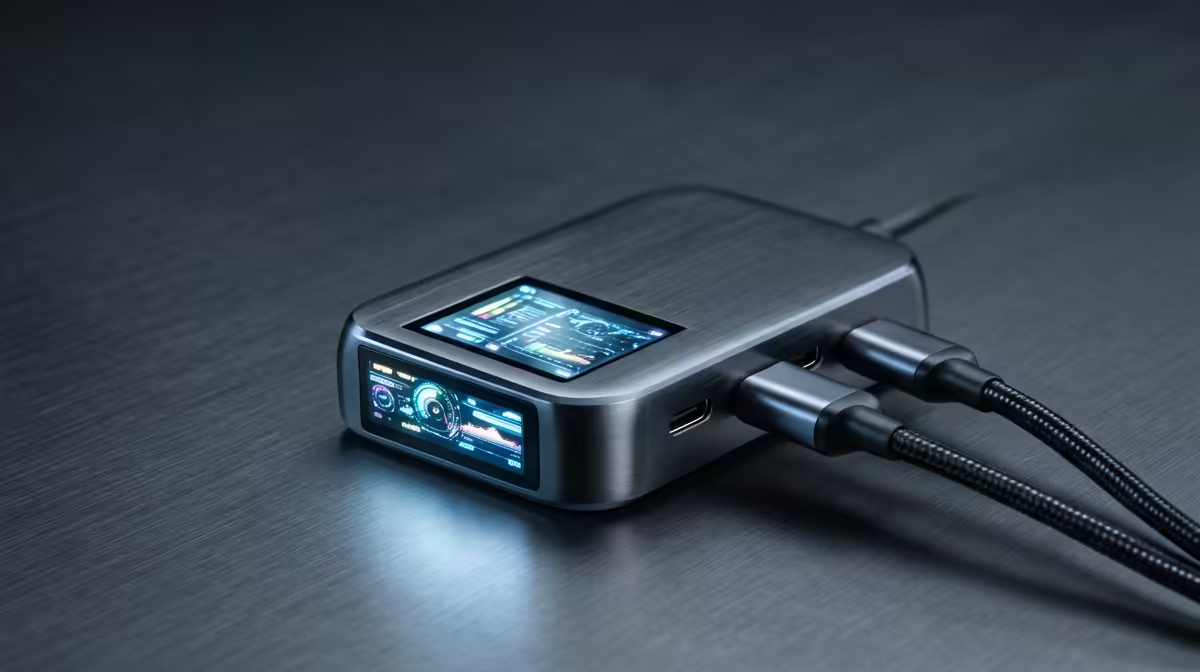
For buyers working with a small desk or bedroom, a docking station is about reclaiming desk space and ports, and the right one disappears into the setup.
Quick Answer
Yes, this spec matters: without it you end up running a second charger or losing a 4K-at-60Hz display. A dock that handles dual external monitors plus 100W charging sits around R2,500 to R5,000, while a basic USB-C hub near R600 only adds a few ports.
Compatibility before you spend
A dock is only as good as its host: confirm your laptop's USB-C port carries video and high-wattage PD, not just data. Older or budget laptops sometimes expose USB-C for data only, in which case a Thunderbolt or DP-Alt dock will not light up the displays.
Power delivery is the make-or-break spec
Aim for 85W to 100W PD so one cable both charges the laptop and runs the desk. Below 65W a gaming or creator laptop slowly drains under load, and you are back to a second charger. Check the dock's own power brick is included, since some list PD they cannot actually supply.
Display outputs and the 4K-60 question
Confirm the dock drives your screens at full rate: many cheap docks cap a 4K display at 30Hz, which feels laggy on the desktop. For dual monitors or 4K 60Hz, check for DisplayPort 1.4 or HDMI 2.0 and confirm your laptop supports DP-Alt-Mode and MST.
FAQ
How much power delivery does my laptop need?
Aim for 85W to 100W so the dock charges while driving displays. Below 65W a gaming or creator laptop slowly drains under load, defeating the single-cable point.
Can a dock run dual 4K monitors at 60Hz?
Only with DisplayPort 1.4 or HDMI 2.0 and a laptop that supports DP-Alt-Mode and MST. Cheaper docks often cap 4K at 30Hz, which feels laggy on the desktop, so check the spec sheet.
Is Ethernet on a dock worth it?
Yes for gaming and big downloads. A wired Gigabit link gives steady single-digit latency and sidesteps a crowded res Wi-Fi network, which variable wireless cannot match.
laptop's USB-C port carries video and high-wattage power before buying, then prioritise a dock with the power delivery and display outputs your screens actually need.










