


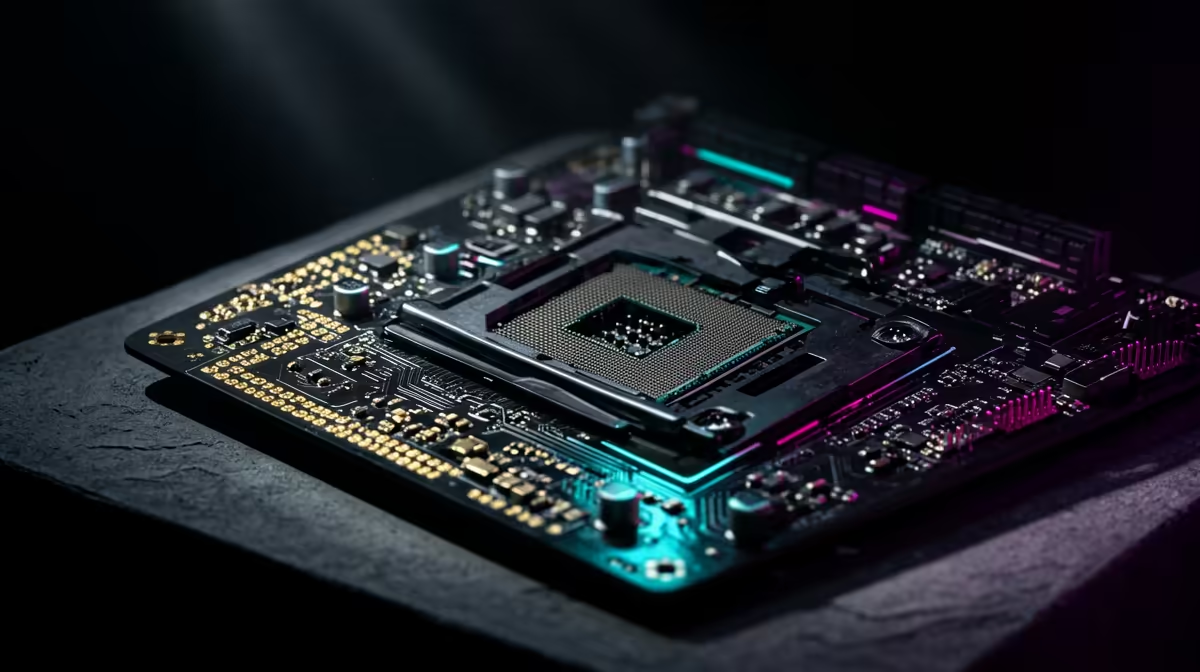
Every time Intel changes its CPU socket, the internet treats it as a betrayal. The new LGA1954 socket change means a fresh board for the next generation, which sounds expensive until you ask the honest question: when did you last drop a new CPU into an old motherboard? If the answer is never, the socket change barely touches your buying decision.
Quick Answer
Socket longevity matters mainly to people who upgrade the processor while keeping the same motherboard. If you replace your whole PC every four to five years rather than swapping individual parts, Intel's move to a new socket is close to irrelevant. Buy the best platform for the next few years and the socket roadmap stops being your problem.
Who A Socket Change Actually Affects
A long-lived socket is genuinely valuable to one kind of buyer: the upgrader who plans to keep a motherboard for several years and slot in a newer, faster CPU partway through its life without touching anything else. For that person, a socket that supports two or three CPU generations saves real money.
Most people are not that buyer. The common pattern is to build or buy a complete system, run it for several years, then replace the lot, CPU, board and often the memory together, when it no longer keeps up. If that is your cycle, the CPU you choose almost never goes into a different motherboard than the one it shipped with, so how long the socket lives after that point makes no practical difference.
Why Drop-In Upgrades Are Less Useful Than They Sound
Even when a socket does carry over, the upside is smaller than people imagine. A newer CPU on an older board often needs a firmware update to even POST, may not expose the latest connectivity, and frequently arrives alongside a faster memory standard the old board cannot use. By the time a worthwhile upgrade exists, the rest of the platform has usually moved on too, and a CPU-only swap leaves performance on the table.
In practice, the buyers who benefit most from a shared socket are enthusiasts who track releases closely and time their upgrades. For everyone replacing a whole machine on a multi-year cycle, the socket roadmap is noise.
What To Prioritise Instead
If you keep a system four or more years before replacing it entirely, judge the CPU on what it delivers today and across the next few years: core count and speed for your workload, the platform's memory and storage support, and how comfortably it handles the games or applications you actually run. A strong choice now will still be serving you well long after the socket question has been forgotten. Browsing the current Intel CPU lineup makes it easy to match a chip to your needs rather than to a roadmap.
If you would rather skip the part-by-part decision entirely, a complete build sidesteps the socket conversation altogether. The pre-built systems selling best right now show what well-balanced machines look like at a range of budgets.
Frequently Asked Questions
Does Intel's LGA1954 socket change matter for casual users?
For most casual users, no. If you replace your whole PC every four to five years rather than swapping the CPU on the same board, the socket change has almost no effect on your purchase.
Who should care about CPU socket longevity?
Buyers who intend to keep a motherboard for years and later drop in a newer CPU without replacing other parts. That upgrade path is the main reason a long-lived socket is worth paying attention to.
Are CPU-only upgrades actually worthwhile?
Often less than expected. A newer chip may need a firmware update, may not expose the latest features, and frequently pairs with faster memory the old board cannot use, so a full platform upgrade usually delivers more.
What should I focus on when buying a CPU?
Core count and speed for your workload, the platform's memory and storage support, and real-world performance in your games or applications. These matter far more than how long the socket survives.
Buying for the next few years rather than the next roadmap? Compare the latest Intel CPUs at Evetech and pick the processor that fits how you actually use your PC.










