


Quick Answer
For competitive gamers, plug count matters because you must protect the whole chain, PC, monitor, router, and modem, on battery-backed outlets, not just surge ones. Choose a UPS with at least four battery-backed outlets (a 1,500VA/900W unit, around R2,200 to R3,500), since powering the PC but losing the router still drops you from the match.
Why Plug Count Decides Whether You Stay Online
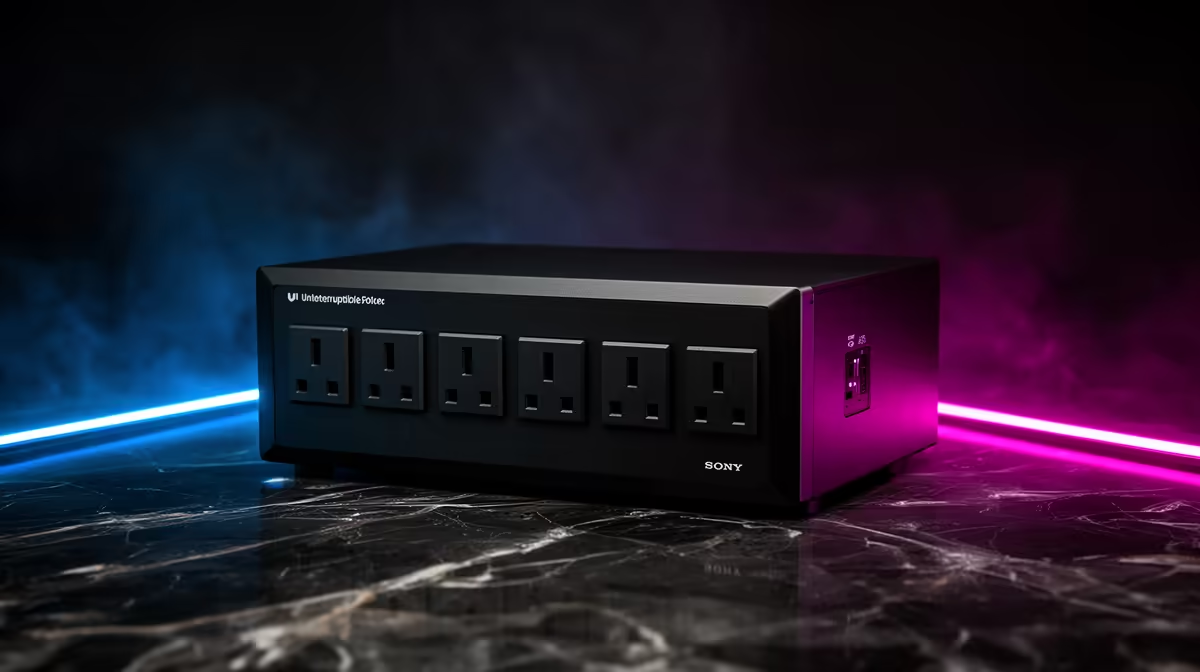
Many UPS units split their outlets into two groups: battery-backed plus surge, and surge-only. For competitive gaming, the devices that keep you in a match, the PC, monitor, router, and modem, must all sit on the battery-backed outlets. A unit with only two battery-backed plugs forces you to choose, and a PC that stays on while the router dies still kicks you offline. Count the battery-backed outlets specifically, not the total.
Four battery-backed outlets is the practical minimum for a competitive setup: PC, monitor, router, modem. Add a fifth if you also run a USB hub or a powered headset stand you cannot lose.
Reading The Outlet Layout Before You Buy
On the spec sheet, look for the split between "battery + surge" and "surge only" outlets. Plan to put networking gear and the PC on the battery side, and low-priority items like a desk lamp or speakers on the surge-only side. A 1,500VA/900W line-interactive unit with several battery-backed outlets handles a 400W to 500W rig plus its network gear comfortably for a few minutes, which is all a competitive round needs.
Don't Let A Powerstrip Undo The UPS
Avoid daisy-chaining a cheap multiplug into one battery outlet to gain plugs; it can overload that outlet and defeats clean monitoring. Buy a UPS with enough battery-backed outlets up front so every match-critical device gets proper protection.
FAQ
How many UPS outlets does a competitive gamer need?
At least four battery-backed outlets for the PC, monitor, router, and modem. All of these must stay powered to keep you in a match during an outage.
Why does the router need a battery-backed outlet?
Because if the PC stays on but the router loses power, you still drop from the match. Networking gear must sit on the battery side, not surge-only outlets.
Are all UPS outlets battery-backed?
No. Many units split outlets into battery-backed and surge-only groups. Count the battery-backed ones specifically and reserve them for match-critical devices.
-backed outlets, not total plugs: put the PC, monitor, router, and modem on the battery side so a single outage never knocks you offline.










