


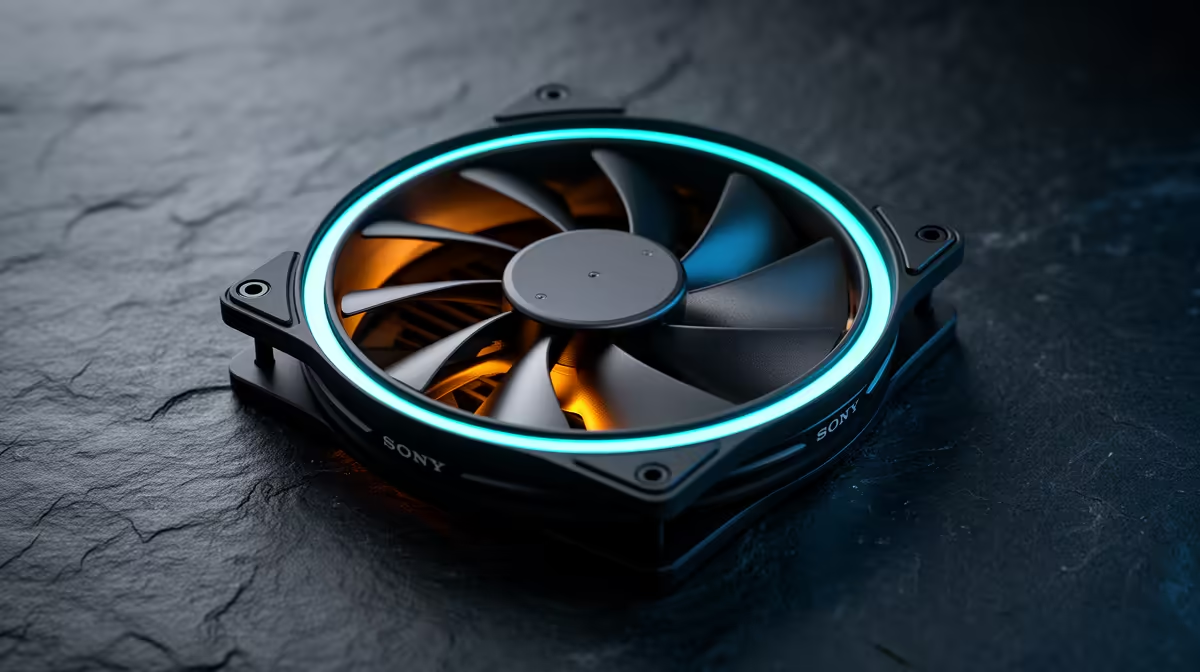
Quick Answer
RGB control matters for quiet-build buyers only if you want lighting; it does not affect cooling or noise. If you do, buy fans with a single addressable standard so one controller or motherboard header runs them all. Plain quiet fans from around R200 cool just as well.
RGB And The Quiet Build
A quiet build is about noise, and RGB has nothing to do with how loud a fan is; that comes from the bearing, blade design, and fan curve. So if silence is your goal, you can ignore RGB entirely and choose the quietest fans on a gentle PWM curve. RGB is purely cosmetic and adds cost and cabling.
If you do want lighting in a quiet build, the thing that matters is control: pick addressable RGB fans that all use the same standard so a single controller or motherboard header drives them. Mismatched RGB ecosystems mean extra hubs, more cables, and clashing software, which clutters an otherwise clean, quiet build.
Keeping It Clean And Quiet
For a quiet, tidy build, prioritise PWM fans with fluid or rifle bearings, then decide on RGB separately. If you add lighting, daisy-chainable addressable fans reduce cable mess. Remember that more fans, RGB or not, can mean more potential noise sources, so run them on a slow curve and only add as many as airflow actually needs.
FAQ
Does RGB make case fans louder?
No. RGB lighting does not affect fan noise at all. Loudness comes from the bearing, blade design, and how fast the fan spins under your fan curve.
Why does RGB control matter?
Using one addressable standard lets a single controller or header run all your fans, avoiding extra hubs, clashing software, and cable clutter in a clean build.
Can I have a quiet build without RGB?
Absolutely. Plain PWM fans with good bearings cool just as well and run silently on a gentle curve. RGB is purely a visual choice.
Decide on noise targets first with quiet PWM fans, then if you want lighting, choose one addressable RGB standard to keep cabling clean.










