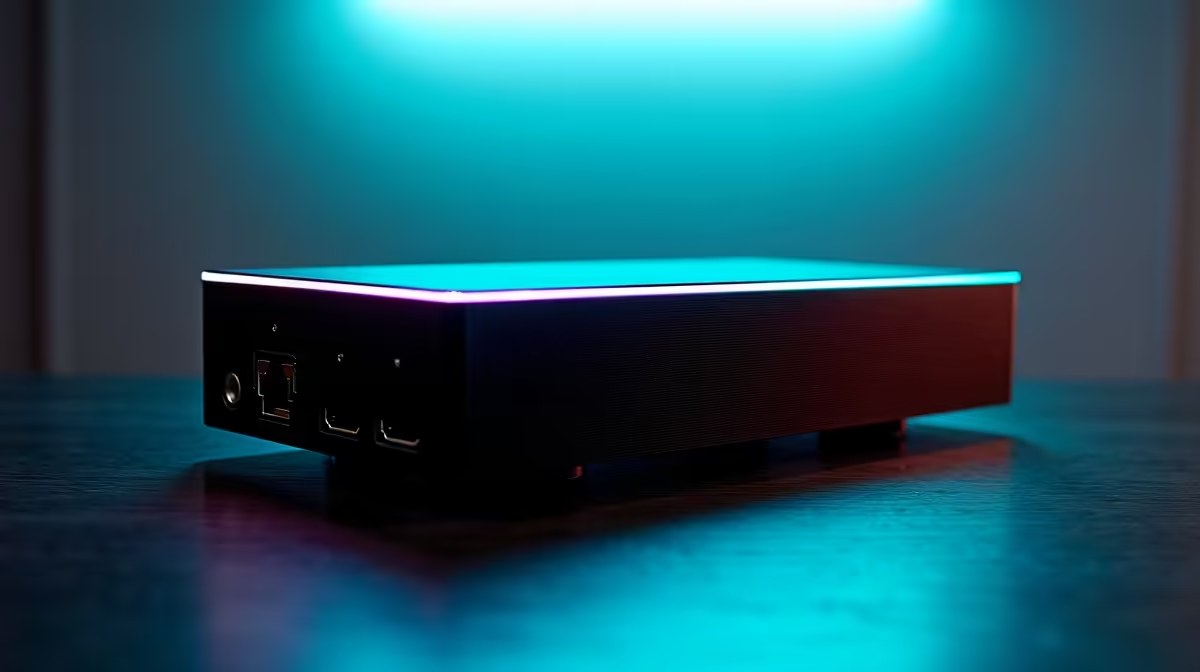
An external graphics card lives or dies by one detail most buyers overlook: eGPU host compatibility depends entirely on the port your device offers. An external GPU needs a port that carries PCIe lanes to the graphics card. A plain USB-C or DisplayPort connector does not carry PCIe, so no enclosure, however good, can make an external GPU work through it.
Quick Answer
eGPU host compatibility comes down to the port. You need Thunderbolt 4 or 5, an eGPU-certified USB4 port, or OCuLink. A standard USB-C or DisplayPort connector carries no PCIe and cannot run an external GPU. Check the exact port specification before buying any enclosure.
Why the port, not the enclosure, decides everything
An external GPU talks to your system over PCIe, the same data path a graphics card uses inside a desktop. To reach an external enclosure, those PCIe lanes have to travel through a port that actually carries them. Thunderbolt and OCuLink were built to tunnel PCIe outside the chassis, which is why they work. A generic USB-C port, even one shaped identically, often carries only USB and display data with no PCIe at all.
This is the trap. Two ports can look identical and behave completely differently. The connector shape tells you nothing about whether PCIe is present, so the label and the spec sheet are what matter.
The ports that actually work
There are three connection types that can host an eGPU, each with its own trade-offs.
- Thunderbolt 4 and 5: the most common and reliable route on laptops. Both carry PCIe, with Thunderbolt 5 offering more bandwidth. Look for the Thunderbolt lightning-bolt icon next to the port, not just a USB-C shape.
- eGPU-certified USB4: some USB4 ports support PCIe tunnelling, but not all do. The key word is certified for eGPU use. A USB4 port that does not advertise this may not pass PCIe to the enclosure.
- OCuLink: a more direct PCIe connection found on some handhelds and mini PCs. It bypasses the Thunderbolt overhead and often delivers more bandwidth, at the cost of being less common and less plug-and-play.
If your device has none of these, it cannot host an eGPU, regardless of what enclosure you buy.
How to verify before you spend
Do not trust the connector shape. Check your laptop or handheld's official specifications for the exact port type, and look for the Thunderbolt symbol, a stated USB4 eGPU certification, or an OCuLink port. If the spec sheet only says "USB-C" with no mention of Thunderbolt, USB4 or PCIe, treat that as a no until you can confirm otherwise. A correctly matched port is what keeps an external GPU from becoming an expensive paperweight. Evetech's docking station range covers the enclosures and docks for each connection type, so you can see exactly what the host side needs to support.
Once compatibility is sorted, the graphics card itself is the next decision, and that is where you actually choose the performance you want. Browsing the GPU best sellers shows which cards people are currently pairing with their setups.
Frequently Asked Questions
Can I run an eGPU through a normal USB-C port?
No. A standard USB-C port carries USB and display data but no PCIe, which an external GPU needs. You need Thunderbolt, an eGPU-certified USB4 port, or OCuLink instead.
How do I know if my laptop port supports an eGPU?
Check the official specifications for a Thunderbolt symbol, a stated USB4 eGPU certification, or an OCuLink port. The connector shape alone does not tell you whether PCIe is present.
Is OCuLink better than Thunderbolt for an eGPU?
OCuLink is a more direct PCIe connection and often delivers more bandwidth with less overhead. The trade-off is that it is less common and less plug-and-play than Thunderbolt, which is more widely supported on laptops.
Does every USB4 port work with an eGPU?
No. Only USB4 ports certified for eGPU use reliably tunnel PCIe to the enclosure. A USB4 port without that certification may not pass the PCIe lanes an external GPU requires.
What happens if I buy an eGPU enclosure for the wrong port?
It simply will not work. Without a PCIe-carrying port, the host cannot communicate with the graphics card, so confirming the port type before purchase is essential.
Before you buy an external GPU, confirm your device has the right port. Check the docking station range at Evetech to match your host's Thunderbolt, USB4 or OCuLink connection, then choose a card that fits your setup.