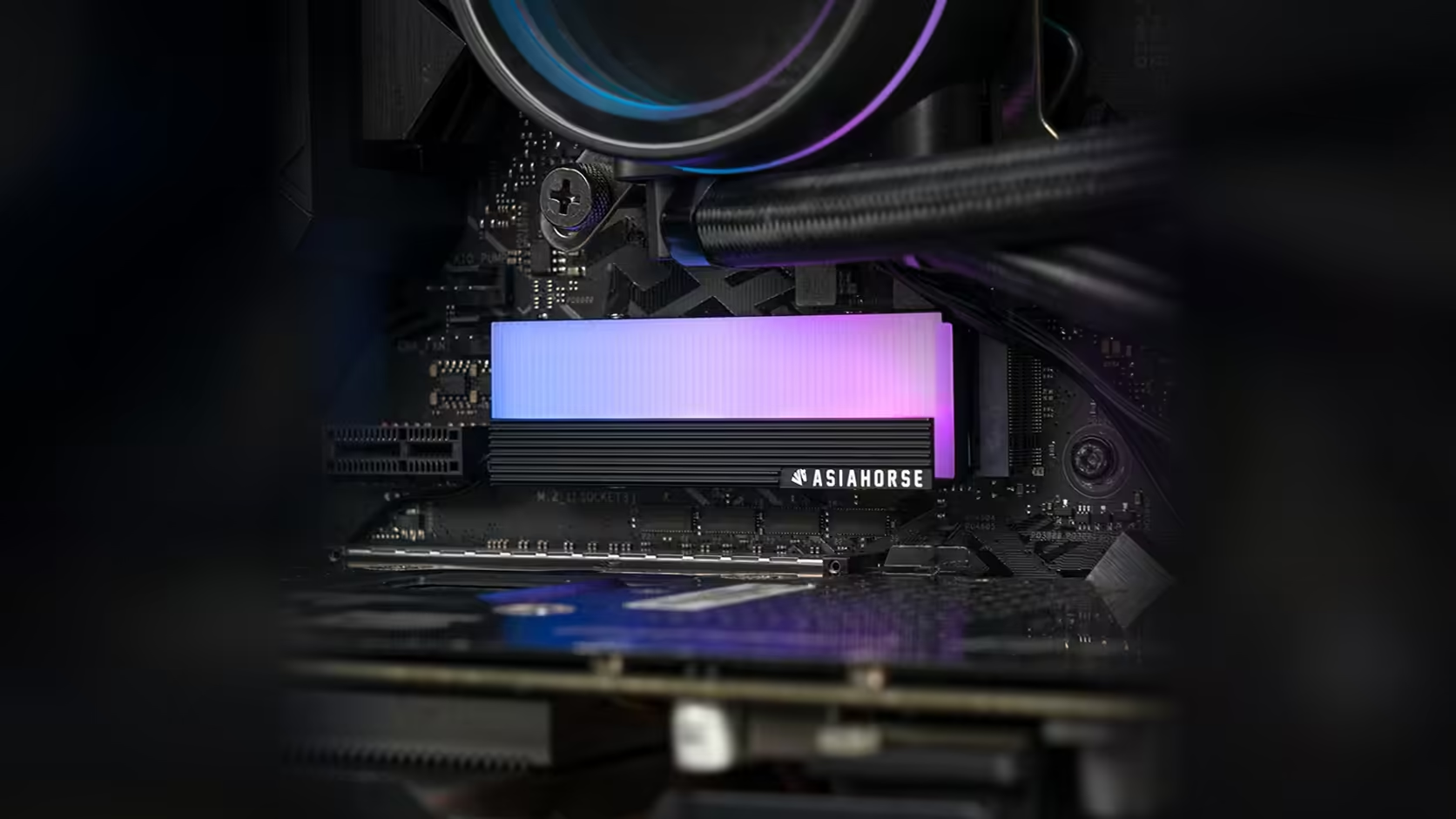
Not every drive cover clips into place, and this one does not pretend to. The AsiaHorse aluminium M.2 heatsink is held down with four screws, a detail stated plainly in the product information rather than hidden in fine print.
Quick Answer
Priced at R199 with VAT already included, and with Evetech's pricing free to change over time, the AsiaHorse M.2 2280 cover uses a four-screw mount rather than a clip system. That means it is not a tool-free part: a screwdriver is required both to fit it and to remove it later, which is worth knowing before you assume it goes on in seconds.
🔩 Why a screw mount over clips
Clip-on covers are quicker to fit and remove, but they generally apply less even pressure across a drive and can loosen over time, particularly in a case that sees regular movement or travel. A screw mount trades that speed for a firmer, more consistent hold, which matters more on a cover with a thermal contact surface than it would on a purely decorative part.
The trade-off in plain terms
You gain a cover that sits securely against the drive every time. You give up the convenience of removing it with your fingers, and every future drive change becomes a job that needs a tool rather than a moment's work.
🧰 What you will need on hand
A small screwdriver matched to the screw head is the minimum requirement. A magnetic tip is worth using given how easily small fasteners disappear around an M.2 slot, particularly on boards where the slot sits close to other components.
🔍 The drive's own fixing is separate
It is worth being clear that the four cover screws are not the same as the fastener holding the drive itself to the board's standoff. That is a distinct screw doing a different job, and mixing the two up during a fit is an easy mistake to make since both are small and easy to lose track of in the moment. A screwdriver set and the drive itself are the only real prerequisites here: the solid state drive range for the latter, with a browse through case accessories before the case gets sealed back up.
Frequently Asked Questions
How many screws hold this cover in place?
Four, as stated in the product description for this exact mounting arrangement.
Is a screw mount actually better than clips?
It holds more firmly and spreads pressure more evenly, at the cost of needing a tool for every fit or removal.
What tool do I need to fit it?
A small screwdriver sized to the screws, ideally magnetic given how easily small fasteners get lost near an M.2 slot.
Does the cover come with its own screws?
The four-screw mount is part of the product's stated mounting method, so the fixings are what secure it to the drive assembly.
Does this affect how easy the drive is to service later?
Yes, in the sense that every future drive swap now includes removing and refitting four screws, which is worth planning for on a build where storage changes often.
Want a firmer, screwed-down finish over clip-on covers?
Have a look through Evetech's solid state drive selection and plan your M.2 fit around a proper tool kit.