Future-proofing is worth paying for when it protects a difficult or disruptive upgrade. A reliable PSU, ventilated case and motherboard with the storage and firmware path you need can serve several hardware changes. Buying far more GPU than today's games require is a weaker bet.
Quick Answer
Spend ahead on fit, power quality and useful connectivity. Buy CPU, GPU and RAM capacity around a measured three-year workload, then keep an upgrade route. Future games and prices cannot be predicted well enough to justify unlimited headroom.
Compare balanced systems in the gaming PC deal selection and among popular PC configurations. Record exact July 2026 prices for the changes you are considering.
Parts Worth Keeping
A case can outlive several platforms when it has standard mounts, clean airflow, useful front ports and enough GPU clearance. A good PSU can do the same when its capacity, protections, connectors and warranty suit the planned hardware.
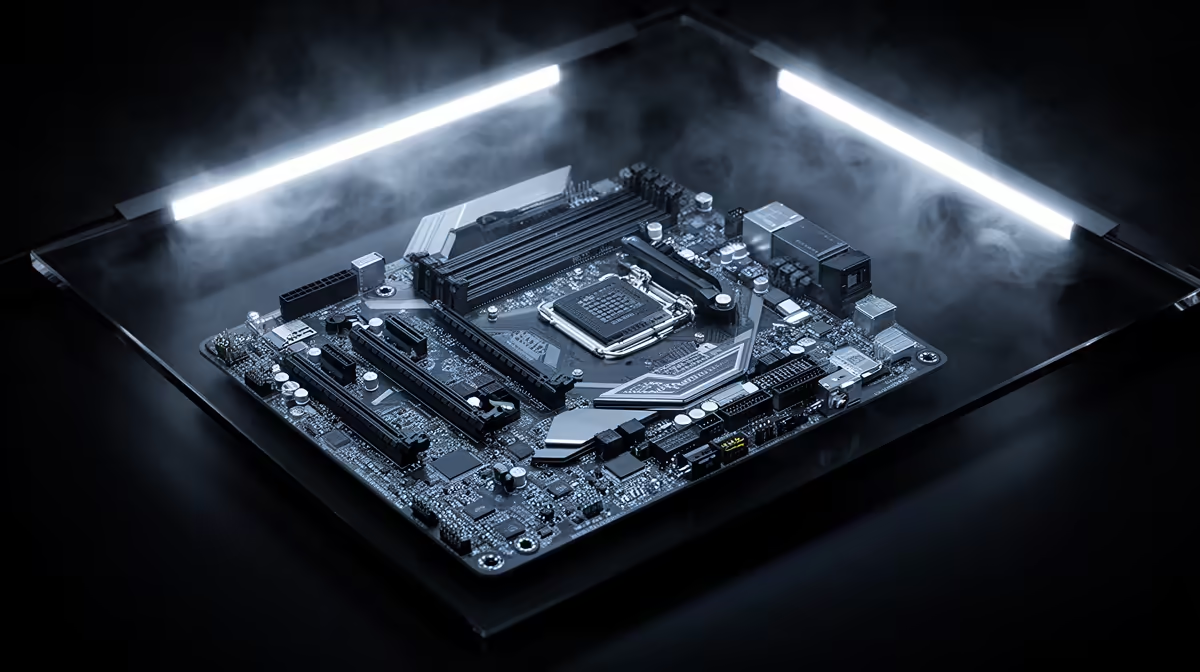
The motherboard is worth sizing for required M.2 slots, networking, USB and a plausible CPU upgrade. Premium features without a named use do not add life.
Buy Performance for Known Work
A GPU is easy to replace and loses value as new generations arrive. Choose one that meets your resolution, settings and frame-rate target with some breathing room. Extra VRAM is useful when your games or creation work can use it; capacity alone does not create speed.
For memory, leave free slots where the platform handles later expansion well, or buy the final matched capacity now. Thirty-two gigabytes is comfortable for many gaming builds, while heavier work should be measured.
Headroom Needs a Name
Choose PSU capacity around a likely GPU class, not an imaginary flagship. Choose case space around the dimensions of cards you could buy. Plan the next CPU from the board's support and power delivery.
Set a review point in two or three years. Upgrade the part that fails a real workload then. Money kept today can buy newer performance later.
Storage and Cooling Need Practical Room
Buy enough M.2 slots for the drives you expect, while avoiding a premium board for interfaces you cannot use. A roomy 1TB or 2TB SSD can reduce immediate shuffling. More drives can be added when capacity becomes a real problem.
Choose a CPU cooler around present heat and noise. Mounting-kit support can let a good air cooler move to a later socket, though this depends on the maker. An expensive liquid cooler is not automatic future-proofing because pumps, sockets and case layouts change.
Keep Compatibility Records
Save the exact PSU, case, motherboard and memory models. Record GPU clearance, cooler height and available connectors. These details make a later upgrade a measured job instead of opening the case and guessing.
Update motherboard firmware while the current CPU is working when a supported future processor requires it. Check support lists at the time, since a shared socket does not promise every combination forever.
FAQ
Which parts are easiest to keep long term?
A standard well-ventilated case and quality correctly sized PSU often survive several core upgrades.
Should I overspend on a GPU for future games?
Buy reasonable headroom for your target, while avoiding a tier you cannot use at your monitor and settings.
Is extra RAM future-proofing?
Only when future workloads are likely to use it. Check upgrade slots and prioritise enough capacity for current work.
Name one likely CPU or GPU upgrade, size the case and PSU for it and keep the rest of the budget focused on performance you can use now.