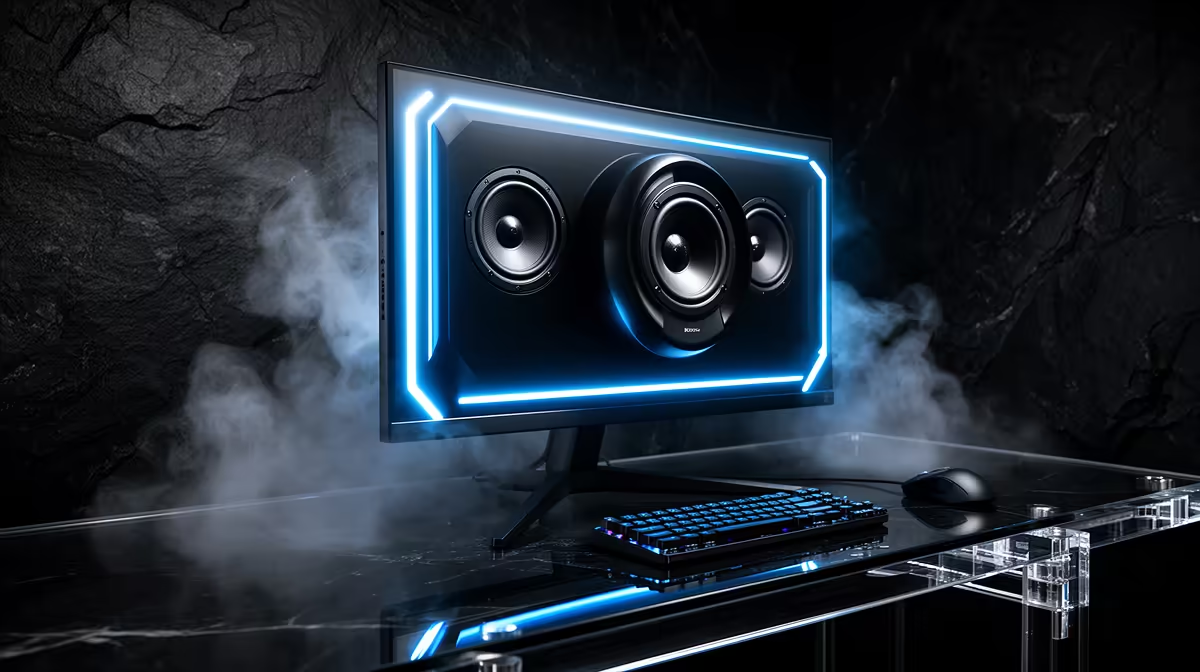
A monitor with built-in audio can save a desk from one more cable, one more plug and one more device. That convenience is real. The mistake is expecting gaming monitor speakers to deliver the bass, separation or positional detail of a proper headset or speaker pair.
Quick Answer
Built-in monitor speakers are worth having for video calls, system sounds, casual videos and backup audio. They are rarely worth choosing over a better panel solely for gaming. Thin monitor cabinets leave little room for large drivers or useful bass. Evetech's July 2026 monitor range had a median price of R4,499, so put the budget into panel quality, refresh rate and connectivity first; treat speakers as a bonus unless your use is deliberately simple.
🔊 What built-in speakers do well
Monitor audio is at its best when intelligibility matters more than impact. Spoken dialogue, meeting audio, tutorial videos and quick game checks do not need deep bass. A shared family desk or small study area can also benefit from audio that is always connected and impossible to misplace.
Consoles make another good case. If a monitor receives audio over HDMI, its speakers can provide an immediate output without a separate sound system. Just confirm the exact model includes speakers; a volume control or headphone socket does not prove that it does.
🎮 Where the compromise becomes obvious
Small rear- or downward-firing drivers struggle to create low frequencies. The screen's position also determines the speaker position, leaving little control over stereo width or ear-level placement.
Competitive games expose the weakness differently. Footstep direction and distance are easier to judge through a decent headset or properly separated desktop speakers. Built-in audio may be audible enough, but "loud enough" is not the same as precise.
Check whether the monitor offers a headphone output, USB audio or HDMI audio passthrough. Those features can simplify a later upgrade. When comparing the full PC monitor range or monitor best-sellers, choose the screen you want to look at for years, then solve audio around it.
Frequently Asked Questions
Are built-in monitor speakers loud enough for gaming?
Often for casual play in a quiet room. Maximum volume and distortion vary by model, so specifications alone do not reveal sound quality.
Do monitor speakers save money over separate speakers?
They can when basic audio is all you need. If you later buy a headset or speakers anyway, the saving was temporary.
Can monitor speakers handle competitive gaming audio cues?
They reproduce the cues, but limited stereo separation and bass detail can make direction and distance harder to judge.
Is it worth paying extra for a monitor with speakers?
Only a small premium, and only if you will use them. Do not accept a worse panel, slower refresh or weaker port selection for built-in audio.
Do all gaming monitors include built-in speakers?
No. Many omit them. Confirm "built-in speakers" on the exact product specification rather than assuming HDMI audio support means speakers are fitted.
Which use case suits monitor speakers best?
Calls, study videos, background media, console setup and emergency audio suit them best. Immersive or competitive gaming benefits from a separate solution.
Choosing a gaming monitor?
Compare Evetech monitors by panel, refresh rate and ports first. Built-in speakers are useful when they fit the room, not a substitute for the right screen.