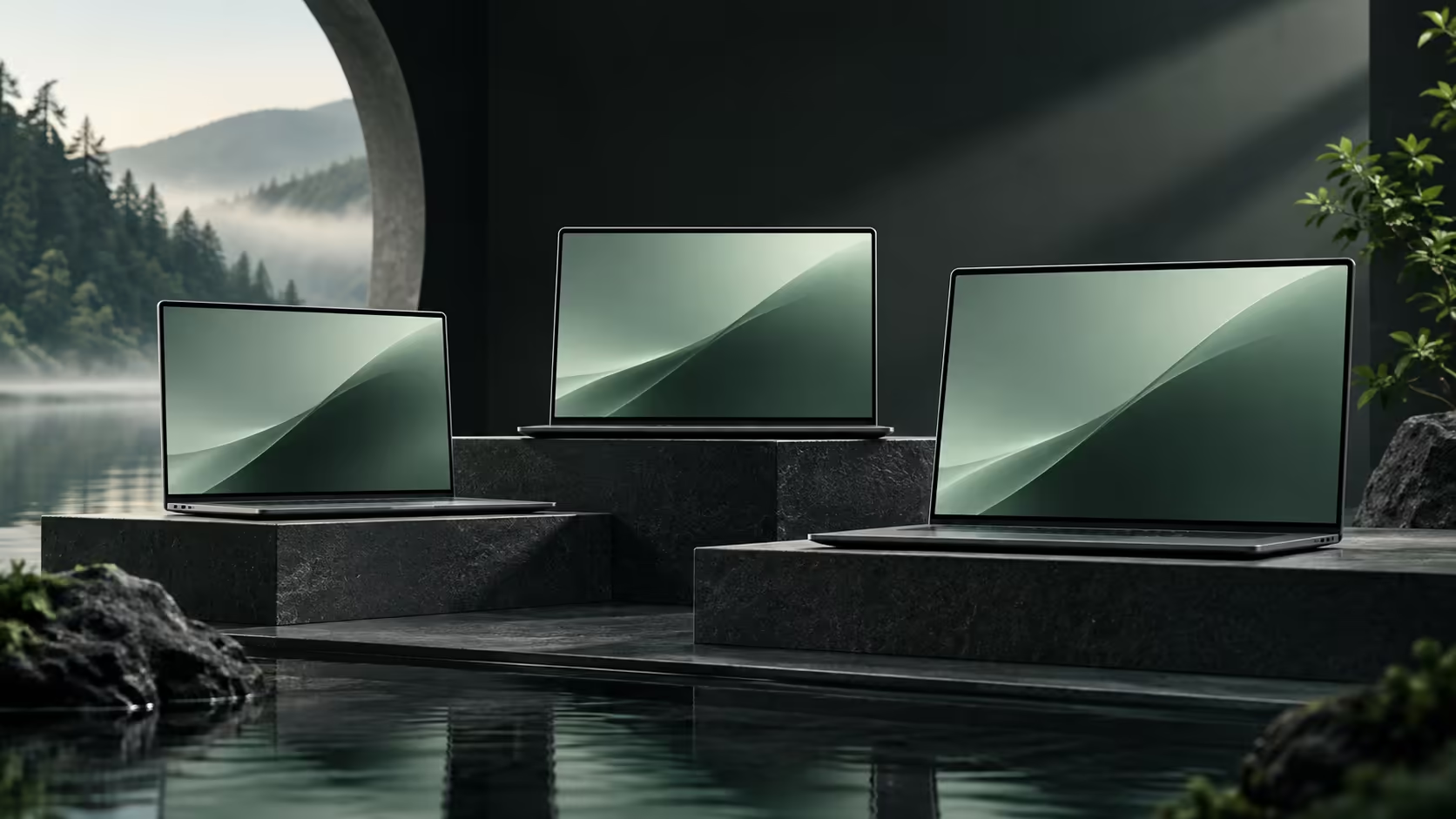
Choosing Googlebook screen sizes is partly a geometry decision and partly a comfort decision. The smallest launch screen measures 13.4 inches, three models use fourteen inches and the largest reaches 15.3 inches. None of those numbers says how small the text must become before your usual two windows fit beside each other.
Quick Answer
Choose 13.4 inches for a compact built-in screen, fourteen inches for a middle size, and 15.3 inches when more physical viewing room is useful. Compare all of them at a comfortable scaling level. Resolution controls pixel count, while panel size, viewing distance and interface scaling determine whether the workspace feels usable.
📏 Understand what the diagonal measures
The quoted screen size runs from one corner of the active display to the opposite corner. It is not the width of the laptop and does not include the bezel. Two computers with the same diagonal can therefore fit differently into a bag.
Area grows faster than the diagonal. With equal aspect ratios, a 15.3-inch screen has roughly thirty percent more area than a 13.4-inch screen, calculated by squaring their size ratio. That is an illustrative geometry comparison, not a measurement of the actual chassis dimensions.
The extra area can make the same content physically larger. It does not automatically create more logical workspace if the operating system uses a different scaling level. Keep the physical and software parts of the comparison separate.
🔎 Compare at readable settings
Start with the text size you can read comfortably for an hour. Then place the two applications you commonly use together. A screen that only looks spacious with tiny controls may not be the right working choice.
Resolution labels can distract from this exercise. A dense panel may render fine detail attractively, but higher pixel density does not require using every pixel as a separate interface unit. Scaling exists so that high-resolution screens can retain readable controls.
When browsing laptop options, record screen size and resolution in separate columns. Add a note about the intended window layout. This turns a specification list into a practical comparison between reading, editing and travel needs.
🎒 Let the working location decide the compromise
A smaller machine can suit narrow tables and frequent movement. A larger built-in screen can be more useful when it is the only display available for long sessions. The important question is how often each situation occurs in your week.
If most detailed work happens at a desk, a supported external display arrangement can reduce the need for a large laptop panel. A portable monitor is another category to consider for occasional extra room, but confirm the exact connection and power requirements before assuming compatibility with a particular Googlebook.
Check the complete bag load too. A larger laptop with no extra screen may be simpler than a smaller machine carried with a display and cables. Conversely, the compact choice can be attractive when external equipment stays at the desk. Choose the arrangement that requires fewer compromises in the places you actually work.
Frequently Asked Questions
Which Googlebook has the smallest listed screen?
XPS Googlebook has a 13.4-inch panel in the published launch group.
Which launch models use a 14-inch display?
Acer, ASUS and HP are the three 14-inch entries in the initial lineup.
How much larger is 15.3 inches than 13.4 inches?
At equal aspect ratio, screen area is about 30% greater; this is geometric comparison, not a chassis measurement.
Does resolution equal physical screen size?
No. Resolution counts pixels, while the diagonal measures the physical panel.
Why does scaling change available workspace?
Larger interface scaling makes controls easier to read while fitting fewer items across the screen.
Choose a screen around your real workspace
Compare laptop and display categories at Evetech after deciding the text size, window layout and travel load that suit you.