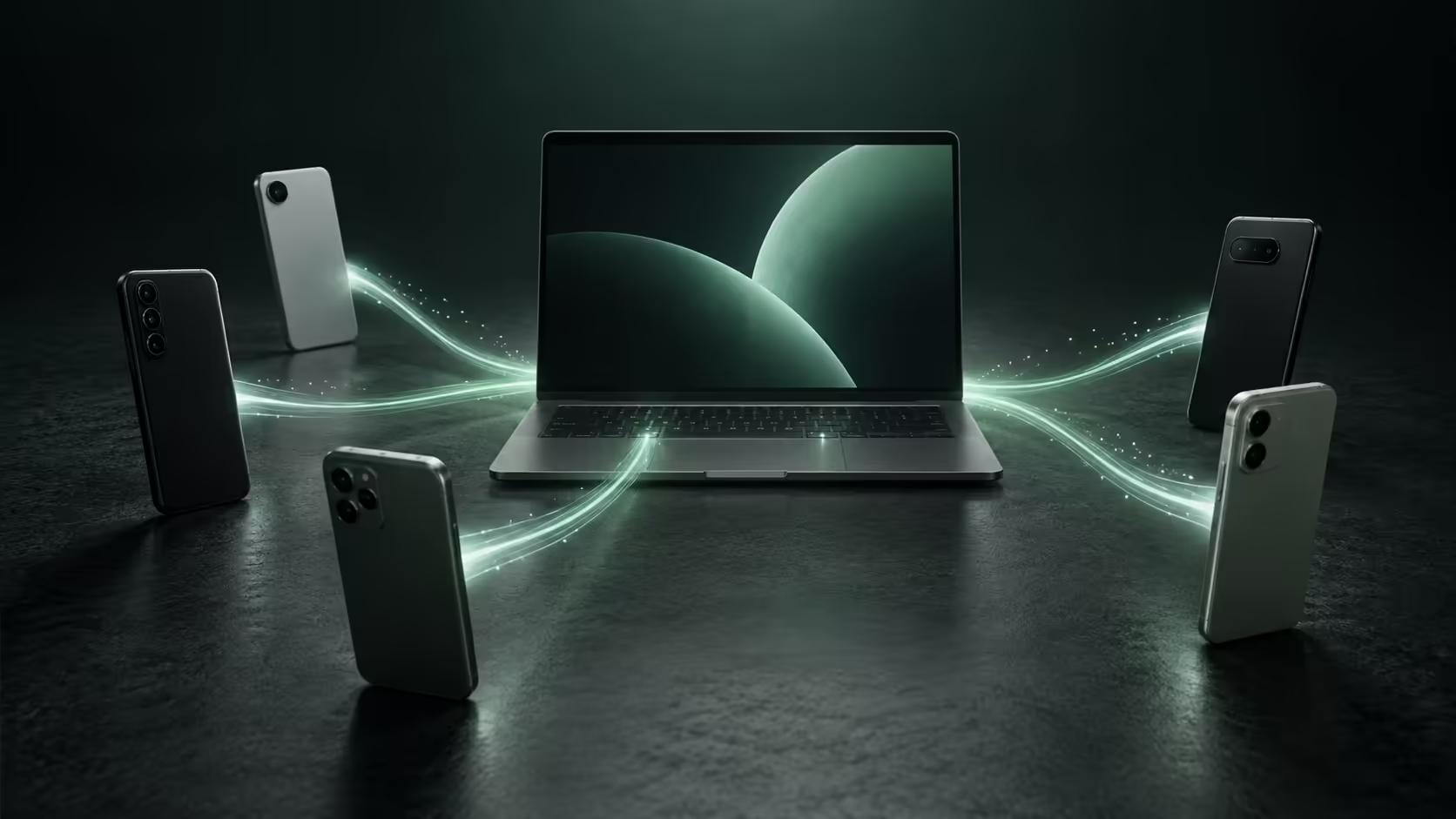
A Google laptop announcement can make a matching phone seem compulsory. The published Googlebook and Pixel relationship is more specific than that assumption. Google describes its highlighted phone integration around an Android version requirement, rather than a general rule that every owner must carry a Pixel. The distinction can prevent an unnecessary handset purchase.
Quick Answer
The published Googlebook platform page does not establish a blanket Pixel-only requirement. It specifies Android 17 or later and setup for the advertised phone features. That wording also does not certify every Android model, so confirm the particular handset and task instead of using either brand loyalty or a broad Android label as proof.
📱 Read the requirement that is actually stated
A brand and an operating-system version are different facts. A Pixel running an older version does not automatically satisfy a newer software requirement merely because Google makes it. A non-Pixel handset should be assessed against the published conditions rather than excluded by assumption.
The laptop brand does not need to be treated as a matching-phone instruction either. Googlebook models come from several manufacturers. The published integration wording centres on Android software and setup, not a rule that both devices must share a badge.
This is a useful way to evaluate technology ecosystems generally: identify the documented condition before buying another device to satisfy an imagined one. A clear prerequisite can be tested; a vague sense that everything should match cannot.
🔍 Avoid turning broad support into universal support
The absence of a Pixel-only rule is not the same as a complete compatibility list. Individual features may depend on device capabilities, accounts or applications. The launch description does not establish that every third-party app can move every task between every Android phone and laptop.
Choose the action first. If you mainly need a screenshot from the phone, investigate the file-access route. If an unfinished task needs to continue, assess Continue On. If a phone app itself must appear on the laptop, casting is the relevant feature. Naming the action prevents one successful connection from being mistaken for proof of all integration.
For general computing needs, current laptop listings can be compared independently of handset brand. Screen comfort, supported applications and local storage still matter even when a cross-device feature is appealing.
🧮 Keep the phone budget separate from the laptop choice
A working phone may already meet the requirement or have a supported update route. Establish that before adding a replacement handset to the budget. The expected benefit should justify the added expense and setup effort if a phone change is being considered.
Independent laptop tasks also remain part of the decision. Someone using a browser-based workflow may value Googlebook for reasons unrelated to phone continuity. Conversely, a purchase motivated almost entirely by a specific phone feature deserves a stronger compatibility check before commitment.
A practical compatibility demonstration should name the handset, installed software and the action completed. A general statement that two devices connect is less useful than confirming the particular job you need. Use the AI laptop finder to identify the hardware that serves the main workload, then verify the existing handset against the desired integration. A Pixel may be a suitable phone, but its name alone neither creates nor replaces the compatibility facts that matter.
Frequently Asked Questions
Does Google state that every phone feature is Pixel-only?
No. The published platform page states an Android 17-or-later requirement rather than a general Pixel-only condition.
Does that prove every Android brand is fully supported?
No. Broad Android wording does not supply a tested model list for each feature.
Can an older Pixel bypass the Android requirement?
A brand badge does not replace the stated operating-system version requirement.
Should the phone and laptop brands match?
No matching-brand requirement is established by the published Googlebook integration description.
What should a non-Pixel owner establish first?
Confirm Android 17 availability for the exact handset, then check the intended integration feature.
Choose the laptop before assuming you need a new phone
Explore Evetech laptop options around your main workload and assess handset compatibility as a separate, specific requirement.