A PDF can be a searchable document, a scanned picture or an interactive form. Googlebook PDF work becomes much easier when the task is identified before an app is chosen: reading a page and changing its original contents are not the same operation.
Quick Answer
Use a supported viewer for reading, an annotation tool for notes and a form-capable editor for fields or signatures. Adobe documents mobile form filling and signing, but those features do not establish every desktop Acrobat function on Googlebook. Preserve an untouched original and reopen the exported result before sharing it.
📖 Decide whether the page contains text or a picture
A scanned handout often looks like ordinary text while containing only an image. If selecting a sentence does nothing, the document may lack a searchable text layer. Enlarging the page helps reading, but it does not create selectable words or searchable headings.
Recognition tools can add text, although accuracy needs review on names, numbers and poor scans. For study notes, marking the visible page may be sufficient. For copying a reference or searching a long report, a reliable text layer is far more useful.
Compare Evetech laptop displays and options around the way you read. A comfortable screen and sensible scaling reduce the need to zoom constantly, but neither changes the structure of the PDF itself.
✍️ Keep comments, forms and signatures distinct
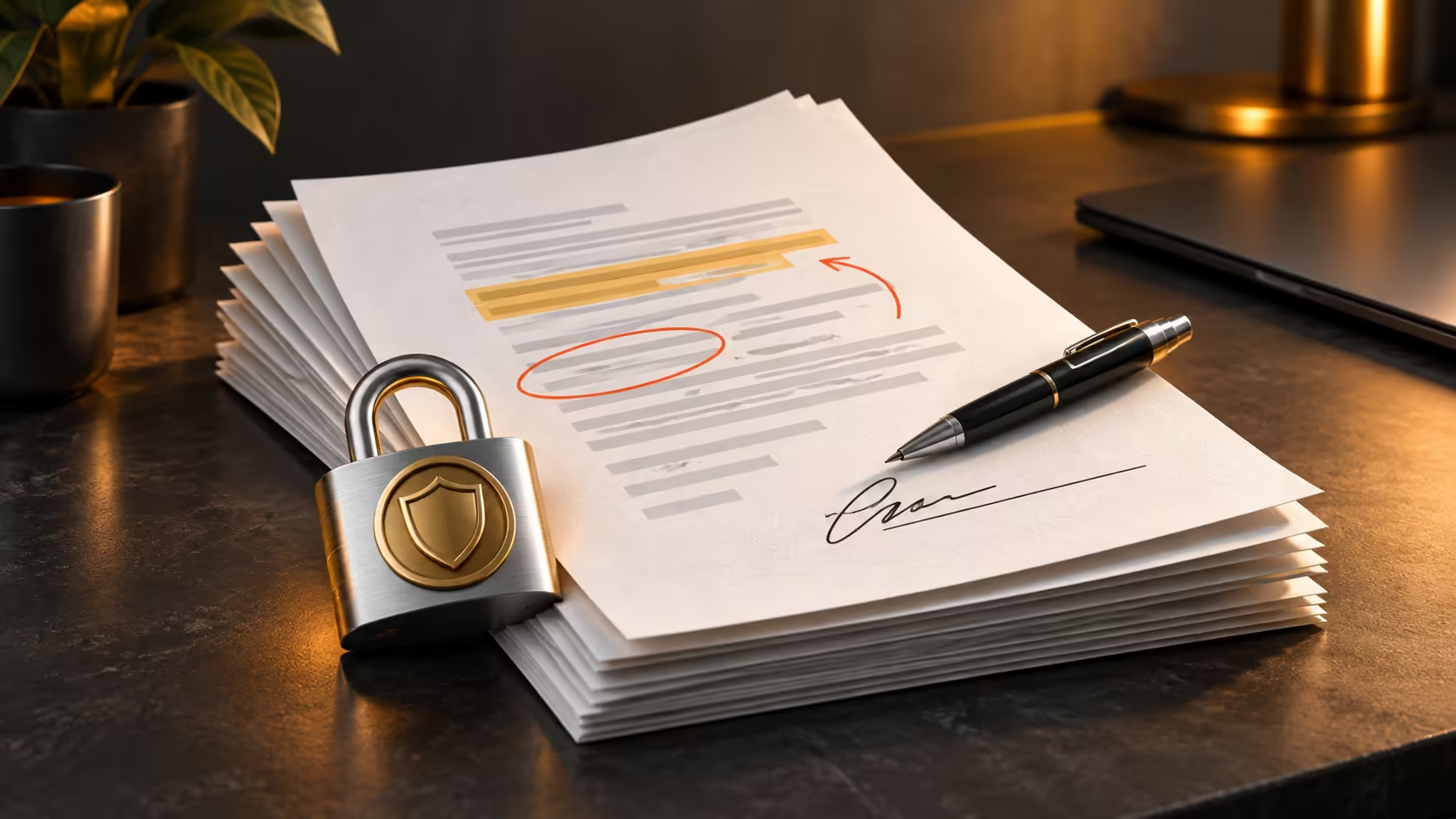
A highlight is an annotation placed over content. A form field stores an answer in a prepared part of the document. A drawn signature is a visible mark. These can require different tools and can behave differently after export.
Adobe's mobile guidance explains adding text, checkmarks, initials and signatures, including forms completed without an active connection. It also warns that saving can flatten signatures. Work on a copy so an incorrectly placed mark does not destroy the only clean form.
A visible signature should not be described as a certificate-backed signature merely because it was added on a computer. Where a recipient specifies a particular signing process, use that process. This is a workflow distinction, not an assumption about legal acceptance.
🗂️ Make the delivered copy easy to identify
Use filenames that distinguish source, working and submitted versions. For example, a date and a clear 'completed' suffix are more helpful than a chain of 'final-final' files. Store the clean original in a separate folder so the next edit begins from the right document.
Reopen the exported PDF outside the active editing session. Confirm that every page appears, required fields are filled and annotations remain visible. If a recipient needs comments to remain editable, avoid flattening them simply because a print-style export seems convenient.
For a large reading archive, external SSD storage can provide space for organised copies when the drive is supported by the device. Keep sensitive forms in an appropriate private location rather than a broadly shared folder. An app's convenient sharing button should not decide who can access the document.
Frequently Asked Questions
Is highlighting the same as editing PDF text?
No. An annotation adds a mark or comment; changing the original page text is a different capability and may require another tool or plan.
Can Acrobat mobile fill and sign forms?
Adobe documents text entry, checkmarks and signature placement in its mobile app. Confirm the supported app route on the intended device.
Why save a separate unsigned copy?
A signed or flattened file may not remain reversible. Keeping the original preserves a clean version for corrections or another recipient.
Does drawing a signature create a certificate signature?
No. A visible signature mark and a certificate-backed digital signature are different mechanisms; use the process the recipient requires.
Why is text in a scanned PDF sometimes unselectable?
The page may be a picture of text. Searchable text requires recognition or an existing text layer, not merely a PDF filename.
Keep document originals while marking up copies?
Browse Evetech laptop and storage choices for a document workflow that keeps readable pages, clean originals and finished copies organised.