


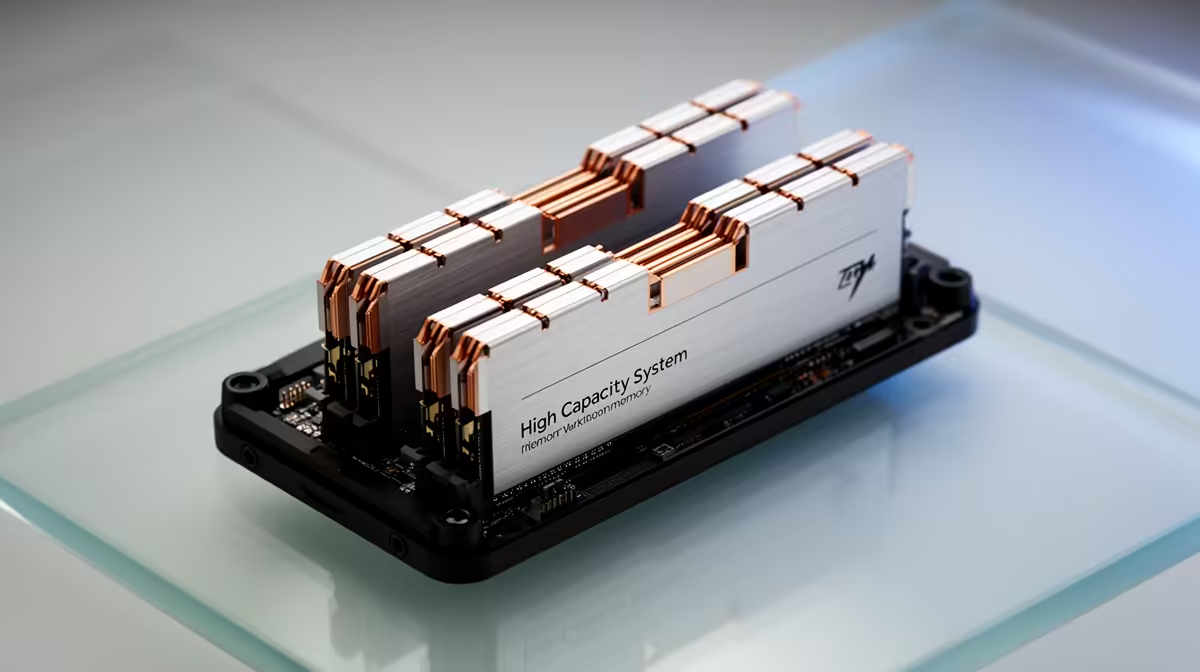
Most people building a rig for AI image generation pour the budget into the GPU and treat system memory as an afterthought. That is exactly where workflows stall. System RAM is what holds your models on their way to the graphics card and what catches the overflow when VRAM fills, so an undersized stick quietly throttles an otherwise capable build.
Quick Answer
An AI art rig needs at least 32GB of system RAM to enable CPU offload and keep multi-model workflows smooth, because VRAM fills fast when you switch between checkpoints. Step up to 64GB and you can keep multiple full Flux or video models resident at once, so the machine stops reloading them from disk every time you switch.
Why VRAM Alone Is Not Enough
The graphics card's VRAM does the heavy lifting during generation, but it is not where models live before and between jobs. Every checkpoint, LoRA, and upscaler loads from storage into system RAM first, then transfers across to the GPU. If system RAM is tight, the operating system starts paging to disk and the whole pipeline crawls, even with a strong card fitted.
This is also what makes offloading possible. When a model is too large for the available VRAM, techniques like CPU offload park parts of it in system RAM so generation still runs. That only works if there is enough RAM to hold the overflow, which is why memory capacity sets the real ceiling on what your rig can attempt. Builds tuned for exactly this kind of work are grouped in the AI PC range at Evetech.
What 32GB Versus 64GB Buys You
At 32GB you can run a single image-generation interface comfortably, load one checkpoint, and use offloading to stretch a model past your VRAM. It is the sensible minimum for getting started without constant slowdowns.
At 64GB the experience changes. Flux is a heavy model, with the full FP16 checkpoint alone around 24GB and its text encoders adding several gigabytes more. With 64GB you can keep multiple large models resident, run more than one interface at the same time, and layer on extras like ControlNet, inpainting, and higher resolutions without RAM becoming the bottleneck. If your workflow involves frequent model switching or video models, 64GB is the comfortable target. A capable graphics card pulled from the GPU best sellers only delivers its full benefit when the system around it has enough memory to feed it.
Frequently Asked Questions
Is 16GB of RAM enough for AI art?
It is below the practical minimum. You can technically run a small model, but model switching and offloading will constantly hit disk, making the experience slow and frustrating. 32GB is the floor for a usable AI art rig today.
Does more system RAM make images generate faster?
Not directly during the generation step, which runs on the GPU. More RAM speeds up loading, model switching, and offloading, and it prevents the disk paging that drags the whole workflow down. The effect on overall throughput is real, just indirect.
Why does Flux need so much memory?
Flux is one of the largest open text-to-image models, with the FP16 checkpoint around 24GB plus several gigabytes of text encoders. Loading and switching between Flux variants benefits from 64GB so the models stay in RAM rather than reloading from storage each time.
Do I need fast RAM or just a lot of it?
Capacity matters far more than speed here. Having enough RAM to hold your models and offloaded layers prevents disk paging, which is the real performance killer. Once you have the capacity, modest gains from faster memory are a minor consideration.
Building or upgrading a rig for AI image work? Make sure the memory matches the ambition. Browse the AI PC range at Evetech and pair a strong card with the RAM it actually needs to run flat out.










