


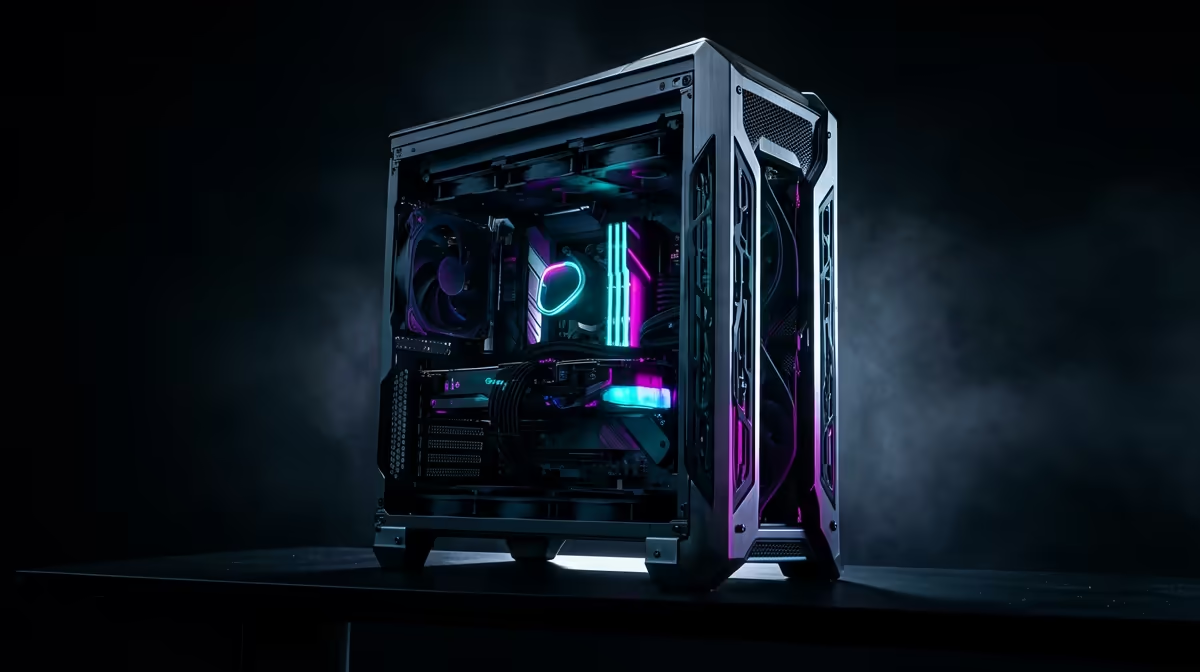
Quick Answer
For a R60,000 SA upgrade budget, spend first on the part limiting your target resolution: usually GPU, then CPU/platform, then SSD, RAM, cooling, and power. A practical split is R28,000-R45,000 GPU, R10,000-R18,000 platform, R4,000-R7,000 memory and SSD, and the rest for cooling, case, and power. Upgrade in stages only if the current PSU, case airflow, and motherboard can support the new part.
Prove The Bottleneck
If GPU usage is pinned while FPS is low, upgrade the graphics card. If GPU usage is low and frame pacing is uneven, check CPU, memory, and background tasks. For gaming, a RTX 4070 Super, RTX 5080, or similar high-refresh class card is the useful anchor when stock and pricing make sense.
Stage The Spend
Year one should fix the biggest performance limit. Year two can refresh CPU, board, or RAM. Year three can add storage, quieter cooling, or a better monitor. This keeps a R60,000 plan from becoming one expensive part with weak support hardware.
SA Cart Check
Before spending, record the current CPU, GPU, motherboard, RAM, PSU model, case clearance, monitor resolution, and storage health. A R60,000 upgrade should remove the biggest measured limit first, then leave enough for the support parts that keep it stable. Warranty, connectors, airflow, and BIOS support matter as much as the headline FPS jump.
FAQ
GPU or CPU first?
GPU first if resolution and graphics settings are the limit. CPU first if frame pacing is poor while the GPU is not fully used.
How much for the PSU?
Leave R1,200-R3,500 depending on GPU class and connector needs. Do not let the graphics card consume the safety budget.
Is staging better?
Yes when the current PC still works. Staging lets you test each upgrade and avoid replacing parts that were not the problem.










