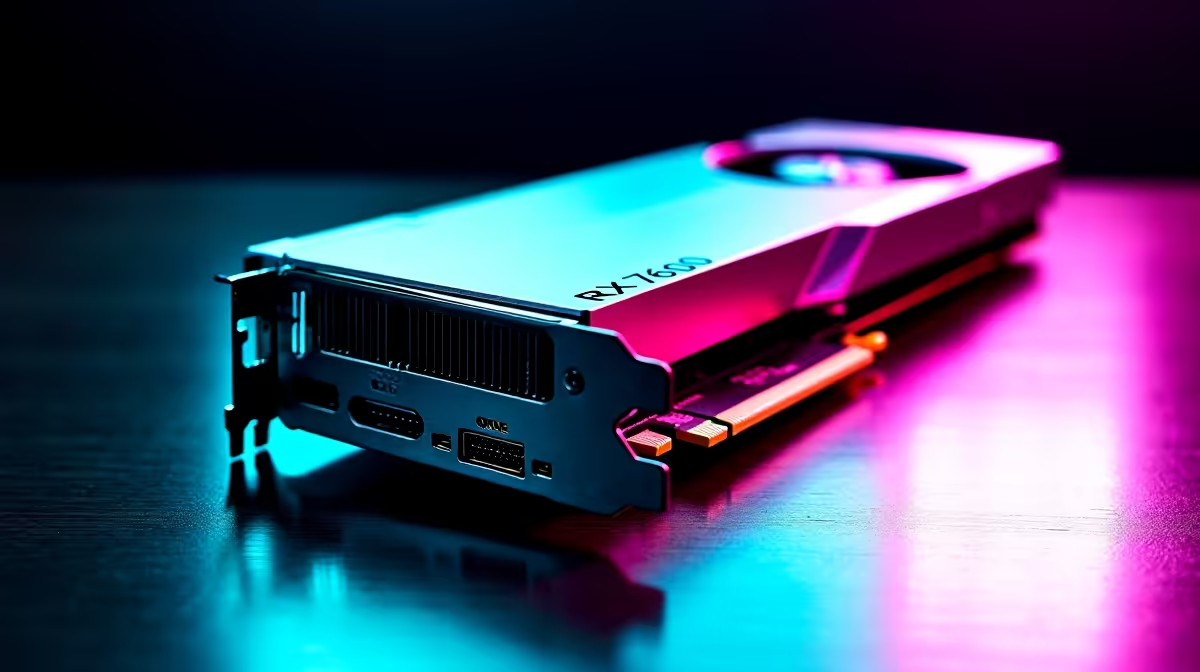
Upgrading your rig should never feel like a stressful gamble. With the rising cost of living in South Africa, finding the sweet spot for 1080p gaming is vital. The AMD Radeon RX 7600 delivers incredible value for your ZAR. But before you buy, you need to know how to check if your PC can handle RX 7600. Let us walk you through the essential hardware checks. 🚀
Power Supply Requirements for the RX 7600
The RX 7600 is surprisingly power-efficient. It draws around 165W of power under heavy gaming loads. However, AMD officially recommends a minimum 550W power supply for system stability. Open your chassis and check your current PSU label.
If you are running an older 400W generic unit, it will likely struggle during power spikes. You also need to verify that your power supply has a standard 8-pin PCIe power connector. If your current unit lacks this cable... it might be time to browse our component specials for a reliable 80-Plus certified upgrade.
Motherboard and PCIe Slot Compatibility 🔧
Next up is your motherboard connection. The RX 7600 utilises a PCIe 4.0 x8 interface. Do not panic if your motherboard only supports PCIe 3.0. The graphics card is fully backwards compatible. It will work perfectly fine in an older PCIe 3.0 slot.
You might lose a tiny fraction of performance in memory-heavy titles... but it is barely noticeable in daily gaming. Just ensure you have a full-sized PCIe x16 slot available on your board. If your current setup is a decade old, it might be easier to explore pre-built PC deals rather than forcing new tech into an obsolete system.
Measuring Your PC Case Clearance
Modern graphics cards can be incredibly bulky. Thankfully, the RX 7600 is relatively compact compared to flagship models. Most dual-fan versions measure between 200mm and 240mm in length.
Grab a tape measure and check the physical clearance inside your chassis. Measure from the back expansion slots to your front intake fans. You also need to ensure your case has decent airflow to keep the card cool. If you are crammed for space, you might want to upgrade your graphics card to a specifically designed low-profile or mini-ITX variant.
Bottleneck Pro Tip ⚡
Pair your RX 7600 with at least a Ryzen 5 5600 or Intel Core i5-12400. Pairing a modern GPU with a severely outdated CPU will bottleneck your system and throttle your frame rates.
When to Consider a Complete System Overhaul
Sometimes, upgrading a single component reveals other weak links in your build. If your CPU, RAM, and motherboard all need replacing to prevent bottlenecks, starting fresh is often the cheaper route.
You can easily browse the best gaming PC deals to find a perfectly balanced system that is ready for modern titles right out of the box. Alternatively, if you need portability to survive South African load shedding schedules, modern notebooks for sale offer desktop-class gaming performance with built-in battery backups.
Understanding exactly how to check if your PC can handle RX 7600 saves you time, money, and frustration. Check your power, measure your space, and get ready to enjoy high-fidelity 1080p gaming. ✨