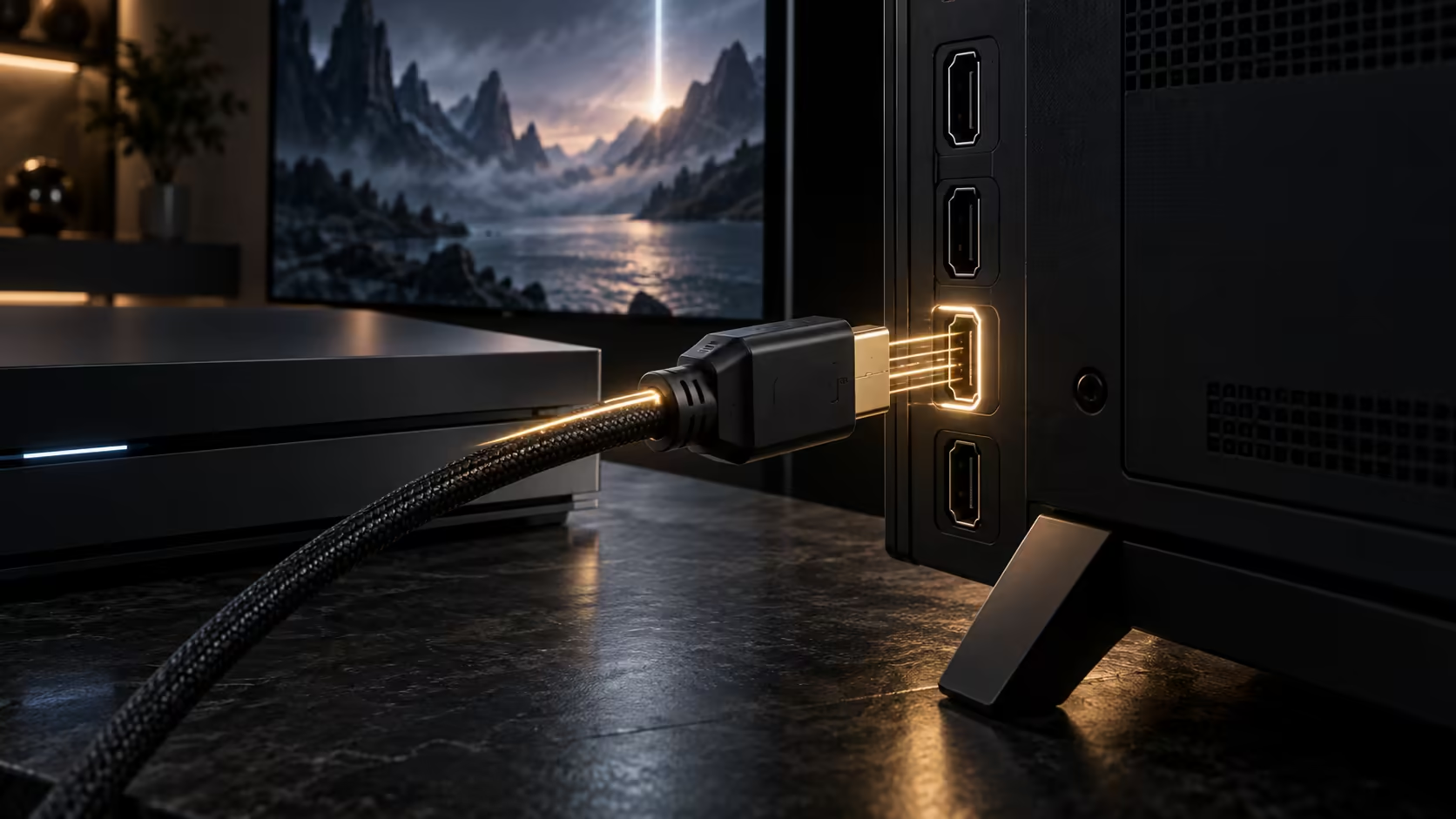
Two menus and one specification line settle this, and the whole check takes about a minute. Getting 4K at 120Hz running is never one switch. The console has to be told to output it, the television has to be told to accept it on that exact input, and the lead between them has to carry the bandwidth. Check them in that order and you will know which of the three is holding you back.
Quick Answer
Open the console video output screen and look for 120Hz listed as supported. Then open the picture menu for the HDMI input you are actually plugged into and switch on its high bandwidth mode, which most sets leave off. The panel has to accept 120Hz at 3840x2160, not only at 1080p. A 1.8m Anker lead rated for the full 48Gbps costs R299 and takes the cable out of the argument.
🎮 Start at the console, because it reports what it can see
A console negotiates with the screen on every handshake and then tells you the result, which makes it the cheapest place to start.
On a PlayStation 5, open Settings, then Screen and Video, then Video Output. The list shows 4K and 120Hz with a tick or a cross beside each one. On an Xbox Series X or S, open Settings, General, TV and display options, then 4K TV details. That screen reports what the television has declared it supports, input by input.
If 120Hz reads as unsupported there, nothing in a game menu will fix it. The console is reporting what the panel told it during the handshake, so the fault is upstream.
📺 The television input is where most setups fail
This is the step people skip. On a large number of sets, the high bandwidth mode is switched off from the factory and has to be enabled separately for each HDMI socket. It hides under a name that does not mention bandwidth at all: Enhanced Format, HDMI UHD Colour, Input Signal Plus, or simply Enhanced.
Turn it on for the socket the console is in, not for all of them at once, then pull the lead out and push it back in so the handshake runs again.
Check which socket you used, too. Plenty of mid-range panels sold here carry full bandwidth on only some of their HDMI inputs, and the manual or the moulded label beside the socket names which. In a typical lounge with a decoder, a console and a PC sharing one screen, the console often ends up in whichever port was free rather than the one that can do the job.
🔌 Rule the lead out last, not first
Cables are blamed first and are the cause least often, but a lead that cannot carry 48Gbps fails in a way that looks like a settings problem: sparkles, a black screen every few seconds, or a silent drop back to 60Hz.
The Anker 1.8m lead is HDMI 2.1 rated for 48Gbps, which covers 8K at 60Hz and 4K at 120Hz, and it falls back cleanly to HDMI 2.0b, 2.0 and 1.4 gear. At R299 it costs less than an evening of swapping drawer cables to find the bad one. Browse the cable range if you are replacing more than one.
Length matters more than brand. At 1.8m almost any properly rated lead behaves. Past about 5m an uncertified run is where 120Hz quietly stops working, which is worth knowing before you fish a cable through a wall to a mounted panel.
🧾 It still says 60Hz. Now what?
Two things drop the rate after everything else is right.
Colour depth is the usual one. At 4K120 with full 4:4:4 chroma and 10-bit HDR you sit close to the ceiling of the link, and a set steps down rather than show nothing. Turning HDR off for one test tells you straight away whether that is what is happening.
The second is the game itself. A console falls back to 60Hz in any title without a 120Hz mode, so test with something you know supports it before blaming the hardware. If you are chasing responsiveness rather than refresh rate, a wired controller removes one more variable.
If the panel tops out below 120Hz, no setting changes that. Our gaming monitor range lists the refresh rate against every model.
Frequently Asked Questions
Does every HDMI port on my TV support 120Hz?
Often not. Many sets carry full bandwidth on only some sockets, and the label beside the socket or the manual names them. Move the console to a named port and run the handshake again.
Why does my console say 120Hz is supported but games still run at 60?
The console reports what the screen can accept, not what a game outputs. A title without a 120Hz mode runs at 60Hz regardless of the connection.
Will a cheaper HDMI lead work at 4K 120Hz?
At short lengths an unrated lead sometimes works and sometimes drops out under load. A lead rated for 48Gbps is the only one that is meant to hold it.
Does turning HDR off help?
For testing, yes. It lowers the data rate of the link, so if 120Hz appears with HDR off, bandwidth is your limit rather than a setting.
Do I need a new cable for 8K later?
The same 48Gbps rating covers 8K at 60Hz, so a lead bought for 4K120 today is not the part that stops you upgrading the screen.
Ready to get 120Hz working properly on your setup?
Start with a lead rated for the full bandwidth, then work through the console and television menus in order.