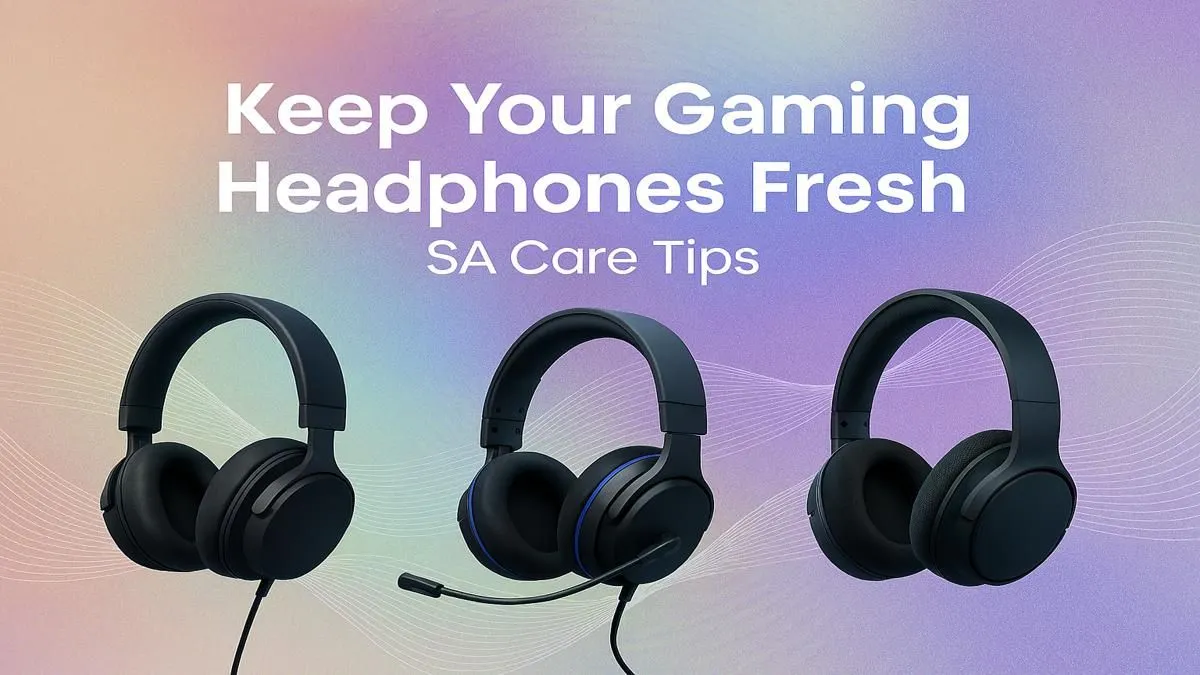
That headset you love? Let’s be honest, it’s probably a bit gross. After countless hours of intense lobbies, late-night raids, and maybe a few rage-quits, your trusty cans are covered in more than just glory. We’re talking sweat, oils, dust, and that mysterious "pad gunk." Learning how to clean your gaming headset isn't just about looking fresh for your stream; it’s about hygiene and performance. Let's get it looking and sounding brand new. ✨
The "Why" Behind a Squeaky-Clean Headset
Ignoring headset maintenance is a rookie mistake. That build-up of grime isn't just unsightly; it can lead to skin irritation and breakouts around your ears. Functionally, clogged microphone grilles and dirty drivers can muffle your audio, making it harder to hear those crucial in-game footsteps. Proper gaming headset care ensures your gear lasts longer and performs at its peak, whether you're a casual player or a pro exploring our entire range of headsets.
Your Simple Headset Cleaning Kit 🔧
You don’t need a specialised lab to get this done. Most of what you need is probably already in your house:
- Two microfibre cloths: One for damp cleaning, one for dry polishing.
- Isopropyl alcohol (70%): Dilute it with a bit of water for a gentle but effective sanitiser.
- Mild soap and warm water.
- Cotton swabs or an earbud.
- A soft-bristled brush (like a new toothbrush or a small paintbrush).
Avoid harsh chemicals, bleach, or abrasive paper towels, as they can damage the plastics and fabrics on your precious gear.
Step-by-Step Guide on How to Clean Your Gaming Headset
Ready to de-gunk your gear? Follow these simple steps for a comprehensive clean.
Step 1: Disconnect & Prep
First things first: unplug it! If you're using a modern wireless headset, make sure it's powered off. Remove any detachable parts like the microphone, pop filter, or ear pads. This makes it much easier to clean every nook and cranny without risking damage to the electronics.
Step 2: Body & Headband
Lightly dampen a microfibre cloth with your diluted alcohol solution or soapy water. Wring it out thoroughly—you want it damp, not dripping. Gently wipe down the entire plastic or metal frame, including the headband and the outside of the earcups. Use a dry cotton swab to get into the tight seams and grooves. Finish by wiping everything with your dry microfibre cloth.
Quick Clean Pro Tip 🧼
Get into the habit of giving your headset a quick wipe-down with a dry microfibre cloth after every long gaming session. This simple 30-second routine prevents the heavy build-up of oils and sweat, making your deep cleans much easier and less frequent.
Step 3: Ear Pads (The Sweat Zone)
This is where most of the grime lives. The cleaning method depends on the material:
- Pleather / Faux Leather: Gently wipe them down with your damp cloth. Don't soak them, as this can cause the material to crack over time.
- Velour / Fabric: These absorb more sweat. For a deep clean, you can hand-wash them in a bowl of warm water with a drop of mild soap. Squeeze them gently, rinse thoroughly, and then let them air dry completely before reattaching. This is key for many premium sets, from official PlayStation headsets to top-tier Xbox headsets.
Step 4: Microphone & Grilles
Never spray liquid directly onto the microphone or speaker mesh. Instead, use your soft, dry brush to gently dislodge any dust or debris from the grilles. For the microphone arm and pop filter, you can use a cotton swab lightly dipped in the alcohol solution to wipe it clean and sanitise it.
Pro Tips for Headset Care and Maintenance
Proper headset maintenance goes beyond just cleaning. To extend the life of your gear, store it on a headset stand to prevent the pads from getting squashed and the headband from stretching. If you have a classic wired headset, avoid wrapping the cable tightly around the headset, as this can cause internal damage over time. If, after all this, your headset is still looking a bit worse for wear or the sound is crackling, it might be a sign that it’s time for an upgrade. A good clean can do wonders, but it can't fix old, worn-out hardware. Luckily, there are always awesome gaming headset deals to be found.
Ready for Crystal-Clear Audio?
A clean headset is a happy headset. But if yours has seen its last battle, don't settle for muffled sound. Explore our massive range of gaming headset deals and find the perfect upgrade to dominate the leaderboards in style.