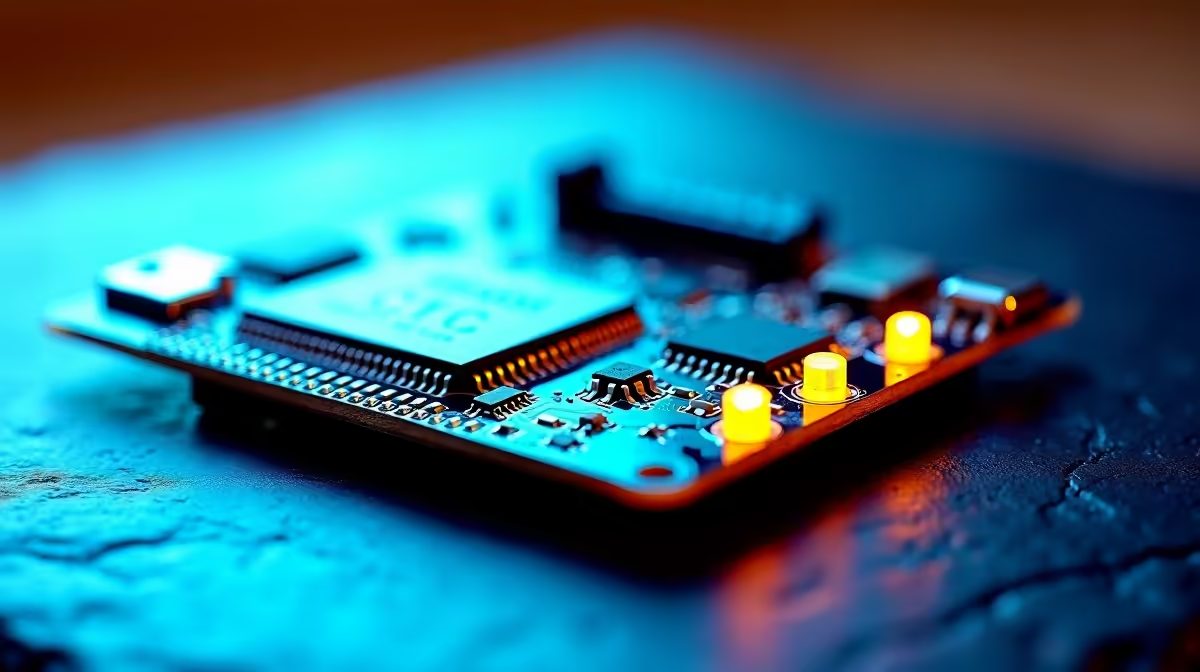
You hit install in ESPHome, the upload spins for a moment, and then it bails out with a port or connection error while the ESP32 sits there doing nothing. Nine times out of ten, ESPHome that won't flash to an ESP32 comes down to a missing serial driver, the wrong port selected, or a board that never entered bootloader mode for the first transfer. Each has a clean fix once you know which one you are looking at.
Quick Answer
The three usual causes are a missing USB-serial driver, CP2102 or CH340 depending on your board, the wrong COM or ttyUSB port chosen, or the ESP32 not being held in bootloader mode for the initial flash. Install the right driver, pick the correct port, and hold the BOOT button if auto-reset fails. After the first flash over USB, later updates can go over the air.
Cause one: the missing serial driver
Most ESP32 boards talk to your computer through a USB-to-serial chip, commonly a CP2102 or a CH340. Windows and macOS do not ship with these drivers built in, so without the right one the operating system shows an "Unknown USB Device" and never assigns a port. If ESPHome cannot see any serial device at all, this is almost certainly why.
Identify your chip, it is usually printed on the board near the USB connector, then install the matching driver: the CP210x driver for CP2102 boards or the CH340 driver for CH340 and CH341 boards. After installing and replugging, the board should appear as a proper COM port on Windows or a ttyUSB or cu.usbserial device on Linux and macOS.
Cause two: the wrong port selected
Even with the driver installed, ESPHome flashes to whatever port you point it at. Pick the wrong one and the transfer fails or hangs. On Windows, check Device Manager for the COM number that appears when you plug the board in and disappears when you unplug it, then select exactly that port. On Linux and macOS, look for the ttyUSB or cu.usbserial entry. A genuinely reliable trick is unplug, note the list, replug, and choose the new entry that appeared.
A bad or charge-only USB cable is the sneaky version of this fault. If no port shows up at all despite the driver being installed, try a different cable, since plenty of cheap leads carry power but no data.
Cause three: bootloader mode
For an ESP32 to accept new firmware, it has to be in bootloader mode. Most boards enter it automatically when the flasher resets them, but some need a manual nudge: hold the BOOT button, which ties GPIO0 to ground, while the upload starts, then release it once the transfer is underway. If your flash fails partway with a connection or sync error, try the manual BOOT-button method on the next attempt.
Using the board's native USB connection where available, rather than a separate USB-to-UART adapter, also makes auto-reset more reliable, so the manual button dance is needed less often.
After the first flash
The USB flash only has to work once. Once ESPHome is on the board and connected to Wi-Fi, subsequent updates can be pushed over the air, so you do not need to keep plugging into a computer. If you are starting a Home Assistant project from scratch, the boards, cables, and adapters you will need are easy to pick up alongside the rest of a smart-home build through the smart home and tech range at Evetech. For the small extras like quality data cables that avoid the charge-only trap, the best-selling accessories at Evetech are worth a browse.
Frequently Asked Questions
How do I know which driver my board needs?
Look at the small chip near the USB port. If it reads CP2102 or CP210x, install the Silicon Labs CP210x driver. If it reads CH340 or CH341, install the CH340 driver. The chip marking tells you exactly which one to fetch.
Why does no COM port appear at all?
Either the driver is missing or your USB cable is charge-only. Install the matching serial driver first, and if the port still does not appear, swap to a known data cable before assuming the board is faulty.
What is bootloader mode and how do I force it?
Bootloader mode is the state that lets the ESP32 receive new firmware. To force it, hold the BOOT button, which grounds GPIO0, as the upload begins, then release once it is transferring. Use this when an auto-reset flash keeps failing.
Can I flash over Wi-Fi instead of USB?
Only after the first successful USB flash. The initial firmware has to go on over the wired connection, but once the board is running ESPHome and on your network, you can push every later update over the air.
Does the web flasher avoid driver problems?
Not entirely. The browser-based flasher still needs the operating system to see the serial port, which still depends on the driver. It does simplify the process once the driver is in place, and it runs in Chrome or Edge.