



650W PSU Planning for RTX 5090 Builds in SA
650W for RTX 5090 needs a full-build check, not a simple yes. Review GPU guidance, CPU draw, transient load, connectors, PSU quality, and upgrade plans before deciding.
Read moreFix NVIDIA GPU problems when gaming on Linux by updating to driver version 555 or newer, which introduced explicit sync support and resolved the persistent screen flickering and game crashes that affected Wayland desktops on KDE and GNOME.
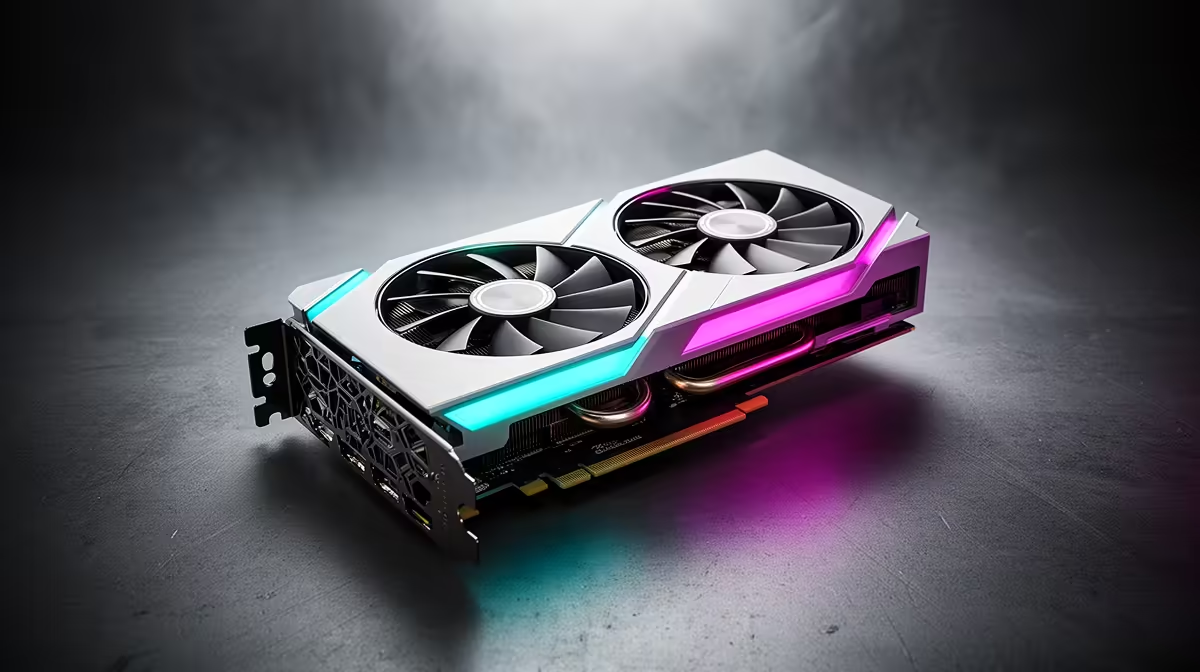
Gaming on Linux with an NVIDIA GPU used to mean accepting a list of quirks: random flickering, games crashing back to the desktop, and a desktop that tore on every fast pan. Most of that pain traced back to one missing piece, and a driver release finally supplied it. If you are fighting these symptoms on a modern distro, the fix is usually less about exotic tweaks and more about getting onto the right driver.
Update to NVIDIA driver version 555 or newer. That release added explicit sync support for Wayland, which resolved the persistent flickering and game crashes that plagued NVIDIA users on KDE and GNOME. On most distributions this single update fixes the majority of long-standing NVIDIA gaming problems on Linux.
The root of the trouble was a mismatch between how NVIDIA's driver and the Wayland display protocol coordinated rendering. Wayland needs to know precisely when the GPU has finished a frame before it shows it. Without explicit synchronisation, the timing guessed wrong, which produced the flickering and crashes that defined NVIDIA-on-Wayland for years.
Driver 555 introduced explicit sync support, giving the GPU and compositor a reliable handshake. The result on KDE Plasma and GNOME was immediate for many users: stable frames, no more random flicker, and far fewer crashes in games. If you are on an older driver, that is the first thing to change.
The exact steps depend on your distribution, but the principle is the same everywhere: get to 555 or later.
After updating, confirm the version with a driver query tool before assuming the change took effect. A reboot is essential so the new kernel module loads.
A current driver fixes most issues, but a few extras help in stubborn cases. Make sure your kernel is recent, since newer kernels carry fixes that pair with the driver. For games run through Proton, keeping Steam's Proton version current resolves compatibility quirks independent of the GPU driver. If a specific game still misbehaves on Wayland, testing it on an X11 session is a quick way to confirm whether the issue is display-protocol related.
Hardware matters too. Older NVIDIA cards may not see every improvement, and the smoothest experience comes from a reasonably modern GPU paired with the latest driver. For anyone weighing a Linux gaming setup against a self-contained option, the handheld gaming console range is worth a look, since several of those devices run Linux-based systems tuned to avoid this kind of driver fiddling entirely.
If you would rather build a desktop that just works for Linux gaming, comparing complete systems in the PC best sellers takes the guesswork out of pairing a capable GPU with the rest of the build.
Driver version 555 or newer. It added explicit sync support for Wayland, which resolved the flickering and crashes that affected NVIDIA users on KDE and GNOME desktops.
Earlier drivers lacked explicit synchronisation, so the GPU and Wayland compositor mistimed when frames were ready to display. That mismatch caused flickering, and driver 555 fixed it with proper sync support.
With driver 555 and newer, Wayland is now stable for most users. X11 remains a reliable fallback if a specific game still misbehaves, but it is no longer the only safe choice.
Not necessarily. A current driver fixes most issues on existing cards, though older GPUs may miss some improvements. A reasonably modern card gives the smoothest experience.
Building or upgrading a Linux gaming setup? Explore the PC systems and handheld gaming options at Evetech to find hardware that pairs cleanly with current drivers and keeps you in the game instead of in the terminal.
Driver version 555 or newer. It added explicit sync support for Wayland, which resolved the flickering and crashes that affected NVIDIA users on KDE and GNOME desktops.
Earlier drivers lacked explicit synchronisation, so the GPU and Wayland compositor mistimed when frames were ready to display. That mismatch caused flickering, and driver 555 fixed it with proper sync support.
With driver 555 and newer, Wayland is now stable for most users. X11 remains a reliable fallback if a specific game still misbehaves, but it is no longer the only safe choice.
Not necessarily. A current driver fixes most issues on existing cards, though older GPUs may miss some improvements. A reasonably modern card gives the smoothest experience.
650W for RTX 5090 needs a full-build check, not a simple yes. Review GPU guidance, CPU draw, transient load, connectors, PSU quality, and upgrade plans before deciding.
Read more
How to fix FPS drops Windows 11 RX 9070 XT starts with GPU drivers, overlays, power plans, and frame pacing checks. For SA gaming PCs, verify chipset updates, HAGS, refresh rate, thermals, and per-game graphics settings.
Read more
How to fix FPS drops on X870E motherboard starts with BIOS, chipset drivers, PCIe settings, and memory stability. SA gamers can check EXPO, resize BAR, thermals, display refresh, and background apps before replacing components.
Read more
RTX 5060 is popular with SA students because it can fit gaming, coursework, and creative app needs in one setup. Compare total system price, cooling, RAM, storage, and screen quality before picking a desktop or laptop.
Read more
1440p is the sweet spot for SA gamers because it balances sharp visuals, high frame rates, and GPU cost better than 4K. It is a practical monitor target for players who want smoother upgrades without the heavier hardware demands of 4K.
Read more
RAM pricing for Midrand gamers can shift with exchange rates, supply, specs, and model tier. Treat the title as a buying prompt, then compare SA warranty, timing, and build priorities.
Read more
From 1 October 2026, WhatsApp Business Platform service replies in South Africa are expected to cost about $0.0076, or 12 cents, per delivered message.

DDR5-8000 RAM Kits pros and cons depend on the build, budget, and workload. Weigh gaming needs, platform fit, power, cooling, warranty support, and South African pricing context before shortlisting it.

Wi-Fi 6E vs Wi-Fi 6 depends on AAA single-player gaming needs, platform limits, and budget fit. Compare compatibility, latency, upgrade path, and real setup constraints before choosing for an SA build.

Ryzen 9 9950X3D dead pixel checks should isolate the panel first. Run colour fills, inspect the monitor menu, test another cable or input, and capture proof before linking it to the SA CPU upgrade.

YouTube will count public views from the first frame across video formats from 24 August, while earnings and eligibility remain tied to engaged viewing.

Canonical expects Ubuntu on WSL users to outnumber native Ubuntu desktop users before the end of 2026. The software is open source and runs inside supported Windows PCs.

Telkom's daily bundles pair WhatsApp access with 10 all-network voice minutes. The R15 option includes 300MB, while the R17 option uses a fair-use threshold.

A 10,000-hour test found similar image retention across older and newer OLED TVs, while newer panels were brighter and more efficient. Local OLED monitors started at R9,999.

Windows 11 update KB5121003 is linked to crashes in several multiplayer games on versions 24H2 and 25H2. Check the build, report the fault and avoid risky file or update changes unless the problem is confirmed on your PC.

Comsol's standalone 5G network covers about one million Gauteng homes and starts commercial ISP service in September. Early packages range from R275 to R875 a month, but coverage and fair-use rules still decide the real value.

Sennheiser's Momentum True Wireless 5 adds user-replaceable batteries, 12-hour playback and a $299.95 launch price. There is no confirmed South African date, so compare longevity with live earbuds from R199 to R2,999.

AVerMedia's GC531 and GC535 are professional HDMI capture devices for continuous streaming, with RGB24 capture up to 2K30 and 4K30. South African creators should compare them with live 4K capture cards from R2,099.