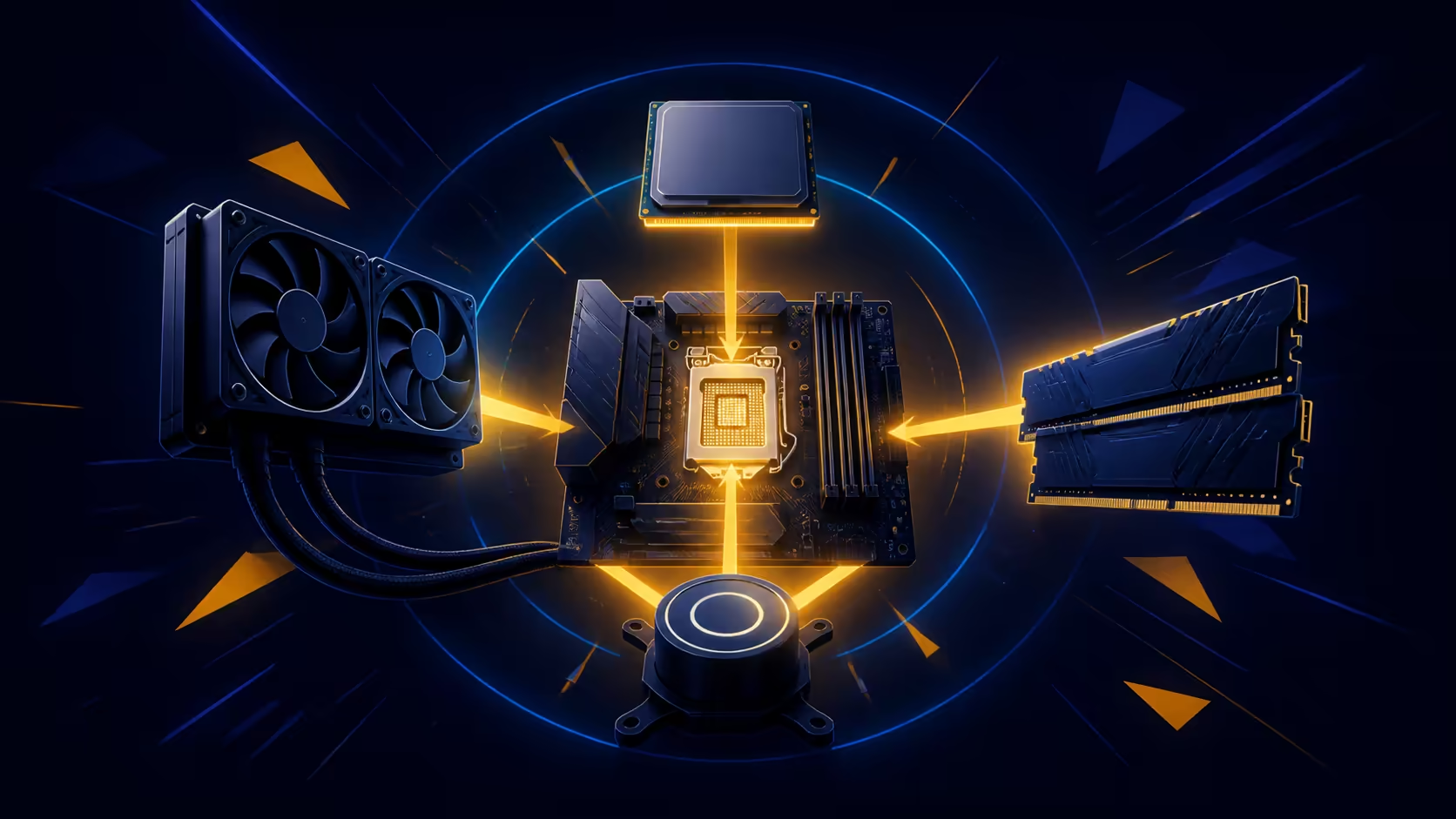
A four-part platform change is easier to control when every component earns its own checkpoint. This CPU motherboard DDR5 cooler installation plan keeps the Ryzen processor, X870E board, memory and liquid cooler separate until each stage has passed its documented check.
Quick Answer
Prepare the target PC, read each component manual and confirm fit, firmware, power and mounting requirements before assembly. R65,999 covers four installation subjects: 9950X3D2 processing, an X870E motherboard, a 96GB memory set and a 360mm AIO. Begin from a basic configuration.
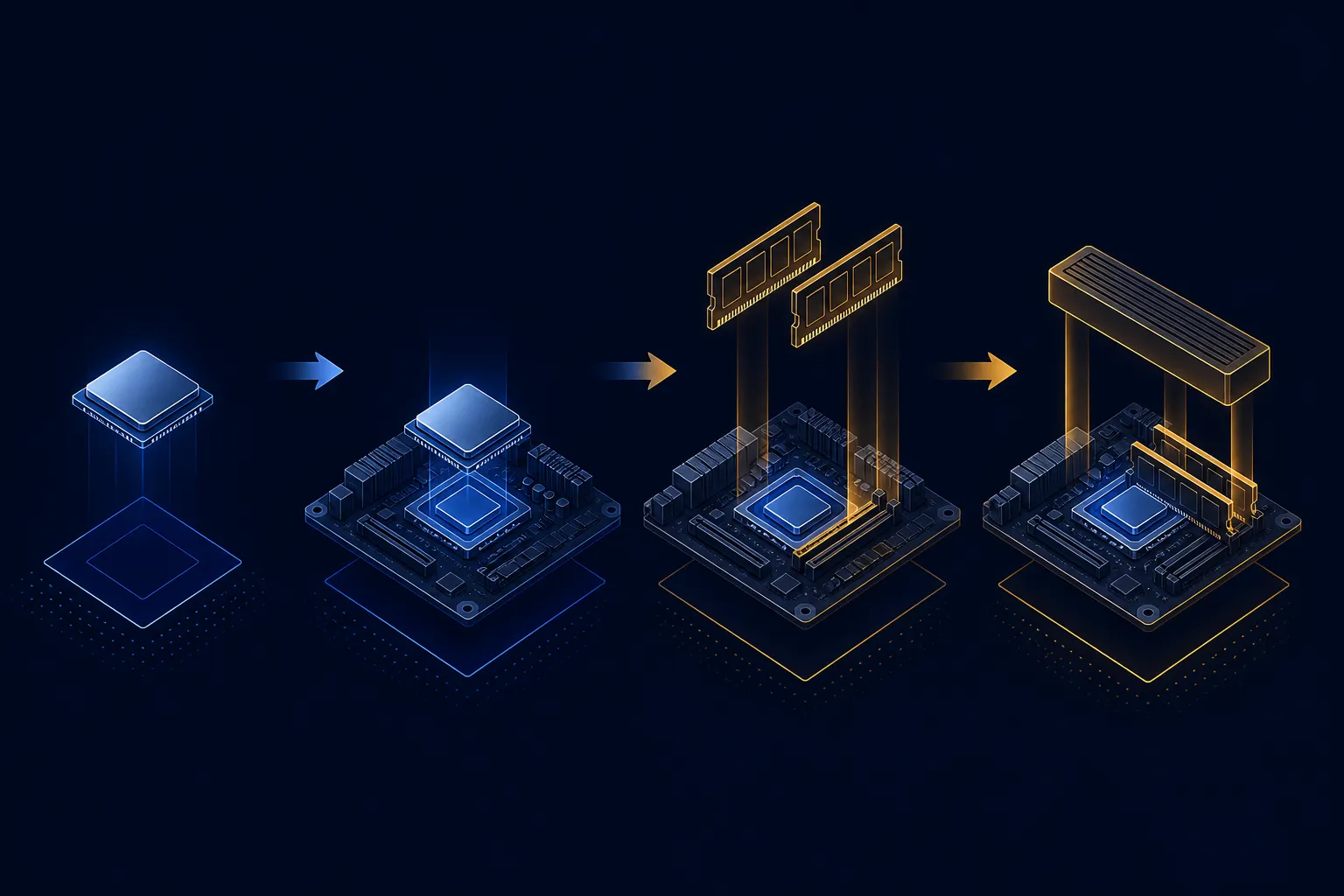
🧾 Inventory the exact upgrade path
Lay out the four named components and match each one to its own installation guidance. The 9950X3D2 exposes 32 threads across 16 cores. Its 192MB GameCache and 5.6GHz maximum boost do not answer socket handling, firmware or power questions, which remain build checks.
Inspect the case plan before removing old parts. A 360mm radiator needs verified space, the motherboard needs the correct mounting arrangement, and all required connections must be mapped. Do not assume that a bundled group guarantees chassis, power-supply or existing-component compatibility.
Use Evetech's AMD barebone-kit range to compare how much of the base platform each alternative includes.
🔧 Build in a recoverable sequence
Work with power disconnected and follow the board and processor instructions for handling and installation. Fit memory in the positions required by the motherboard guide, leaving frequency tuning for later. Mount the cooling hardware through the RYUO IV SLC 360 procedure rather than borrowing a bracket order from another AIO.
Before closing the case, inspect every cable and fastener against the relevant diagram. A photograph after each major stage can help reverse the last change without turning an uncertain memory, cooler and board state into one large troubleshooting problem.
🧪 Prove the basic platform first
Begin with the simplest supported configuration. Confirm that the system reaches its expected startup checks before enabling optional memory settings or adding peripheral complexity. If it fails, return to the most recent passing stage and recheck seating, connections and firmware requirements one variable at a time.
The 96GB Corsair Vengeance RGB kit is rated at 5600MHz. That rating does not promise that every board state will apply the same setting automatically, and no memory timings should be added without exact data. Establish a stable baseline before deciding whether further configuration is appropriate.
For complete Ryzen 9 packages, the AMD upgrade-kit collection provides a useful comparison after the target PC requirements are written down.
✅ Finish with workload-specific acceptance
Once startup is reliable, verify memory capacity, monitor cooling operation and run representative gaming or creative tasks. Use the same conditions for repeated checks so an unexplained temperature, crash or memory error can be reproduced.
Do not award benchmark, noise or thermal results from the component names. The finished case, settings, power environment and workload all influence those outcomes. Keep a final note containing the installed versions, verified configuration and any setting deliberately left at baseline.
Photograph cable positions and component labels before closing the case. That small record helps if memory detection, cooling or first boot later needs diagnosis, because each connection can be checked against a known assembly state.
Frequently Asked Questions
What belongs on the first installation checklist?
List the exact processor, board, memory and cooler, then add case space, power, firmware and mounting questions for the target PC.
Which processor anchors this four-part kit?
Ryzen 9 9950X3D2 is the processor; its resources span 16 cores, 32 threads, 192MB GameCache and a boost ceiling of 5.6GHz.
How much memory is included?
Memory capacity is 96GB; Corsair's Vengeance RGB DDR5 carries a 5600MHz rating. Verify timings independently when needed.
Does the kit guarantee radiator fit?
No. Confirm 360mm radiator clearance, mounting location and surrounding component space in the chosen case before assembly.
Why leave memory tuning until later?
A basic startup result gives troubleshooting a stable reference. Optional changes are easier to evaluate when the core platform already works.
What does the complete component group cost?
The upgrade kit is R65,999. Judge that amount against the components used and the remaining requirements of the target PC.
Does the bundle guarantee installation compatibility?
No. The target enclosure, motherboard support path, power plan and radiator mounting arrangement still require exact-model verification.
Ready to plan a staged AM5 platform installation?
Compare Evetech's Ryzen 9 and barebone upgrade-kit options after documenting the case, power and firmware checks your build needs.