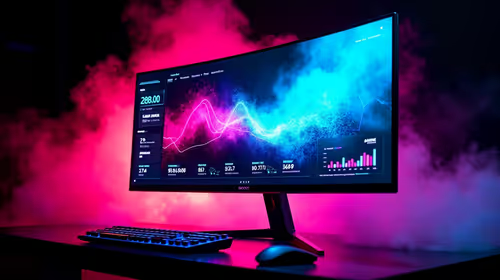
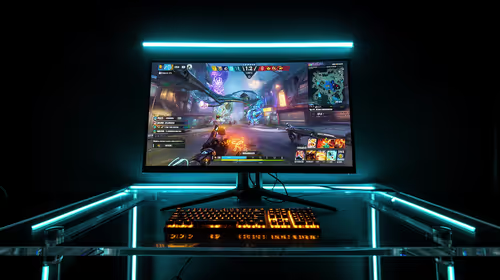
Ever felt your frame rate drop right when a CS2 match gets intense? Nothing ruins a gaming session faster than unexpected stuttering. If you want a buttery-smooth experience, you need to know exactly what your hardware is doing. Learning how to monitor FPS, CPU, and GPU usage while gaming is essential for any South African gamer. It helps you optimise your rig and dominate the lobby.
Why Tracking Your System Metrics Matters 🚀
Your PC is a complex machine. When things slow down, guessing the problem wastes time and money. By tracking your stats, you can pinpoint exactly what is holding you back. Are you maxing out your processor? It might be time to look at powerful new processors to handle heavy physics calculations.
South African summers get incredibly hot. This ambient heat directly affects your internal PC cooling. Or maybe your graphics card is overheating and dropping clocks. Upgrading to one of the latest graphics cards could give you the graphical horsepower you desperately need. Monitoring ensures you spend your hard-earned ZAR exactly where it matters.
Top Software to Keep an Eye on Performance 🔧
You do not need to be an IT expert to see your stats in real time. Both NVIDIA and AMD have built-in overlays... just press Alt+R for NVIDIA or Ctrl+Shift+O for AMD. These overlays show your basic frame rates and temperatures.
For advanced users, MSI Afterburner paired with RivaTuner is the absolute gold standard. It is completely free and works with almost any hardware brand. It lets you customise the text colour and layout of your on-screen display with every metric imaginable.
Performance Pro Tip ⚡
Do not leave monitoring overlays running constantly if you do not need them. They can sometimes cause minor input lag or visual glitches in certain competitive titles. Use them to test and optimise your system, then turn them off to enjoy your game in peace!
Making Sense of Your Hardware Data ✨
Numbers mean nothing if you cannot read them. If your GPU sits at 99 percent usage, congratulations... your system is perfectly balanced. It is pushing maximum frames.
However, your CPU might be pinned at 100 percent while your GPU sits at 50 percent. This means you have a severe hardware bottleneck. You also need to match your frames to your display. Pushing 200 frames per second is useless without high refresh rate monitors to actually display them.
Do not forget about system memory. Modern titles easily eat up 16GB of RAM. If your memory maxes out, your PC uses your storage drive as a temporary cache. This causes massive stuttering... especially on slower hard drives. Tracking RAM usage in your overlay helps you decide if it is time to buy another stick of memory.
Knowing When It Is Time to Upgrade
If your current rig is constantly overheating or struggling to hit 60 FPS, consider an upgrade. Starting fresh might be the most cost-effective route. You can explore some of the best gaming PC deals available locally to get a beautifully balanced system.
Alternatively, you might want something ready to plug and play right now. Our pre-built PC deals offer incredible value in ZAR without the hassle of building it yourself. Once you know how to monitor FPS, CPU, and GPU usage while gaming, making smart upgrade choices becomes effortless.
Ready to Boost Your Frame Rates?
Stop guessing and start gaming at maximum performance. Whether you need a simple component upgrade or a brand new rig, Evetech has the best tech in South Africa. Browse our latest PC component specials and build the ultimate gaming machine today.