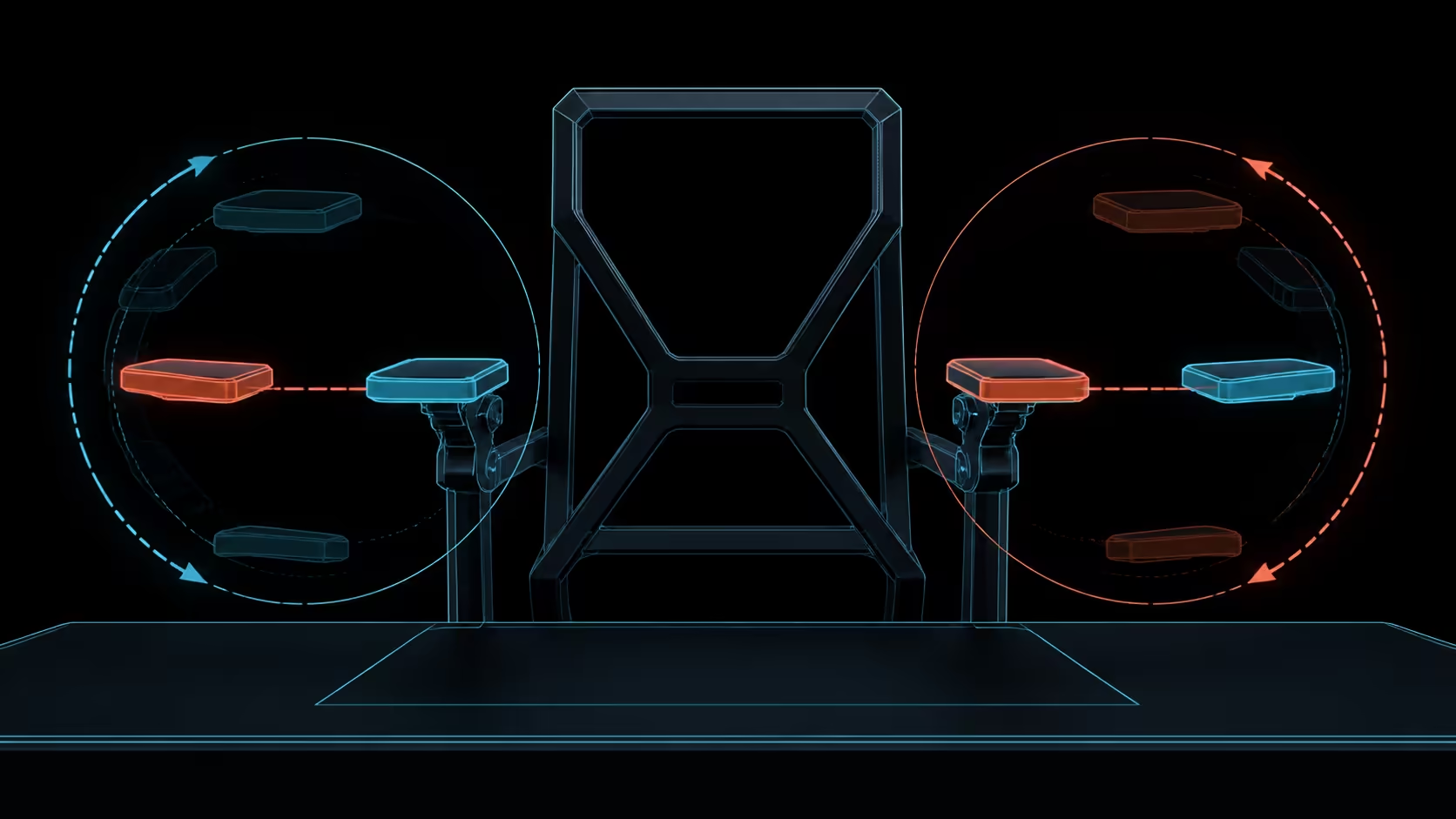
The best 720-degree adjustable armrest position is the one that supports a task without lifting the shoulders or blocking desk access. Keyboard and mouse work can require different placements, even on the same side of the chair.
Quick Answer
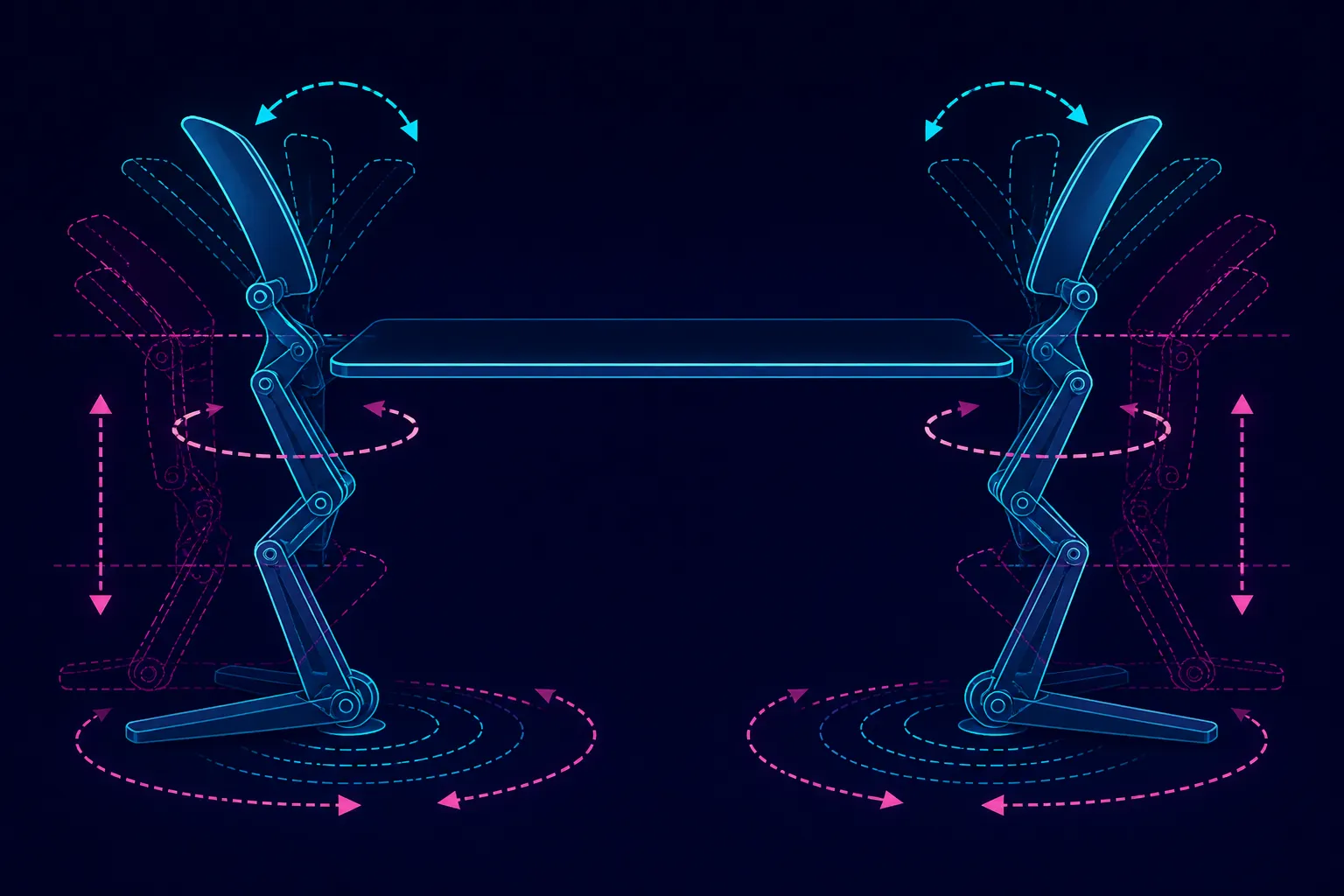
The E3 Ultra armrests combine 360-degree pad rotation, 360-degree body swivel, 4.33 inches of fore-aft travel, 1.97 inches of height and 20-degree tilt.
For typing, bring the armrests under the forearms while keeping the elbows near the torso and shoulders relaxed. For mouse work, prevent the support from pushing the hand too far from the body. The R9,599 HBADA E3 Ultra provides omni-adjustment armrests with a 720-degree range.
⌨️ Set the typing side first
Move the chair close enough that the keyboard is reachable without leaning. The arm support should share some forearm weight while leaving the wrists free to approach the keys naturally. If it strikes the desk edge, change the relationship rather than sitting farther away.
Check several keys, not only the home row. Shortcuts and number-pad use can expose a position that felt acceptable during a static test but restricts the elbow during real input.
🖱️ Give the pointer side its own answer
Mouse movement may benefit from a different angle or contact point. Keep the device close, relax the grip, and observe whether the armrest helps the forearm move or traps it against one line.
The E3 Ultra's 720-degree omni range supports a wide positioning exercise, but the number does not define how each control moves. Compare actual control access through Evetech's HBADA office-chair range rather than assigning an imagined mechanism to the label.
📏 Check desk clearance
An armrest that fits the user can still collide with the workstation. Test the chair at the working distance, then roll it back and return. Make sure adjustment does not encourage a gap that forces the torso toward the screen.
Consider edge shape and any keyboard tray or desk frame. These surrounding parts decide whether a useful forearm position can be maintained without obstruction.
🔁 Retest when the task changes
Switching between typing, drawing, gaming controls and meetings can change the preferred arrangement. The two sides also need not match if the work is asymmetrical. Symmetry is a starting point, not a rule.
Use Evetech's broader office chairs category to compare armrest range with the desk constraints you recorded. A sophisticated control is valuable when it reaches a useful position and stays out of the way when support is unnecessary.
Once the working positions are settled, test how the chair behaves when you stand, sit again and roll back to the desk. An armrest that shifts unexpectedly or catches a surface during these transitions may need a simpler reference position, even if its range looked useful while stationary.
Do not let forearm support become continuous immobility. Hands still need to move across keys and controls, and the shoulders benefit from task variation. Save an upright input position and a relaxed non-input position rather than using one compromise throughout every activity.
Repeat the mouse trial with the actual sensitivity and screen arrangement. A larger pointer sweep or a second display can reveal shoulder reach that a short central test never exposes.
For typing, begin with height and front-back reach, then use rotation to keep wrists straight. Mouse use may need the pointing-side arm closer or turned away. The five-way system should support the task without lifting the shoulder or blocking desk approach.
Frequently Asked Questions
What typing position should the arm supports serve?
Place them beneath relaxed forearms with the elbows close to the body. They should reduce unassisted reach without lifting the shoulders or bending the wrists.
How can armrests interfere with mouse use?
Too much height, width or forward reach can push the mouse away and create a shoulder reach. Reposition the support before moving the entire chair backwards.
What range does the HBADA armrest offer?
The E3 Ultra uses omni-adjustment armrests described by a 720-degree range. That gives each task a broad positioning space to explore.
Does 720 degrees define the control mechanism?
The figure describes range, not a complete operating sequence. Learn where the chair's releases and pivots are before trying to move the support.
Should both armrests use identical positions?
Not necessarily. Keyboard and pointer work can place different demands on each side, as long as neither setting causes shoulder tension or obstructs movement.
Why retest after moving the chair closer?
Desk clearance and elbow angle change with chair distance. A setting that worked farther away may hit the edge or lift the arms once you return to proper reach.
Ready to match arm support to typing and mouse movement?
Browse Evetech's office-chair options with your desk clearance and separate left-right task positions already mapped.