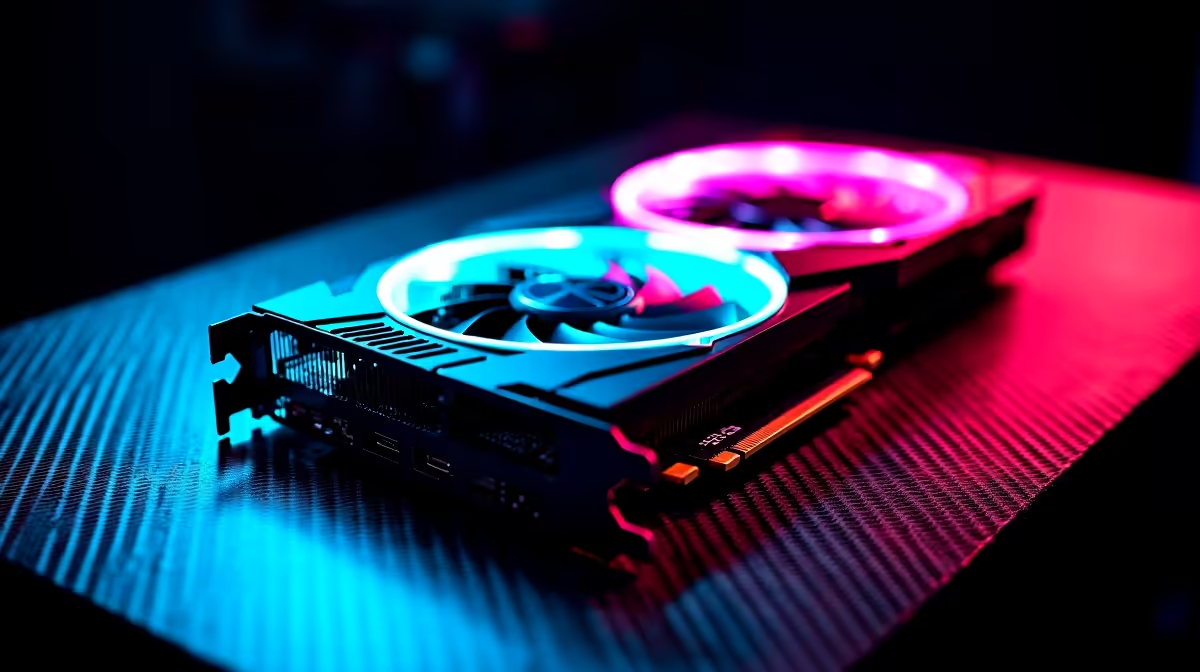
So you finally got your hands on the mighty RX 9070. Loadshedding is paused... the snacks are ready... and your monitor is begging for those ultra settings. Before you dive into the latest AAA titles, you need your hardware running perfectly. Knowing how to set up RX 9070 for the first time in SA is crucial for maximum frames.
Preparing Your Rig for the RX 9070 🔧
This new AMD flagship is an absolute beast. You need to make sure your power supply can handle the wattage. A solid 850W PSU is generally recommended by experts.
You also need to double-check your case clearance. When you look to buy graphics cards of this calibre, physical space is vital. Grab a tape measure. Ensure you have enough room so the fans can breathe properly.
The Physical Installation Process
If you grabbed one of our pre-built PC deals, you can skip this step entirely. The card is already seated, tested, and ready.
For the DIY builders... power down and unplug everything. Ground yourself to avoid static damage. Gently slot the RX 9070 into your top PCIe lane. You will hear a satisfying click. Secure it with screws so it does not sag. Plug in your PCIe power cables firmly.
Software Setup and Driver Optimisation ⚡
Boot up your rig. The display might look a bit stretched at first. Do not panic... this is completely normal. Head straight to the official AMD website. Download the latest Adrenalin Edition software.
Clean Install Pro Tip ✨
Always use Display Driver Uninstaller (DDU) before installing a new GPU. Boot into Safe Mode, wipe the old drivers completely, and then install your fresh RX 9070 drivers. This prevents frustrating software conflicts and sudden frame drops.
Once installed, open the software and enable AMD Smart Access Memory. This feature allows your CPU to access the full VRAM. It provides a massive boost for 1440p and 4K gaming. If you are hunting for the best gaming PC deals, look for systems that pair this GPU with a modern Ryzen processor.
South African Setup Essentials
We all know the reality of loadshedding and grid surges. You just spent a lot of ZAR on this setup. Do not plug it directly into the wall. Grab a high-quality surge protector or a pure sine wave UPS.
You can usually find a decent UPS for around R2500. Keep an eye on our specials page for great backup power discounts to protect your investment.
Desktop hardware draws serious power. If you want battery backup built into your system instead... you might prefer browsing notebooks for sale in South Africa. But for pure, unadulterated desktop performance, the RX 9070 is unmatched.
Now tweak your fan curves, set your RGB colour profile, and launch your favourite game. You are officially ready to play.
Ready to Upgrade Your Entire Setup?
The RX 9070 demands a rig that can keep up. Whether you need a high-refresh-rate monitor, a beefier power supply, or a completely new system... Evetech has you covered. Explore our massive range of PC components and build the ultimate gaming battlestation today.