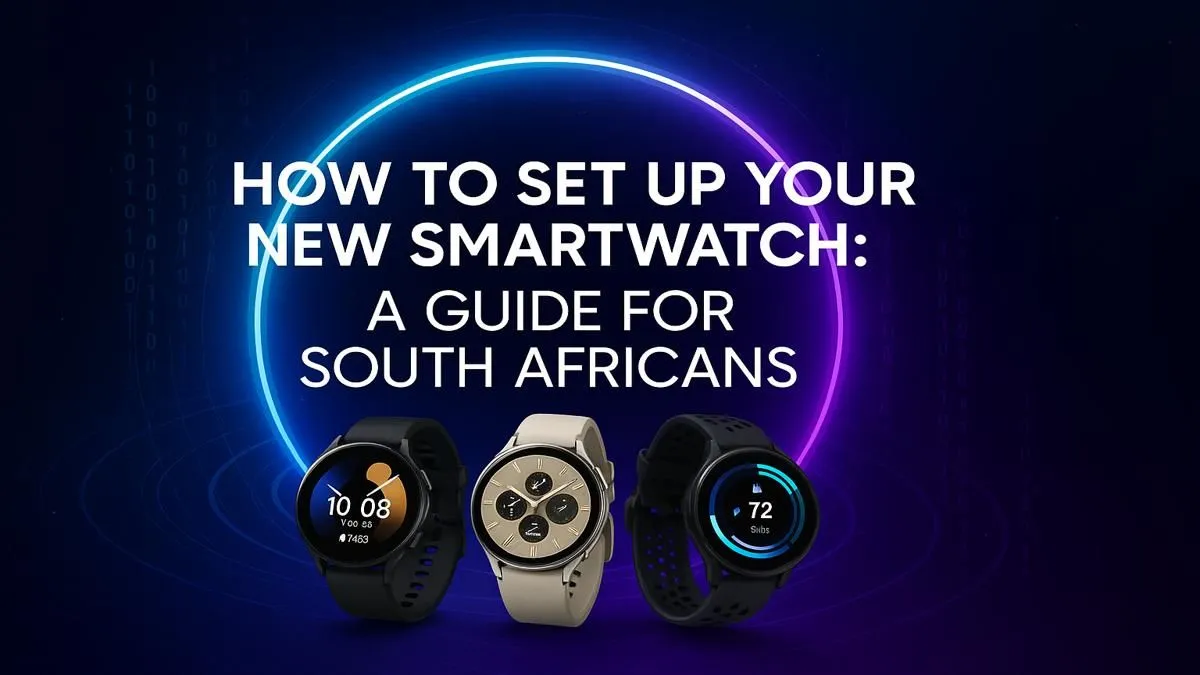
So, you've unboxed that shiny new smartwatch here in SA! Awesome. But what's next? That little device on your wrist is a powerhouse, ready to track your workouts, buzz with notifications, and streamline your day. Don't get stuck on the first step. This ultimate guide will walk you through how to set up a smartwatch in South Africa, from pairing to personalising, making the process a breeze. Let's get you connected. 🚀
Before You Begin: The Pre-Setup Checklist
A smooth setup starts with a little prep. Before you dive in, just run through this quick checklist to make sure you have everything you need. It’ll save you a potential headache later on.
- Your Smartphone: Ensure it’s charged and nearby.
- Wi-Fi & Bluetooth: Make sure both are enabled on your phone. A stable Wi-Fi connection is crucial for any software updates.
- App Store Access: You’ll need your Apple App Store or Google Play Store password to download the companion app.
- The Watch & Charger: Have your new smartwatch and its charging cable handy.
Getting these basics sorted first makes the actual smartwatch setup process much quicker. If you're still deciding on a device, you can explore Evetech's full range of smartwatches to see what features matter most to you.
Step-by-Step Guide to Setting Up Your Smartwatch
Ready? Let’s get your new tech talking to your phone. The exact steps might vary slightly between brands, but this universal process covers 99% of smartwatches available in South Africa.
Step 1: Charge It Up! ⚡
Before you do anything else, give your smartwatch a full charge. Many watches need a decent amount of battery to handle their first-time software updates. Connecting it to the charger and letting it hit 100% is the best first move. It prevents the device from dying halfway through a critical update.
Step 2: Download the Companion App
Your smartwatch is smart, but it needs its partner app on your phone to unlock its full potential. Head to your phone’s app store and search for the specific app for your watch brand. This could be:
- Wear OS by Google for many Android-compatible watches.
- Galaxy Wearable for Samsung watches.
- Zepp for Amazfit devices.
- A brand-specific app, as many devices like these great options from brands like Promate have their own dedicated software.
Check your watch’s manual if you’re unsure which app to download.
Step 3: Pairing via Bluetooth
Open the companion app on your phone and follow the prompts to begin pairing. Turn on your smartwatch. It should automatically enter pairing mode or display a QR code. The app will search for the device; simply select your watch from the list when it appears. You might need to confirm a code on both your phone and watch screen to complete the connection.
Master Your Notifications ✨
Your watch will want to show you every notification from your phone. Tame the chaos! Go into your watch's companion app and navigate to the 'Notifications' settings. Deselect any apps you don't need alerts from on your wrist (like games or non-essential social media). This saves battery and keeps your focus sharp.
Step 4: Follow the On-Screen Prompts
Once paired, both your phone and watch will guide you through the rest of the setup. This usually involves signing into your accounts (like Google or Apple), accepting permissions for the app to access contacts and health data, and running any initial software updates. Be patient here, as updates can sometimes take a few minutes.
Step 5: Customise Your Experience
This is the fun part! Now that the technical setup is done, you can make the watch your own. Dive into the companion app to:
- Change the Watch Face: Pick a style that suits you, from data-rich dials to minimalist designs.
- Organise Apps & Tiles: Decide which quick-access widgets you want.
- Set Fitness Goals: Input your personal health and activity targets.
Even the most affordable smartwatches under R1000 offer a surprising level of customisation, letting you tailor the experience perfectly to your lifestyle. And that’s it! Your smartwatch setup in South Africa is complete. Enjoy your new wrist-based assistant. 🔧
Ready to Strap on Some Smart Tech?
Whether you're a fitness fanatic or a productivity pro, the right smartwatch is waiting for you. From tracking your morning run to managing notifications on the go, getting connected has never been easier. Explore our massive range of smartwatches and find the perfect companion for your wrist.