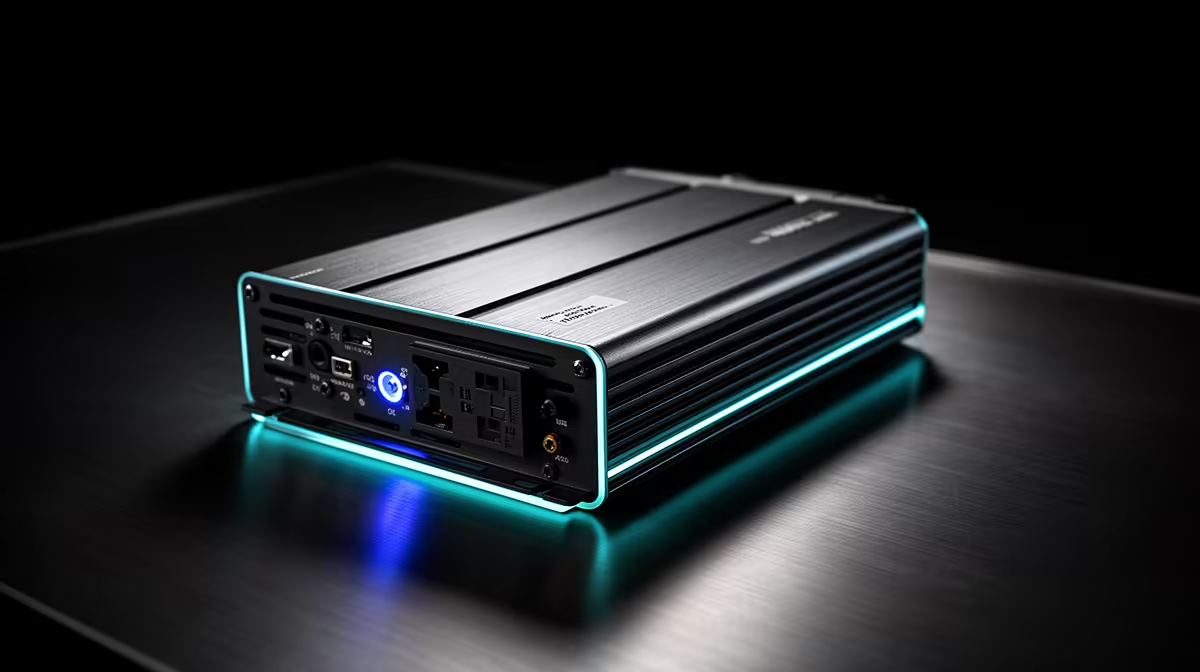
When mains power drops, the waveform from an inverter or UPS becomes part of your PC's power chain. Some units reproduce the smooth alternating wave from the grid. Others build a stepped approximation that certain active-PFC power supplies tolerate poorly. Read the output specification before trusting the battery socket with a gaming PC.
Quick Answer
Prefer a pure sine wave output for a modern gaming PC, then confirm the unit's watt limit, VA rating and transfer behaviour at your measured load. A modified or simulated sine wave is not guaranteed to damage every power supply, but it can cause buzzing, heat or shutdown on battery. The Promate PowerTank-600 600W power station appeared at R6,999 in Evetech's July 2026 snapshot; that dated listing does not establish its waveform, which needs its own specification check.
〰️ See what the waveform changes
Grid AC rises and falls in a smooth sine wave. A lower-cost inverter may approximate it with voltage steps. Simple loads can accept that shape, while an active-PFC PC power supply may draw current in a way the inverter does not handle well.
The symptom can be a hum, an overload alarm, a PC that restarts during transfer or a unit that refuses the load. Absence of noise does not certify compatibility. Use the published waveform and support guidance.
Evetech's UPS category gives you current products to compare once you know the output your PC requires.
⚡ Treat inverter and UPS labels carefully
A UPS includes automatic transfer and often monitoring or shutdown controls. An inverter system may support a much larger battery bank and longer runtime, but transfer, installation and earthing need proper design.
Pure sine describes the battery output shape. It does not tell you runtime, surge handling, voltage regulation or whether the unit can transfer fast enough to keep your PC alive. Read those figures separately.
🔍 Check the specification, then test the real PC
Look for an explicit pure sine wave statement in the battery-output specification. Confirm continuous watts and VA, then compare both with the measured PC and monitor load.
After installation, run a normal workload and perform the transfer test described by the manufacturer. The PC should remain stable, the unit should stay within its load rating and you should have enough time for a clean shutdown.
Evetech's accessories best-sellers provide desk and power context while the waveform decision remains tied to the exact backup unit.
Frequently Asked Questions
What is the difference between pure and modified sine wave?
Pure sine closely reproduces the smooth AC waveform, while modified designs approximate it with steps.
Can a modified sine wave inverter damage a PC PSU?
Compatibility varies. It can cause poor operation, heat or shutdown, so use the PSU and inverter guidance rather than assuming safety.
Do all PSUs react badly to modified sine wave power?
No. Reactions differ by power-supply design and load, which makes pure sine the easier compatibility choice.
Is a pure sine wave UPS more expensive than a modified sine wave one?
It often costs more, but compare the whole design, output and battery rather than waveform alone.
How can I check if my UPS outputs pure sine wave?
Read the battery-output specification or obtain written confirmation for the exact model.
Does a pure sine wave inverter also help monitors?
It provides a grid-like waveform to every connected load, though each monitor still has its own power requirements.
Is an inverter or a UPS the better choice for a PC?
A UPS suits automatic short backup and shutdown. A properly designed inverter system can provide longer runtime; choose from load, transfer and installation needs.
Choosing backup power for a sensitive gaming setup?
Compare UPS options at Evetech, confirm pure-sine output in the exact model's specification and test it against your measured load.