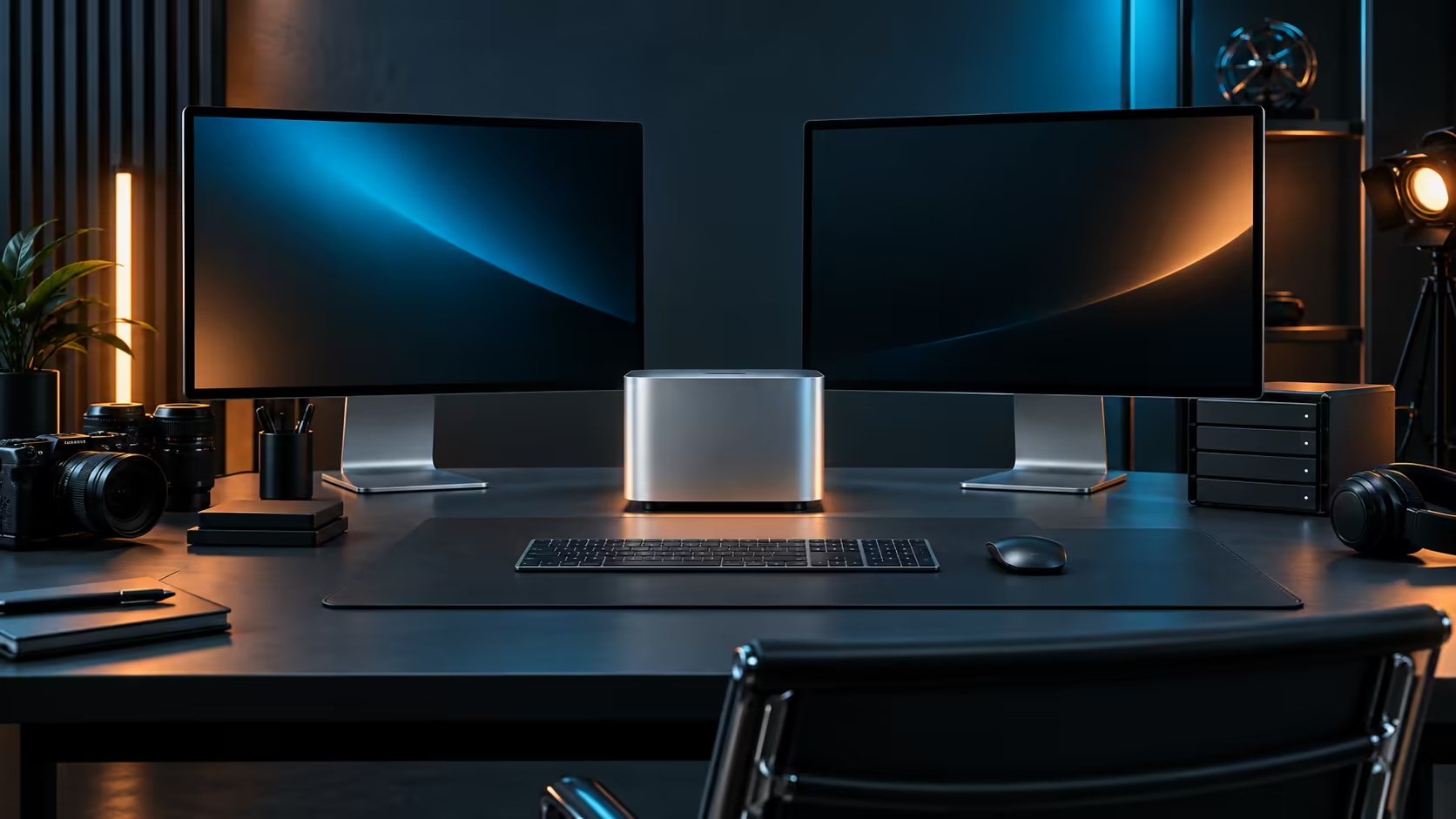
For a quantised local model plus a normal set of work apps, 24GB holds up well on a Mac Mini M5 Pro, with roughly 6GB to 8GB going to macOS and background processes before the AI workload even starts.
Quick Answer
Yes, for most single-model local AI work alongside everyday multitasking. That is the practical shape of the 24GB tier on this R33,599 Mac Mini M5 Pro, which also carries a 512GB drive for model files and project storage.
🧮 What actually fits inside 24GB
An 8-bit quantised model in the 10GB to 15GB range leaves comfortable room for macOS, a browser with several tabs and a couple of office applications running at the same time. Running two large models together, or pairing one with a heavy creative application, is where that same 24GB starts to feel tight, since none of the engines sharing the pool gets a private reserve.
🗂️ Multitasking adds up quietly
A dozen browser tabs, a chat client and a sync tool running in the background each claim a small, easy-to-forget share of memory before an AI tool ever opens. Closing what you are not actively using is the simplest way to keep the full 24GB available for the task that actually matters right now.
For heavier combined workloads, compare this configuration against the mini PC category more broadly, or browse the full Mac Mini range for other memory tiers.
🔋 A simple habit that protects the whole pool
Quit a local AI tool fully when you are not actively using it, rather than leaving it minimised in the background. Many of these tools keep a model resident in memory even when idle, quietly holding onto several gigabytes that the rest of your work could otherwise use. The broader mini PC category is worth a browse too, in case a different compact chassis ends up fitting your desk better.
Frequently Asked Questions
Does closing background apps really free up meaningful memory?
Yes, browser tabs and sync clients can quietly hold several gigabytes between them, which becomes noticeable once a large model is also loaded.
Can this machine run more than one AI model at a time?
Two small quantised models together is usually fine; two large ones will compete hard for the same 24GB pool.
Is 512GB storage enough to keep several downloaded models?
Model files run to several gigabytes each, so keeping more than a handful loaded at once is better handled from an external drive instead.
Does quitting an AI tool actually free memory immediately?
Yes, in most cases the memory is released back to the system as soon as the application fully quits rather than just being minimised.
Should I restart the machine regularly to keep memory clear?
Occasionally, for genuinely heavy sessions, though quitting unused apps day to day usually achieves the same result without a full restart.
Does macOS manage memory automatically without any input from me?
Largely yes; macOS reclaims memory from inactive apps reasonably well, though a model held resident by a running AI tool is not reclaimed until the app itself quits.
Ready to see if 24GB matches your actual local AI habit?
Compare the Mac Mini M5 Pro against the wider mini PC range before you commit.