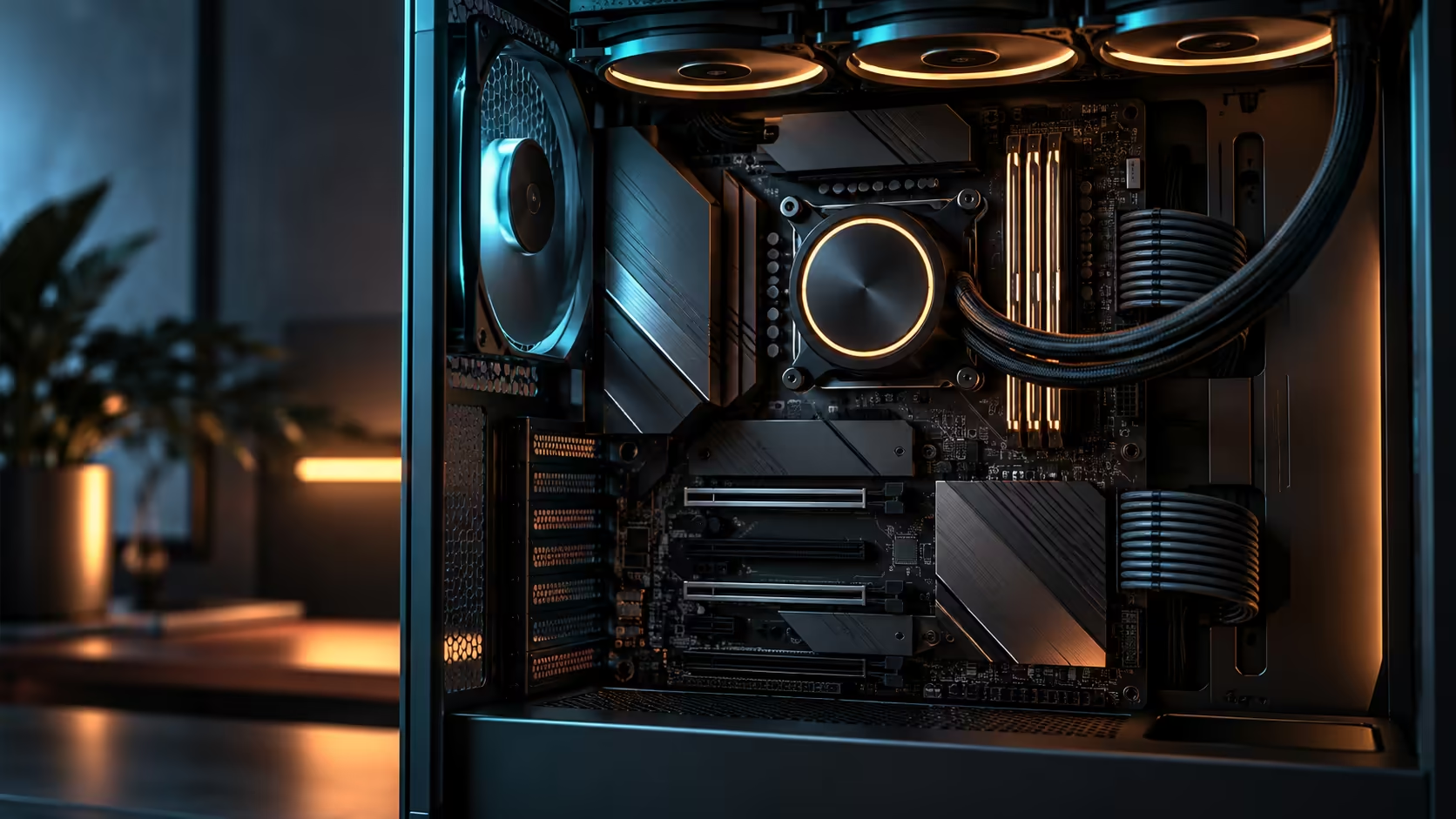
256GB sounds like a number chosen to impress rather than to use, and for most builds it is. 256GB of DDR5 memory only earns its cost in a short list of workloads, and knowing which side of that list you sit on before browsing the AMD motherboard range saves a meaningful amount of money either way.
Quick Answer
Only a few workloads actually use 256GB: large virtual machine labs running several guests at once, heavy 3D scenes with dense geometry, and uncompressed 8K video timelines. Everything else, including gaming, everyday editing and most professional software, gains more from memory speed than from that much capacity. The R54,999 ROG Crosshair X870E Edition 20 takes four DDR5 DIMMs to 256GB at 8600+MT/s, and reaching that ceiling in practice means buying four dense modules rather than two, since two large sticks alone rarely add up to the full figure.
🖥️ Who this capacity is actually for
A virtualisation lab running several full guest operating systems simultaneously, each with its own allocated memory, is the clearest case for 256GB. Running four guests at 32GB each already accounts for most of that total, before the host operating system takes its own share.
Dense 3D scenes in professional rendering software, particularly ones holding large texture sets and complex geometry entirely in memory rather than streaming them, are the second real case. The scene either fits in memory or it does not, and there is no substitute for capacity when it does not fit.
Uncompressed or lightly compressed 8K video timelines are the third, since multiple high-resolution streams held in memory for scrubbing and preview consume far more than a 4K project ever would. Outside these three categories, most professional and creative work comfortably runs on far less.
⚡ Where speed beats capacity for almost everyone else
Gaming rarely benefits from memory past 32GB, and the difference between 32GB and 64GB in frame rate is close to unmeasurable on most titles. What does move the needle is the memory's rated speed, since a faster kit reduces the time the CPU spends waiting on data, which shows up as smoother frame pacing more than a raw frame rate number.
General productivity, everyday photo editing and most office work sit comfortably in the same bracket. The honest advice for the large majority of builds is to spend on a faster, well-timed kit at a moderate capacity from the DDR5 range rather than chasing a capacity number that will sit mostly unused.
📋 Getting to 256GB actually means four dense sticks, not two
Reaching a board's full stated capacity is arithmetic, not luck: four DIMM slots each holding a 64GB module is what 256GB requires on most current boards, since two-slot combinations at this density are far less commonly stocked and often cost proportionally more per gigabyte. Buying two 128GB modules to reach the same total is possible in principle but rare in practice, since that density is still a niche, expensive part of the DDR5 market.
If you are weighing this board against older platforms while making the decision, the retired DDR3 modules category is a useful reminder of how far capacity ceilings have moved in a relatively short span of platform generations, and how quickly today's high number becomes tomorrow's mid-range figure.
Frequently Asked Questions
Does 256GB of RAM improve gaming performance?
No, in almost every case. Gaming performance is far more sensitive to memory speed than to capacity past 32GB.
Who actually benefits from that much memory?
Users running multiple virtual machines simultaneously, dense professional 3D scenes, and uncompressed high-resolution video timelines are the main cases where the capacity is genuinely used.
Should I prioritise capacity or speed when buying DDR5?
For most buyers, speed. A faster, well-timed kit at moderate capacity outperforms a slower kit at very high capacity for the vast majority of everyday and gaming workloads.
Does every AM5 board reach the same maximum capacity as this one?
No. Onboard slot count is usually fixed at four, but the validated ceiling per slot varies by board and by which module densities that specific model has been tested against.
Is buying four DIMMs always better than two for reaching higher capacity?
For reaching a very high total, generally yes, since the largest two-module kits sold today rarely match four smaller modules at a sane price per gigabyte.
Ready to spend on the memory spec that actually matters for your workload?
Confirm which side of the capacity-versus-speed question you are on, then buy toward the capacity you will actually use rather than the platform's ceiling.