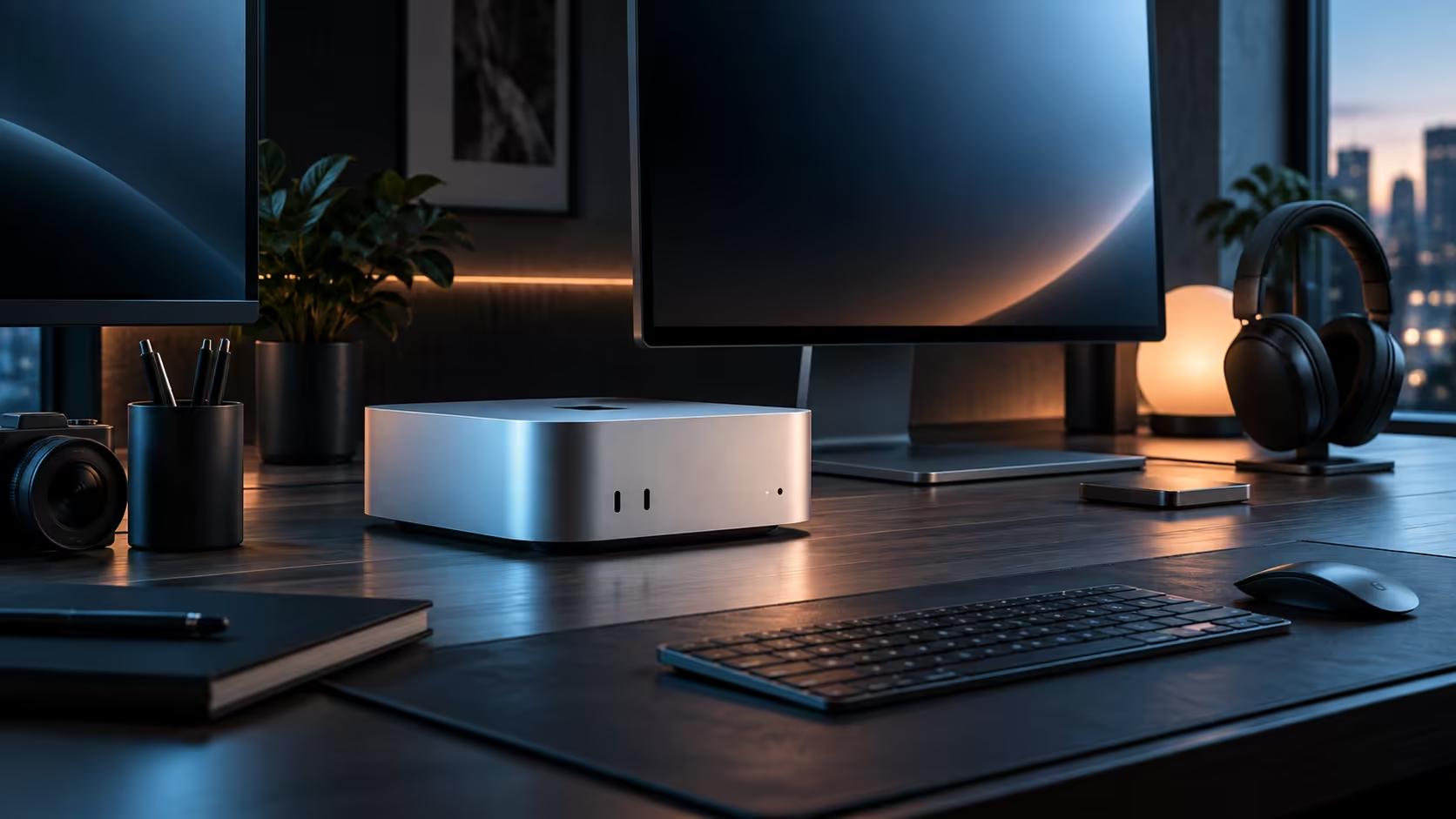
For documents, photo libraries and everyday apps, 512GB on a Mac Mini M6 is comfortable for years. Video is the exception that changes the maths entirely, since footage eats through the same drive far faster than most first-time buyers expect.
Quick Answer
Yes, for general use, browsing, office documents and a normal photo library. No, for anyone editing video regularly, since an hour of 4K footage can use well over 100GB depending on the codec. Evetech carries the 512GB configuration at R21,699, with an external drive as the practical fix once storage runs tight.
📂 What 512GB comfortably holds
A typical mix of documents, a few thousand photos, common applications and macOS itself leaves the majority of a 512GB drive free for years of ordinary use. This is the setup that rarely runs into trouble: nothing about everyday computing fills a drive this size quickly unless video enters the picture.
🎬 Where video changes everything
Sixty minutes of 4K footage routinely exceeds 100GB once you factor in the codec, so it only takes a handful of projects to noticeably dent 512GB, and a serious editing habit clears it within months rather than years. Photos and documents almost never cause this problem on their own; video is specifically the workload that forces a storage conversation early.
💾 The practical fix once storage runs low
Keep the internal 512GB drive for macOS, applications and whatever project is currently active, then move finished work to an external SSD connected over Thunderbolt. This is the standard workflow most Mac Mini owners settle on once video or large asset libraries enter their routine, and it avoids the internal drive quietly filling up mid-project.
🧭 Deciding before you buy, not after
If your current computer's storage habits already lean toward large media files, plan for an external drive from day one rather than waiting for a low-storage warning to force the decision. For everyone else, 512GB is simply enough, and there is little reason to pay extra for more storage that will sit unused for years.
The Mac Mini page lists every storage and memory pairing Apple offers, and mini PC is worth a look if a different chassis suits your storage habits better.
Frequently Asked Questions
How much storage does an hour of video actually use?
Well over 100GB at 4K depending on the codec used, which is why video editors fill a drive far faster than photographers or general users ever do.
Is it worth ordering an external drive together with the Mac Mini itself?
If video work is part of your routine, yes; a drive that runs low mid-project forces a scramble at the worst possible moment.
Does a fuller drive slow the machine down?
Not really; the drive's own speed never changes just because it is fuller, though a few background chores like backups can drag once there is barely any room left.
Ready to plan storage around your actual habits rather than a guess?
Add an external drive to your order if video is part of your regular workload.