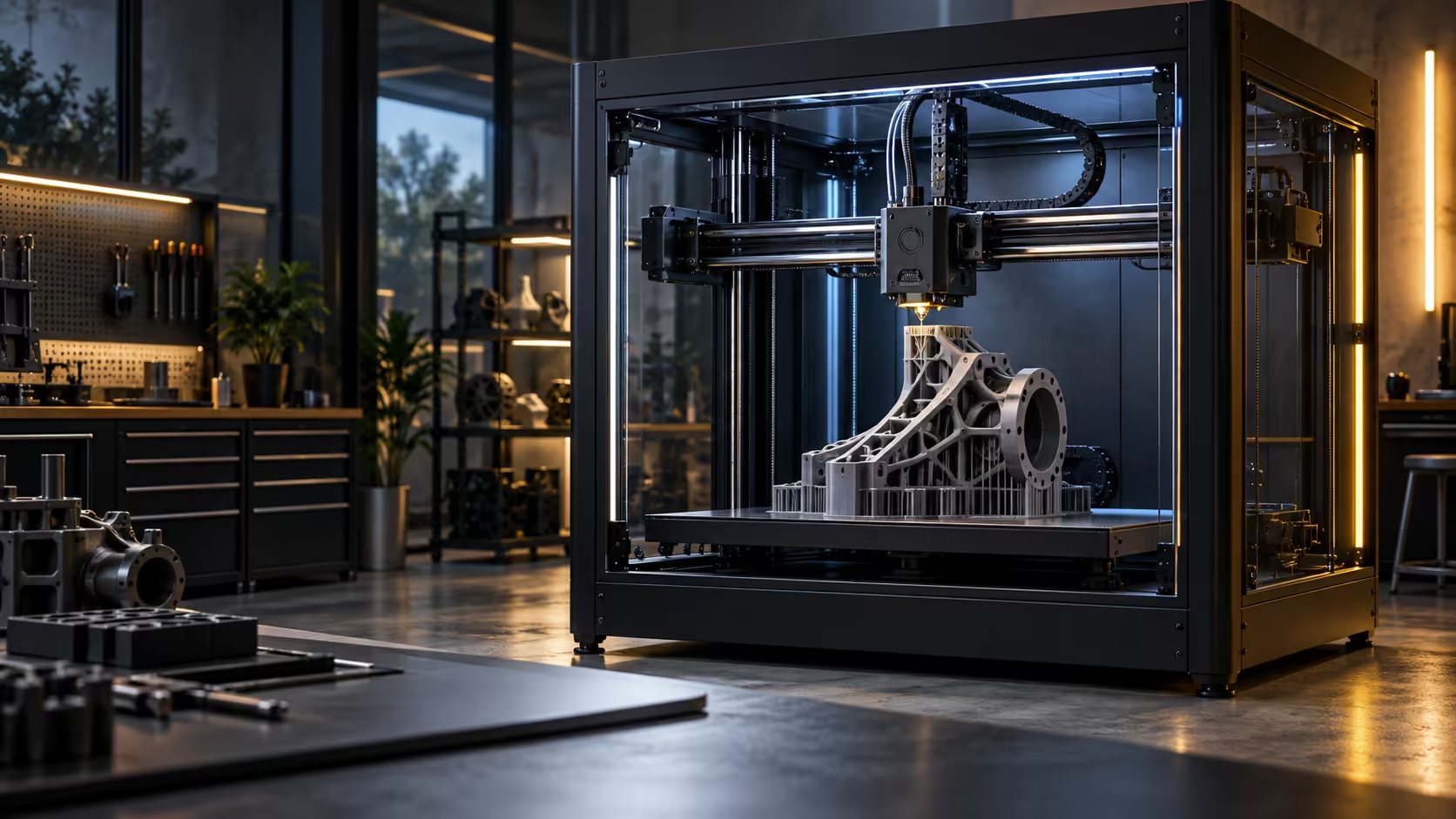
Speed reads differently on a large functional part than it does on a fast benchmark cube, because most of what you are printing is infill nobody ever measures. A 600mm/s CoreXY 3D printer earns its keep here in a way the headline number does not immediately explain.
Quick Answer
For large functional parts it pays off, because a solid model is mostly infill, and infill is where speed comes closest to free. Outer walls still run slower for accuracy, so a 14-hour part becomes closer to nine rather than dropping to two, but that difference adds up fast across a year of real work. At R13,999 with a warranty handled locally, the Creality K1 Max earns that saving back within the first few large projects.
🧱 Why infill is where the speed actually shows up
A functional bracket, jig or enclosure is rarely a solid block of plastic; it is a thin 0.8 to 1.2mm shell around a sparse 15 to 20% internal lattice, and that lattice is where a printer can genuinely run at or near its top speed without anyone noticing the difference in the finished part. Infill has no surface finish requirement and no tight tolerance to hit, so there is nothing stopping the machine from moving fast through it.
Walls, especially outer ones, are a different story entirely and stay deliberately slower no matter what number sits on the box, because accuracy and surface finish there directly affect whether the part fits and looks right.
⏱️ What the real time saving looks like
A dense, functional part that used to take 14 hours on a slower machine typically drops to somewhere around 9 hours on a printer built for this kind of speed, not the 2 hours a naive top-speed comparison might suggest. That 5-hour saving repeats on every large part, and across a year of regular use it becomes the difference between finishing a project queue and constantly falling behind it.
💼 Where the value actually compounds
The saving is not really about any single print, it is about how many large parts you can turn around in a working week. A local 3D printer range with a warranty resolved by courier rather than an international parcel matters here too, because a machine running large jobs regularly needs support close by when something eventually needs attention. Keep filament on hand for the volume this kind of printing uses, since a large functional part consumes far more spool than a small decorative one, and browse gaming accessories if organiser trays or mounts printed on this machine are meant to tidy up the same desk it sits on.
Frequently Asked Questions
Does higher speed help small decorative prints as much as large functional ones?
Less so; small parts have proportionally more wall and less infill, so the time saved is smaller relative to the total print time.
Is a fast printer worth it if I only print occasionally?
The saving is real either way, but it compounds fastest for regular, repeated work rather than the odd print.
Does infill percentage change how much speed helps?
Yes, higher infill means more of the print benefits from top speed, so a dense functional part gains more than a lightweight one.
Should walls ever be printed at full speed?
Generally no; outer walls stay slower deliberately to protect accuracy and surface finish regardless of the machine's top rating.
Turning around large functional parts regularly?
Let the infill run fast and keep the walls careful, and the time saving adds up over a year.