


Quick Answer
No - it is useful for specific setups, but it is not mandatory for every SA gamer. For Windows and gaming storage, the right NVMe SSD should improve boot stability, game load times and storage capacity without adding setup problems. Use R900-R3,500 as a cautious SA price band, then shortlist around 1TB or 2TB PCIe 4.0 NVMe with DRAM or strong HMB support.
Decision Path
Use a 3-step picker: name the main problem, pick the minimum spec that fixes it, then pay extra only for comfort or upgrade room you will use. Test the choice against real sessions such as Steam libraries, Xbox app installs and capture folders. If the product cannot improve that session in a measurable way, keep the budget for the part that can.
Specs That Matter
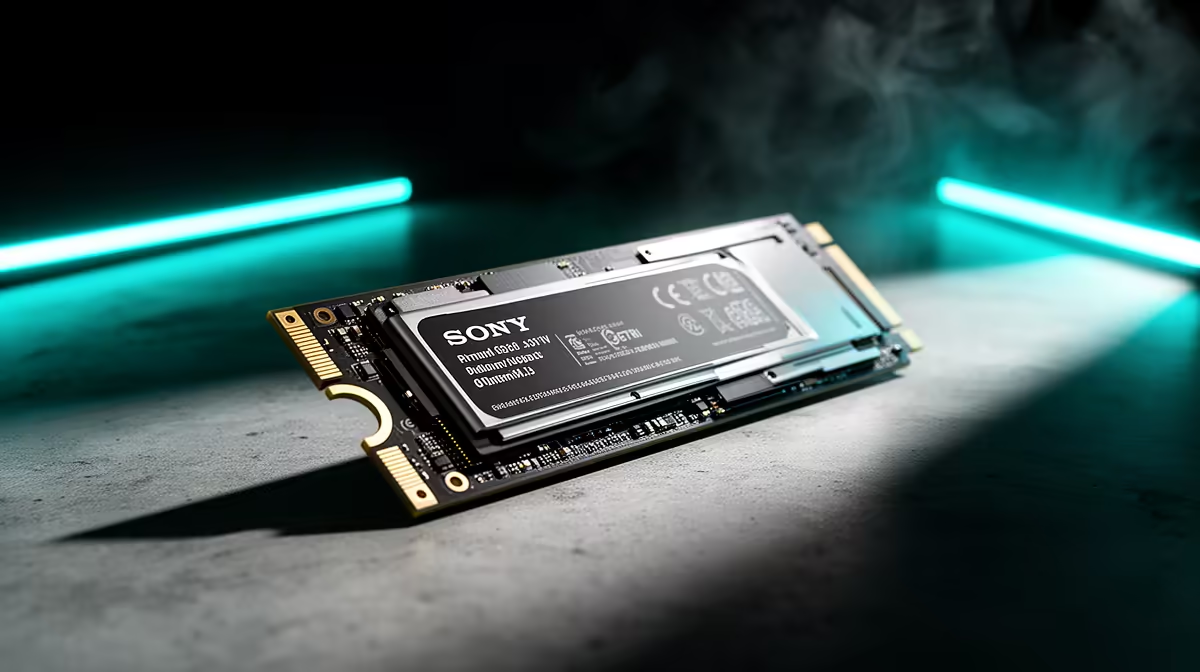
Use Samsung 990 EVO, WD Black SN770 or Kingston KC3000 class NVMe SSD as the reference class. Look for 1TB or 2TB PCIe 4.0 NVMe with DRAM or strong HMB support, because that is where the useful difference usually sits. A practical target is PCIe 4.0 drives can exceed 5,000 MB/s reads; the final result still depends on the PC, room, game settings and network quality where relevant.
Budget matters too. In South Africa, R900-R3,500 is a realistic category band. Entry picks cover the basics, while premium picks should buy lower latency, stronger cooling, better build quality, more storage or a cleaner warranty route.
SA Buying Checks
Check availability, return route and fit before choosing. This matters for Windows, game libraries and capture folders. If the item travels between rooms, measure charger size, cable reach or desk space; if it stays fixed, check airflow, Ethernet access, mounting clearance or cable management.
The final pick should be easy to explain: it fixes one real limit, fits the space and stays inside budget.
FAQ
What spec should I choose first?
Start with 1TB or 2TB PCIe 4.0 NVMe with DRAM or strong HMB support. It gives a clear baseline before comparing colour, bundled extras or small brand differences.
How much should SA buyers budget?
Use R900-R3,500 as a broad guide. Spend at the upper end only when it buys a feature you will use every week.
Will this improve the gaming setup?
Yes, if it removes the limit affecting boot stability, game load times and storage capacity. Expect PCIe 4.0 drives can exceed 5,000 MB/s reads, provided the rest of the setup is matched properly.
Buyer Check
the NVMe SSD to one real need: boot stability, game load times and storage capacity. If it cannot improve that need, choose the simpler option.











