


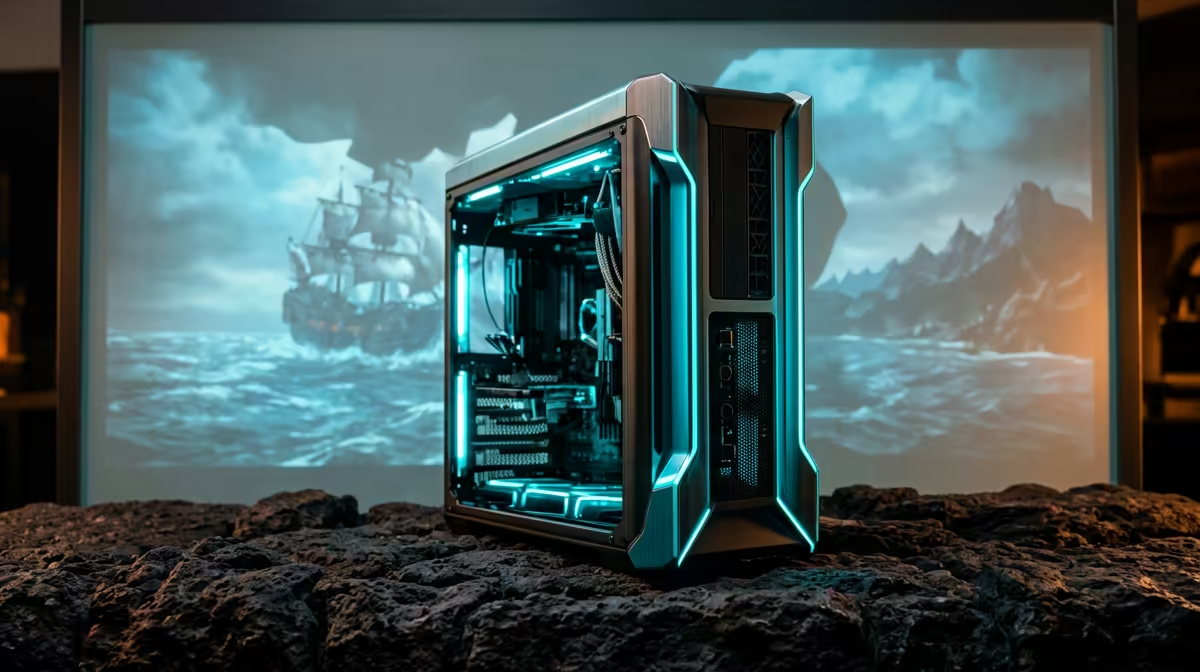
Pairing a Ryzen 5 9600X with a RTX 5090 is one of the most common questions South African buyers ask about Sea of Thieves, and the short version is reassuring. The word bottleneck gets thrown around too loosely; what matters is whether the two parts stay matched at the resolution and settings you actually play.
Quick Answer
The Ryzen 5 9600X is not a meaningful bottleneck for the RTX 5090 in Sea of Thieves at 1440p for almost every player. Because Sea of Thieves is CPU-friendly and runs very high frame rates on modern hardware, the six-core 9600X has enough headroom to keep the RTX 5090 fed at the frame rates that matter. For a RTX 5090 (currently stocked at Evetech around R55,000), you should comfortably sit in the 90-140fps range at high settings on a balanced build. Spend leftover budget on a 32GB DDR5-6000 kit and fast NVMe storage before worrying about a faster CPU.
How the Ryzen 5 9600X and RTX 5090 split the work
The Ryzen 5 9600X is a six-core, twelve-thread Zen 5 chip that boosts past 5.0GHz, which is plenty for Sea of Thieves at 1440p. The RTX 5090 is the top consumer GPU, so at 1440p the GPU renders far more frame data per second than the CPU has to prepare. The practical result: at high and ultra settings your frames are limited by the RTX 5090, not the 9600X. You only see CPU limits if you drop to low settings purely to chase very high frame counts, which most South African buyers of a RTX 5090 are not doing.
Settings that actually move frames in Sea of Thieves
Since Sea of Thieves is CPU-friendly and runs very high frame rates on modern hardware, keep the CPU breathing room healthy. Run 32GB of DDR5-6000 with EXPO enabled, because tight, fast memory adds real frames on Ryzen in CPU-bound moments. Enable Resizable BAR in the BIOS, keep the game on an NVMe SSD to avoid traversal stutter, and cap your frame rate a few frames below your monitor's refresh to keep frame pacing smooth. If you ever feel a stutter, it is usually background apps or storage, not the 9600X running out of cores.
Pro Tip
Enable EXPO on your DDR5 kit and Resizable BAR in the BIOS. These two free toggles add real frames in CPU-sensitive moments and cost nothing extra.
A balanced SA build around this pair
For a clean RTX 5090 build, pair the 9600X with a B650 motherboard, 32GB DDR5-6000, a quality 240mm-class cooler or a strong air tower, and a Gold-rated PSU sized for the RTX 5090 (a 750W unit suits the smaller cards; the RTX 5090 at the top end wants 850W or more). This keeps thermals in check so the CPU holds boost during long Sea of Thieves sessions. Evetech bundles the 9600X, B650 boards, and RTX 5090-class graphics cards, so you can match the parts without guesswork.
FAQ
Will the Ryzen 5 9600X hold back the RTX 5090 in Sea of Thieves?
No. At 1440p in Sea of Thieves, the RTX 5090 is the limiting part at high settings, so the 9600X is a sensible, well-matched partner rather than a bottleneck.
Should I buy a Ryzen 7 instead for Sea of Thieves?
Only if you do heavy multitasking, streaming, or production work. For pure gaming at 1440p the RTX 5090 sees no meaningful frame benefit from more cores in Sea of Thieves, so the 9600X is the better-value choice.
How much RAM do I need for this build?
32GB of DDR5-6000 with EXPO enabled is the sweet spot. It avoids the stutter 16GB now causes in modern titles and feeds the 9600X the memory bandwidth it likes.
Build a balanced RTX 5090 gaming PC Match the Ryzen 5 9600X with a RTX 5090-class card, 32GB DDR5-6000, and a PSU sized for your GPU at Evetech for smooth 1440p play in Sea of Thieves.










