Quick Answer
For most RTX 5080 owners, extra backplate thermal pads are not necessary — modern cards ship with adequate cooling and the backplate is largely structural, not a primary heat path. Add aftermarket pads only if you're tackling specific hotspot temps (like memory junction temps above ~90 C) or doing a custom cooling project; for stock use, the 5080's factory thermal solution is sufficient.
What backplate pads actually do
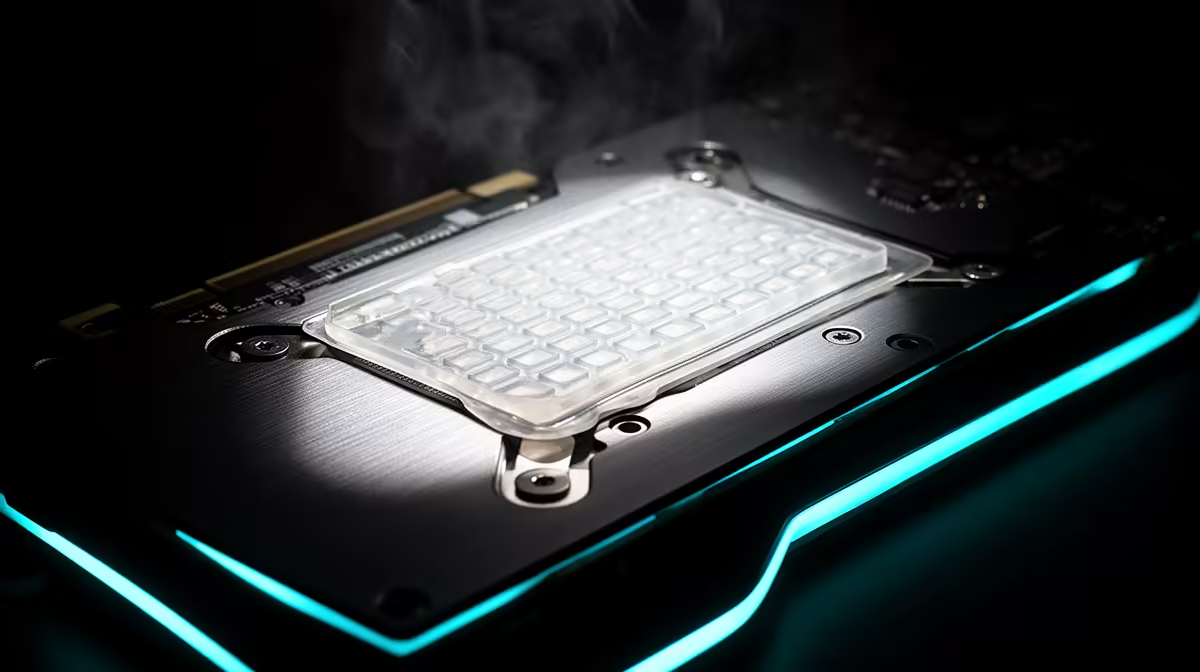
A backplate pad bridges the gap between hot components on the back of the PCB (often the memory or VRM area) and the metal backplate, letting it act as a secondary heatsink. On a well-designed RTX 5080 the factory cooler already keeps the GPU core and memory in safe ranges, so the backplate's contribution is marginal for typical gaming. The pads matter most when you're chasing the last few degrees off memory junction temperature.
When they're worth adding
Consider aftermarket backplate pads if monitoring shows memory junction temps climbing toward 90-95 C under sustained load, if you've removed the cooler and want to improve the stock setup, or if you run the card in a hot, poorly-ventilated case. In those cases correctly-sized pads of the right thickness can shave a few degrees. Using the wrong thickness, though, can worsen contact — measure the gap first.
Better thermal wins for the 5080
Before buying pads, the bigger gains usually come from case airflow: add intake fans, ensure clear exhaust, and keep the card's intake unobstructed. A 5080 in a well-ventilated case with a quality 850W PSU rarely needs backplate intervention. If temps are still high, repasting with quality paste and replacing the core thermal pads typically does more than adding backplate pads. Cards, paste and pads are stocked locally at Evetech with SA warranty.
FAQ
Does the RTX 5080 backplate need extra thermal pads?
Usually no. The factory cooler keeps the 5080 in safe temps, and the backplate is mostly structural. Add pads only to address specific high memory-junction temps or for custom cooling.
How do I know if my 5080 runs too hot?
Monitor memory junction temperature under sustained load. If it pushes toward 90-95 C, improve case airflow first; backplate pads are a secondary measure for stubborn hotspots.
What helps the RTX 5080's temps the most?
Case airflow — good intake and clear exhaust — does more than backplate pads for most builds. Keep the card's intake unobstructed before considering aftermarket thermal mods.
RTX 5080's memory junction temperature under load before buying pads — if it stays under 90 C, improving case airflow is the better, cheaper fix.