


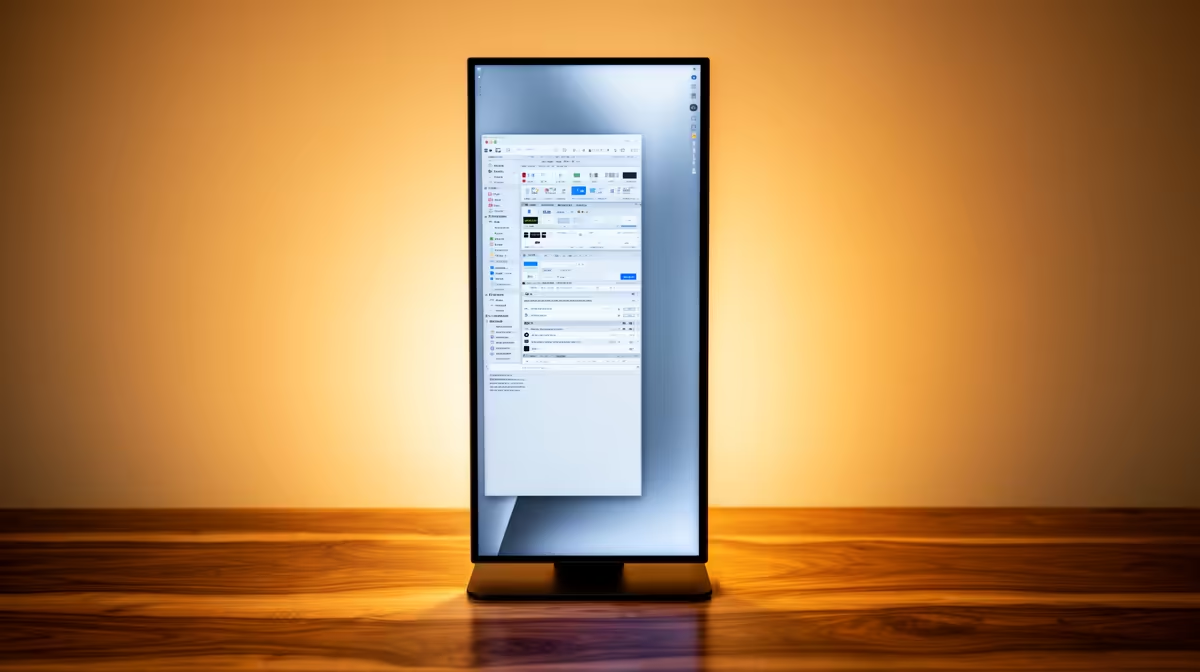
Dell SE2426H 23.8in FHD at R1,532 suits a home admin desk, reception station, or student setup where documents, email, and browser tabs matter more than a huge screen. A vertical monitor can be enough for light office work because portrait mode gives you more usable height for reading PDFs, invoices, spreadsheets, and long web pages without constant scrolling.
Best fit for light office work
The Dell SE2426H 23.8in FHD at R1,532 is the practical starting point if the desk is narrow and the workload is mainly Word documents, email, online forms, and admin portals. Its 23.8in FHD panel keeps text readable without taking over the whole workspace, which helps when a keyboard, notebook, and paperwork also need room.
If you want a larger portrait view, the Dahua LM27 100Hz at R1,500 is the value pick. The 27in size gives more vertical document space, while the 100Hz spec can make scrolling through long sheets and browser pages feel smoother during a normal workday.
SA home office desk reality
For a small-business counter, spare-room desk, or student study corner, a single vertical screen is usually enough when the tasks are light and repetitive. The Dell SE2726H 27in FHD 144Hz at R1,797 is better if you also want occasional landscape use after hours, because the 27in FHD size and 144Hz spec give it more flexibility than a pure admin-only display.
The MSI PRO MP275W at R1,850 also fits a cleaner office look where the screen stays visible to clients or housemates. It is still a 27in class option, so it gives enough height for reading and enough width if you rotate back to landscape for presentations or side-by-side browser work.
Pro Tip ⚡
Ready to choose the right monitor? Use Dell SE2726H 27in FHD 144Hz at R1,797 as the home office desk benchmark, then check whether its listed spec matches the space, workload, and upgrade path.









