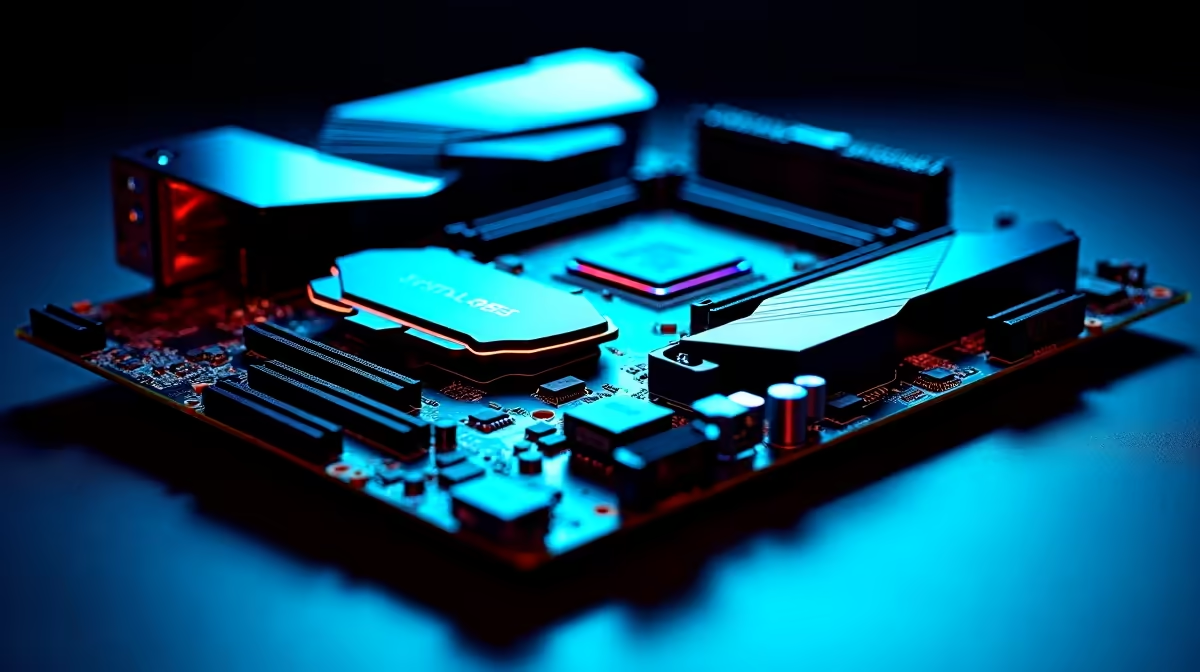
Choosing a motherboard comes down to a few decisions that actually move the needle, and ignoring the marketing noise around the rest.
Quick Answer
A B650 (AM5) or B760 (Intel) board between R3,200 and R5,500 is the right tier for everyday South African use; VRM quality matters more than chasing four M.2 slots. Buy more slots only if you truly run three or more NVMe drives.
VRM quality vs extra M.2 slots
The VRM feeds the CPU; a weak one throttles a Ryzen 7 or Core i7 under sustained load and shortens its life. Look for a board rated for your CPU with heatsinked power stages. Extra M.2 slots are useful only if you will fill them; for everyday South African use, two M.2 slots cover an OS drive plus a games or projects drive, and a third is often wasted money.
Chipset tiers and what they cost
Entry B650/B760 boards (R3,200 to R4,200) cover most builds with PCIe 4.0, two M.2, and a capable VRM. Mid boards (R4,500 to R5,500) add PCIe 5.0 readiness, Wi-Fi 6E and better heatsinks. X670E/Z790 at R7,000 to R11,000 only earns its keep for extreme overclocking or heavy expansion. Stock at Evetech moves fast on popular tiers, so check current availability before you commit.
Quick buyer's checklist
- Board is rated for your exact CPU (check the support list)
- VRM is heatsinked and rated for sustained load
- Two M.2 slots cover most builds; pay for more only if you fill them
- PCIe 4.0 minimum; PCIe 5.0 if you want future GPU/SSD headroom
- Wi-Fi 6E built in only if you cannot run Ethernet
FAQ
Should I pay more for VRM quality or more M.2 slots?
Prioritise VRM if you run a mid-to-high core CPU; a stronger VRM holds boost clocks and runs cooler under load. Most builds only fill two M.2 slots, so extra slots are lower value than a robust power stage.
Is a B650 or B760 board enough for gaming?
Yes. A good B650 (AM5) or B760 (Intel) board around R3,200 to R5,500 handles gaming and most creator work with PCIe 4.0 and solid power delivery. Premium X-series boards mainly help extreme overclocking and expansion.
Do I need Wi-Fi built into the motherboard?
If you cannot run Ethernet, a board with Wi-Fi 6E saves buying a separate adapter. For wired setups, skip it and put the saving toward VRM or storage. Many mid-range boards include it for a small premium.
motherboard's CPU support list and VRM phase count before buying; a board rated for your exact CPU avoids BIOS-flash headaches and thermal throttling later.